
Printed receipt after checkout
The customer scans the QR after paying and either joins the loyalty card flow or receives the required stamp credit for that purchase.
Mahsulot xususiyati
Mijozlar cheklar, qadoqlash yoki yetkazib berish paketlaridagi QR kodidan shtamp talab qiladilar.
Allaqachon kvitansiyalarni chop etadigan va yangi uskunasiz shtamplarni xohlaydigan korxonalar uchun eng yaxshisi. Bitta aniq mukofot, tabiiy QR ball va jamoa har kuni bajarishi mumkin bo‘lgan tartib bilan boshlang.
Asosiy faktlar
The strength of receipt QR is not that it replaces every other workflow. The strength is that it moves loyalty into the exact places where a live counter scan would create too much friction.
The customer scans the QR after paying and either joins the loyalty card flow or receives the required stamp credit for that purchase.
Useful in hospitality or table-service contexts where the loyalty invitation should happen around the payment moment without adding a separate staff device step.
A QR code inside the order can turn a one-time takeaway customer into a saved wallet-card member even after they leave the location.
This is especially valuable for delivery because it helps convert anonymous marketplace traffic into direct repeat-loyalty customers.
The simplest receipt QR flow keeps the transaction first and the loyalty step second. That way the customer still gets the reward path, but staff does not need to pause the line for scanning or explanation.
The QR can be printed on a receipt or pre-check, or placed inside packaging, takeaway bags, or delivery orders depending on how the business operates.
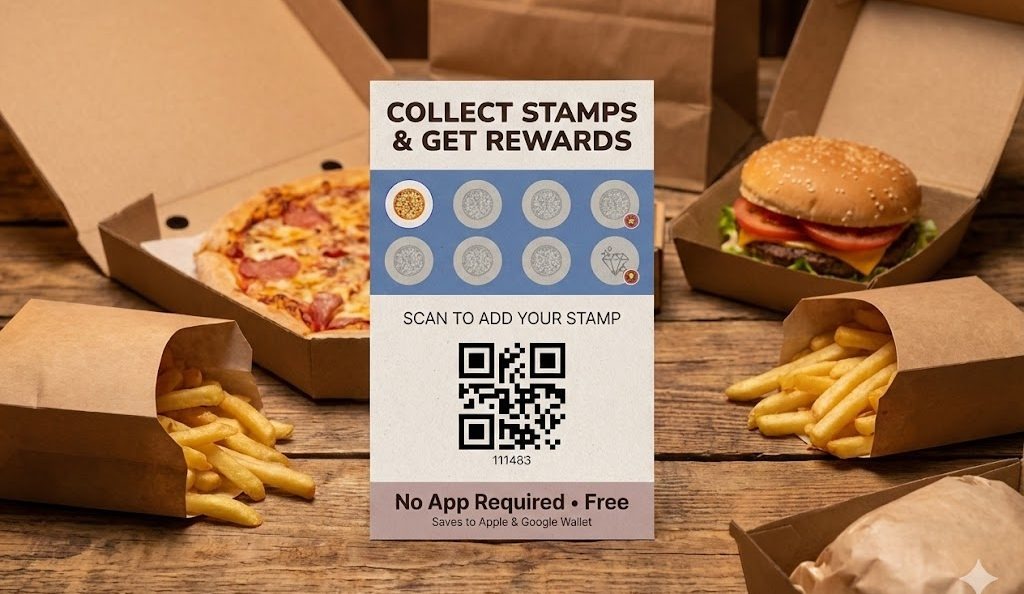
The scan can open the digital loyalty card flow, let the customer save the card to Apple Wallet or Google Wallet, or continue a post-purchase stamp claim path.
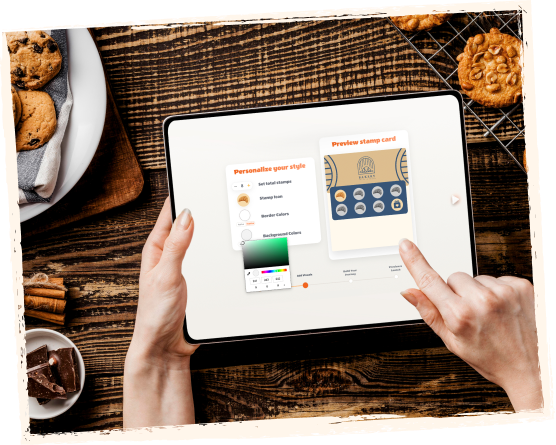
Depending on the setup, the scan can issue the digital card, add the required number of stamps for that purchase, or continue into a later reward flow.
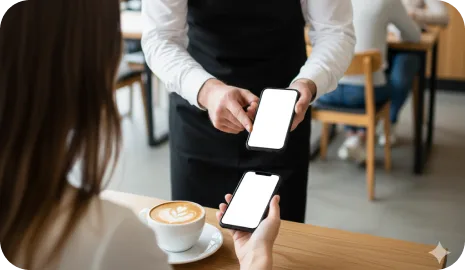
After the first scan, the customer can keep the card in Apple Wallet or Google Wallet and return later through the normal loyalty workflows, reminders, or rewards.
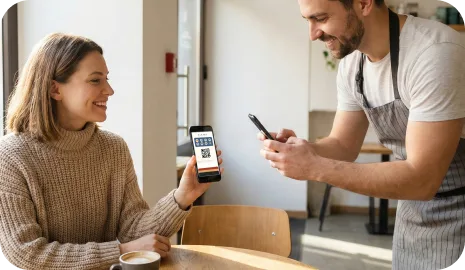
Receipt QR is strongest where the business wants a loyalty step but cannot afford to slow the active service flow with live scanning every time.
The transaction stays quick, and the loyalty invitation moves to the receipt or packaging instead of competing with checkout speed.
A QR insert in the bag or package can help convert anonymous order traffic into customers who save the wallet card and return directly later.
The loyalty step can happen naturally around the payment document instead of requiring another tablet or scanner at the table.
Both methods can feed the same wallet-based loyalty card, but they solve different moments in the operation. Receipt QR is best when the loyalty step should happen after purchase. Live scanning is better when the business wants an immediate assisted or kiosk-led interaction.
It is a loyalty workflow where the customer scans a QR code printed on a receipt, pre-check, package insert, or delivery bag after purchase. The scan can open the digital card flow or connect the purchase to stamp collection without slowing the active checkout line.
It can be used on printed receipts, pre-checks, takeaway packaging inserts, bag stuffers, delivery bags, and other post-purchase materials that customers already receive.
Yes. It is especially useful for delivery and takeaway because a QR insert can turn anonymous marketplace orders into direct loyalty joins and future repeat-visit relationships.
The business should decide when the QR is printed, how the purchase maps to the stamp logic, and how many stamps the scan is allowed to claim. The goal is to make the QR predictable and controlled, not infinitely reusable without operational rules.
Next step
Ko'p bizneslarga avval murakkab sodiqlik tizimi kerak emas. Ularga o'z kassasi, xizmat stoli yoki delivery oqimi uchun to'g'ri ish oqimi kerak. Shundan boshlang, qayta tashrif odati ishlagach kengaytiring.