
Step 1. Connect the 7Stamp application to Poster
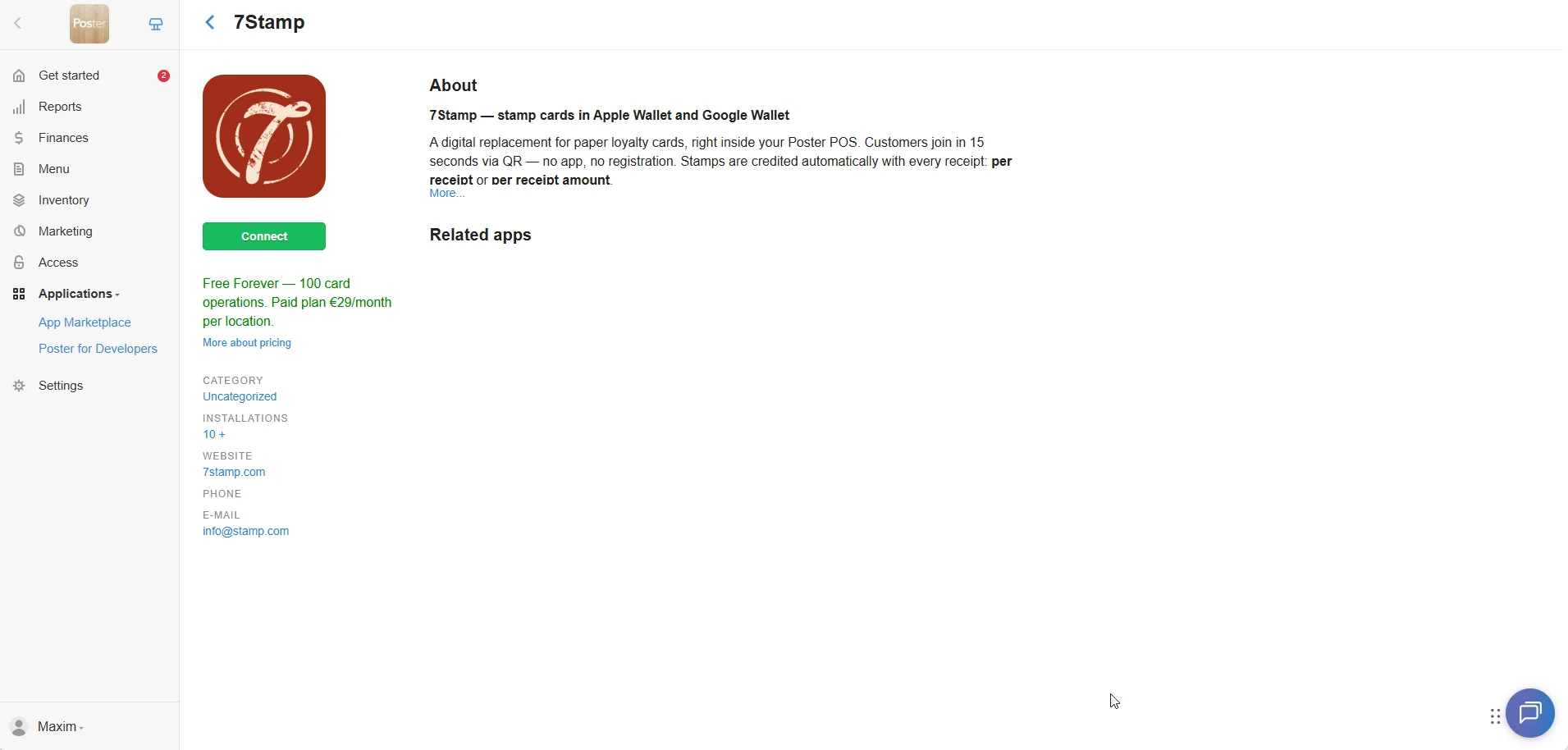
Open the Poster marketplace page, click Try, then Connect. If you prefer the in-product route, find 7Stamp under Applications -> All applications.
Complete setup guide
Digital stamp cards in Apple Wallet and Google Wallet straight from your Poster POS. No app, no registration, no shift retraining. This guide explains how to connect the plugin, which working modes are available, and how to record gifts correctly in Poster so the shift balance still lines up.
Open the Poster marketplace page, click Try, then Connect. If you prefer the in-product route, find 7Stamp under Applications -> All applications.
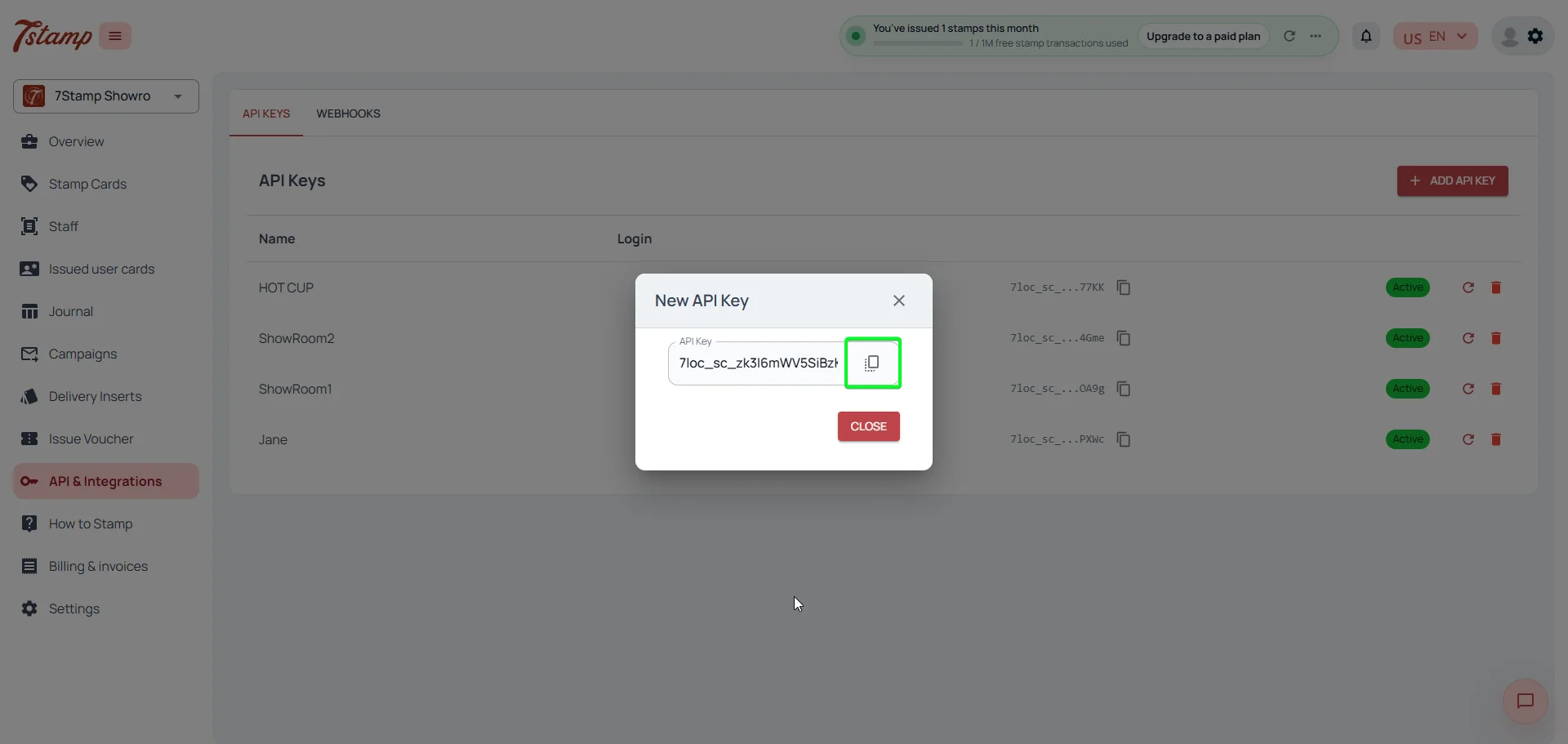
In admin.7stamp.com go to Stamp Cards -> API & Integrations, click Add API key, and copy the key. Each key is tied to one Staff Login, so multiple locations or tills can legitimately have multiple keys.
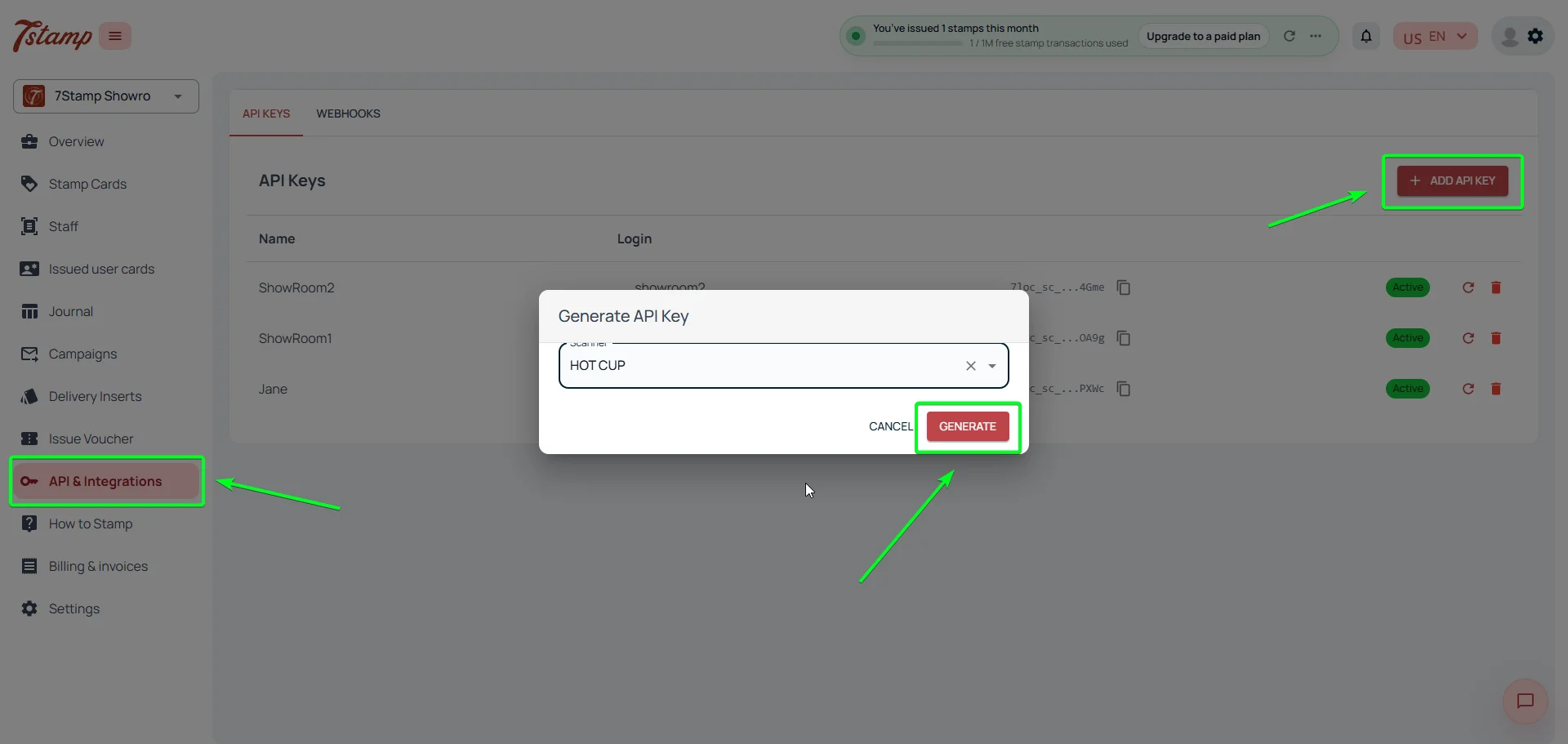
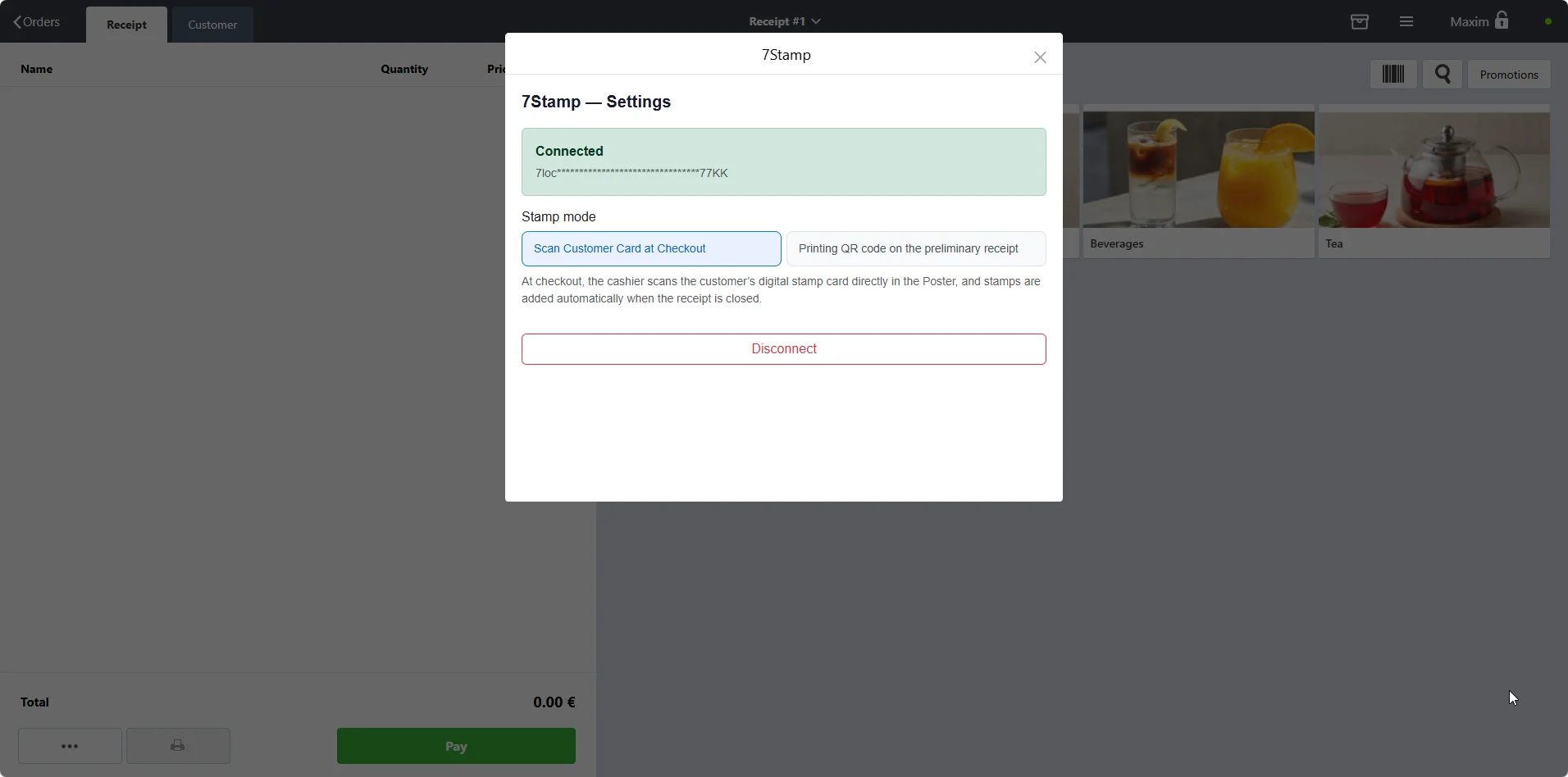
In Poster open Functions -> Applications -> 7Stamp, paste the key, and wait for the connected status to appear. At that point, the integration is live and you only need to choose the operating mode.
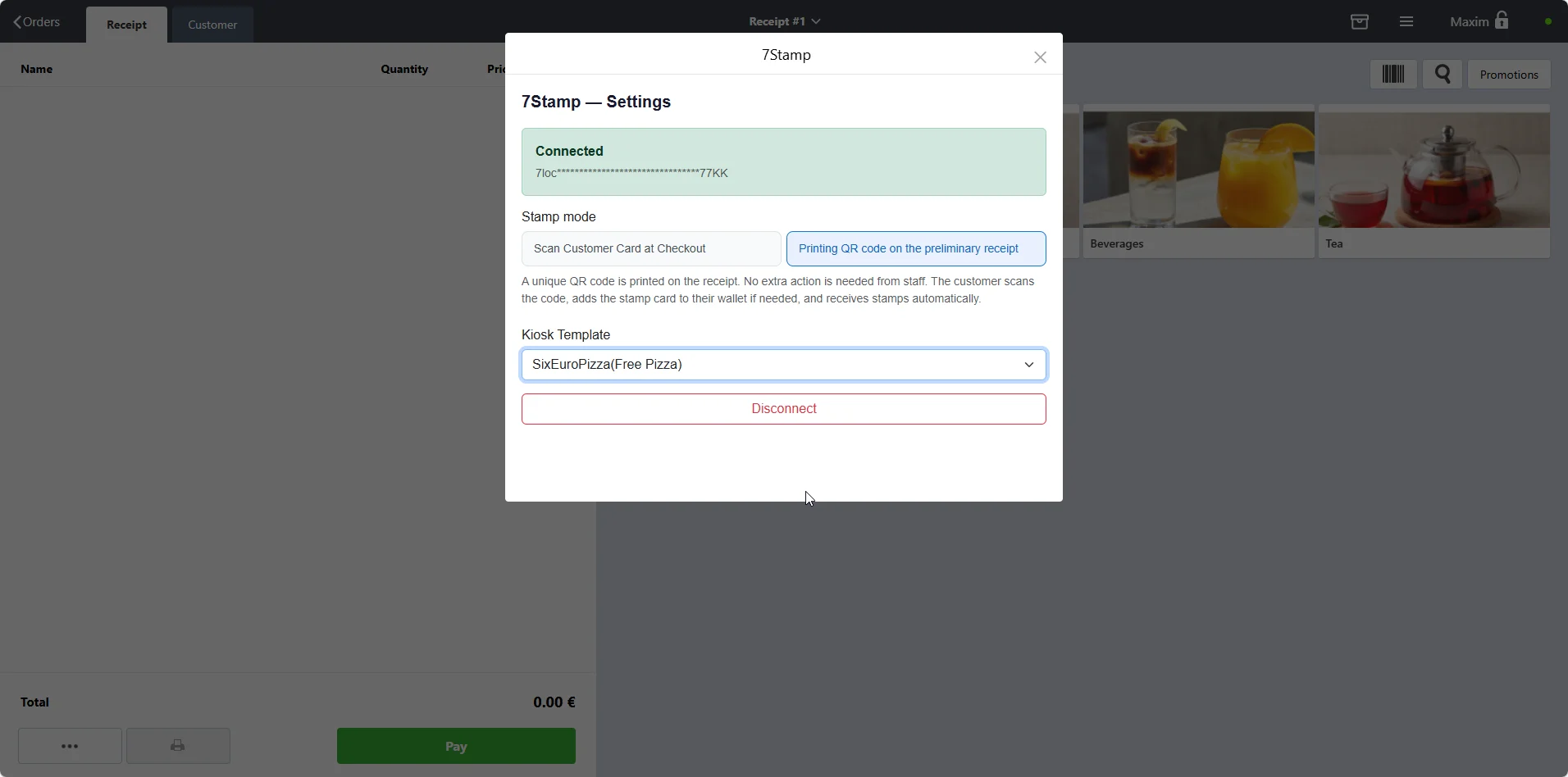
In the 7Stamp settings inside Poster, the Stamping mode switch controls whether the cashier identifies the customer before checkout or the customer collects the stamp by scanning the receipt.
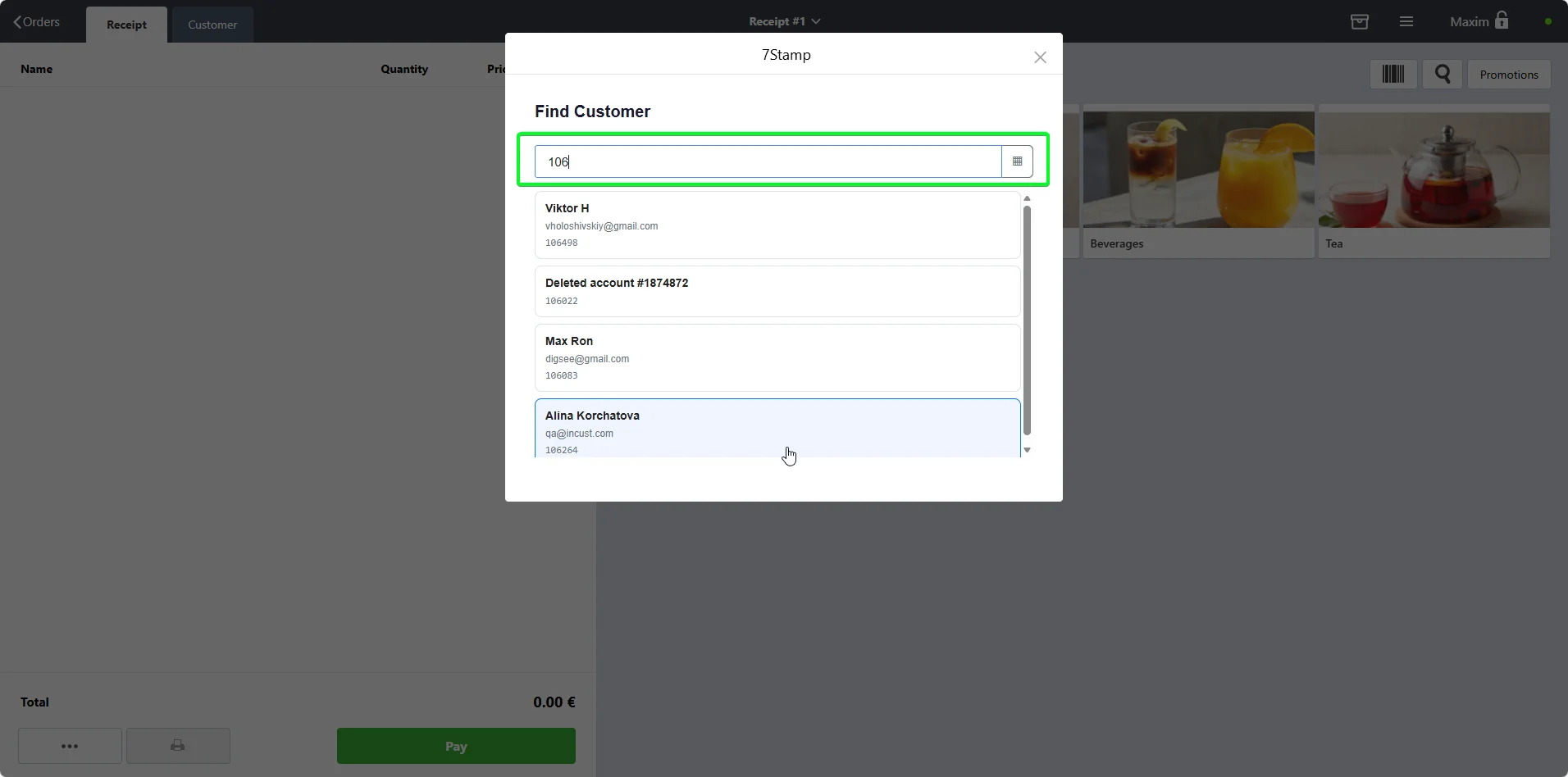
Best for restaurants, salons, and premium service. The cashier identifies the customer by QR, six-digit number, email, or name before closing the check.
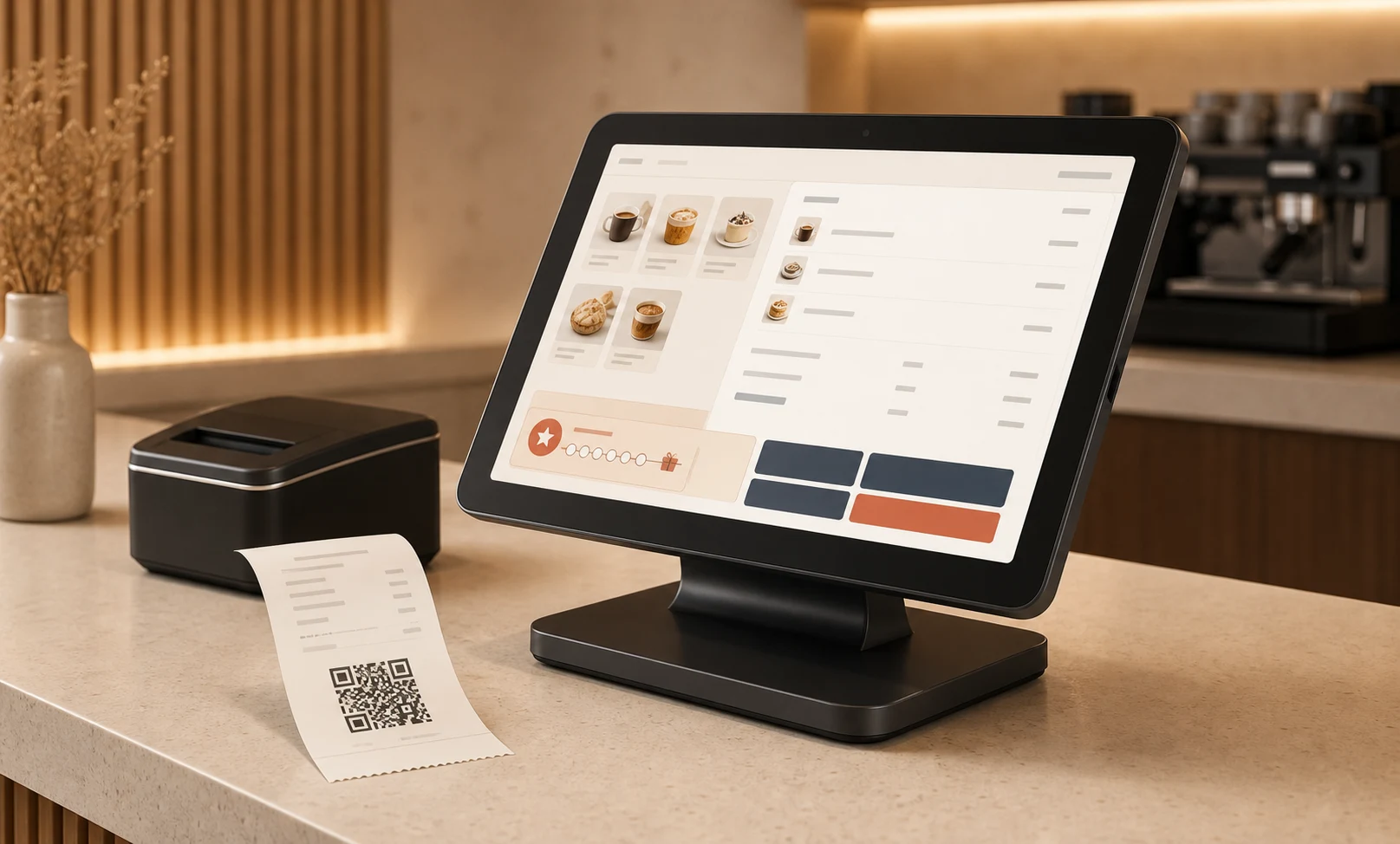
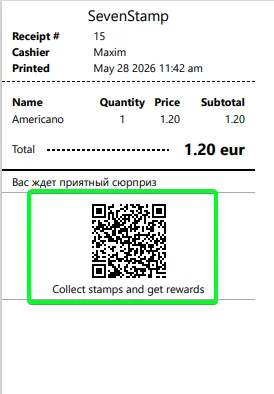
Best for cafes, bakeries, and fast counters. A unique QR is printed at the bottom of each receipt, and the customer scans it with the phone camera to get the stamp.
1 stamp per receipt
Best for coffee shops, bakeries, and barbershops where visit frequency matters more than basket size.
1 stamp per every N currency units
Best for restaurants, retail, and services with more variable checks. It gently pushes customers toward one extra item.
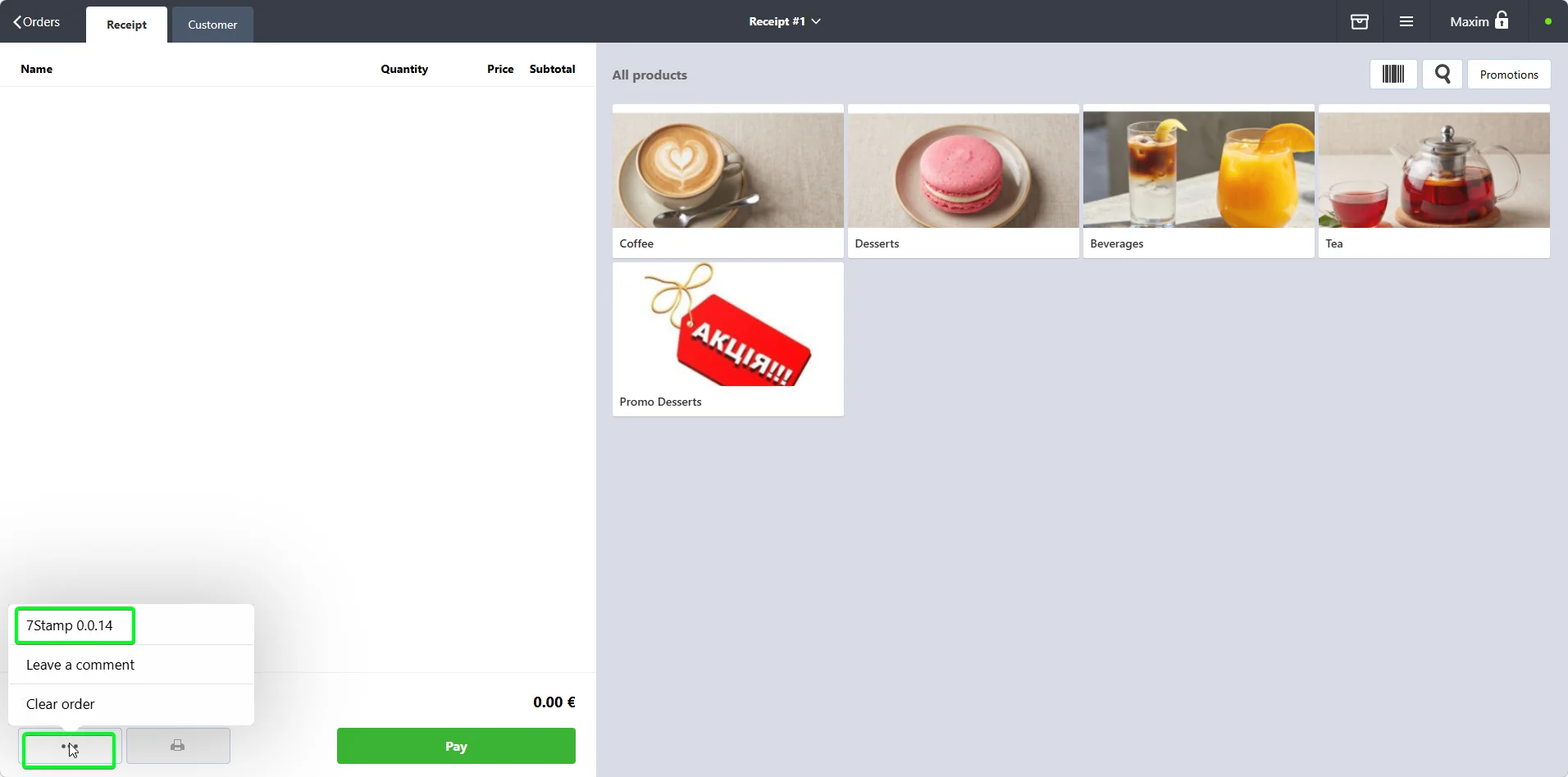
The cashier opens 7Stamp from the three-dot menu on the main POS screen, identifies the customer, then closes the check as usual.
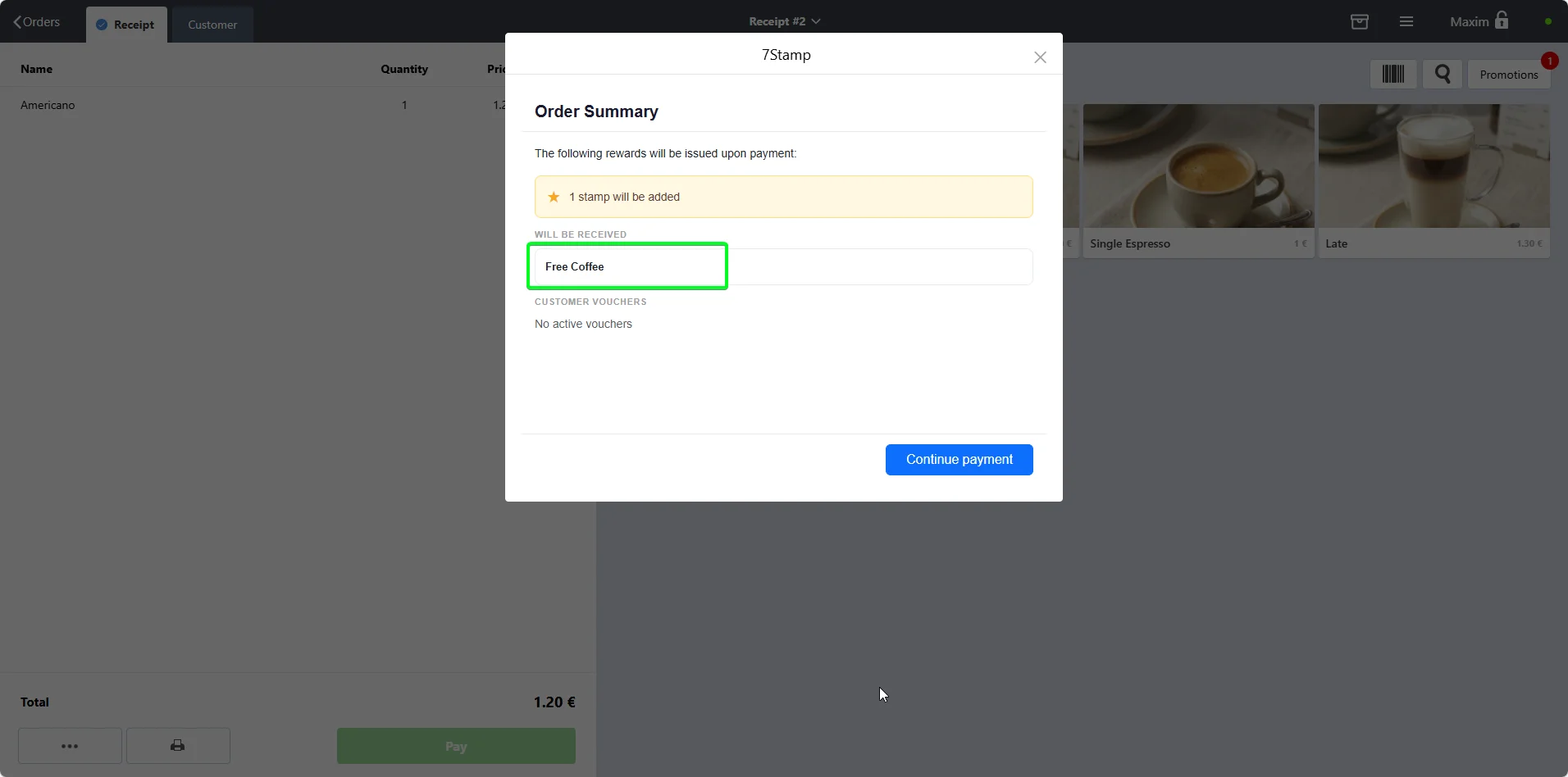
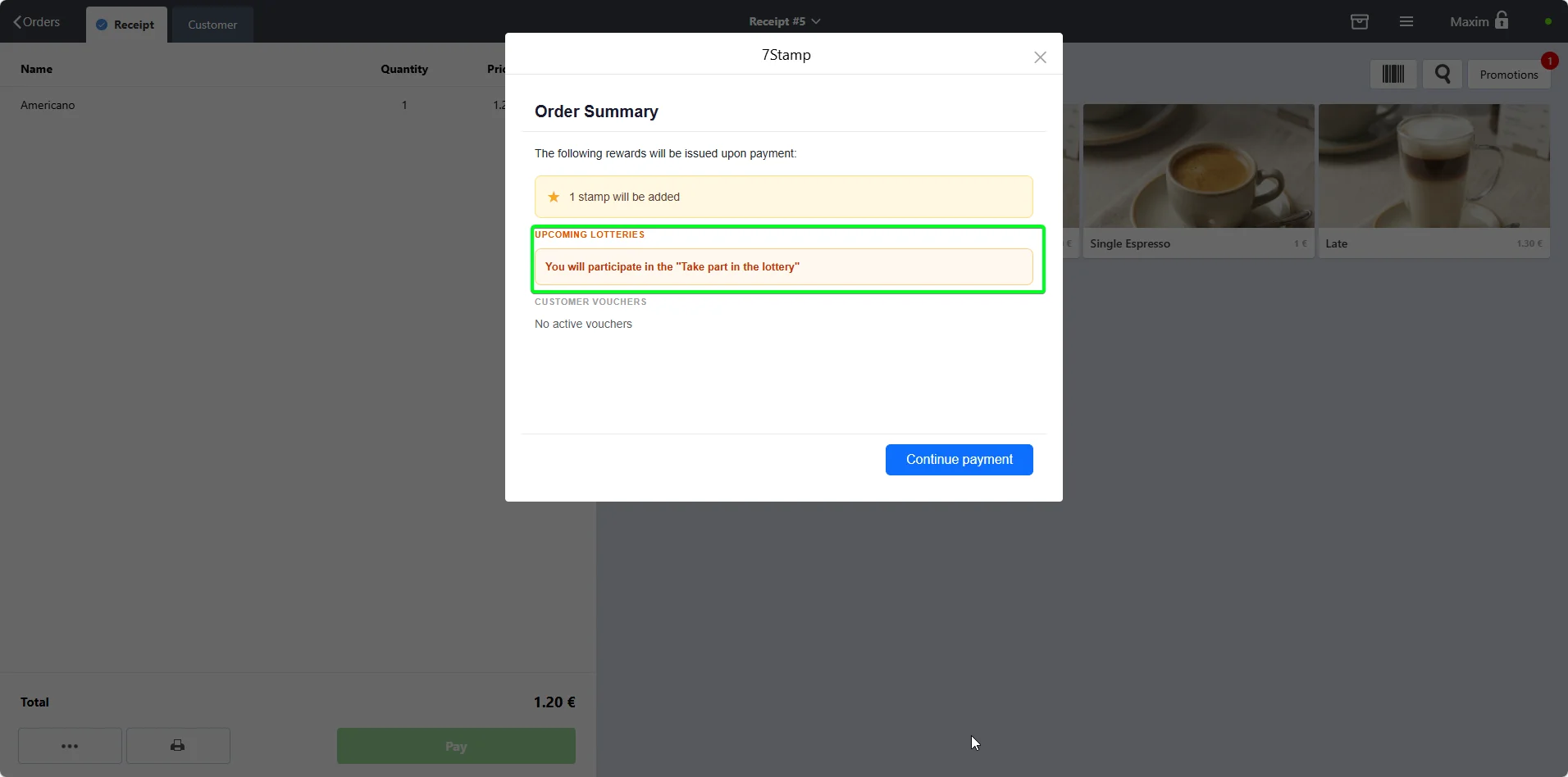
Poster shows how many stamps will be issued, what gifts or vouchers are available right now, and whether the customer is entering a lottery moment.
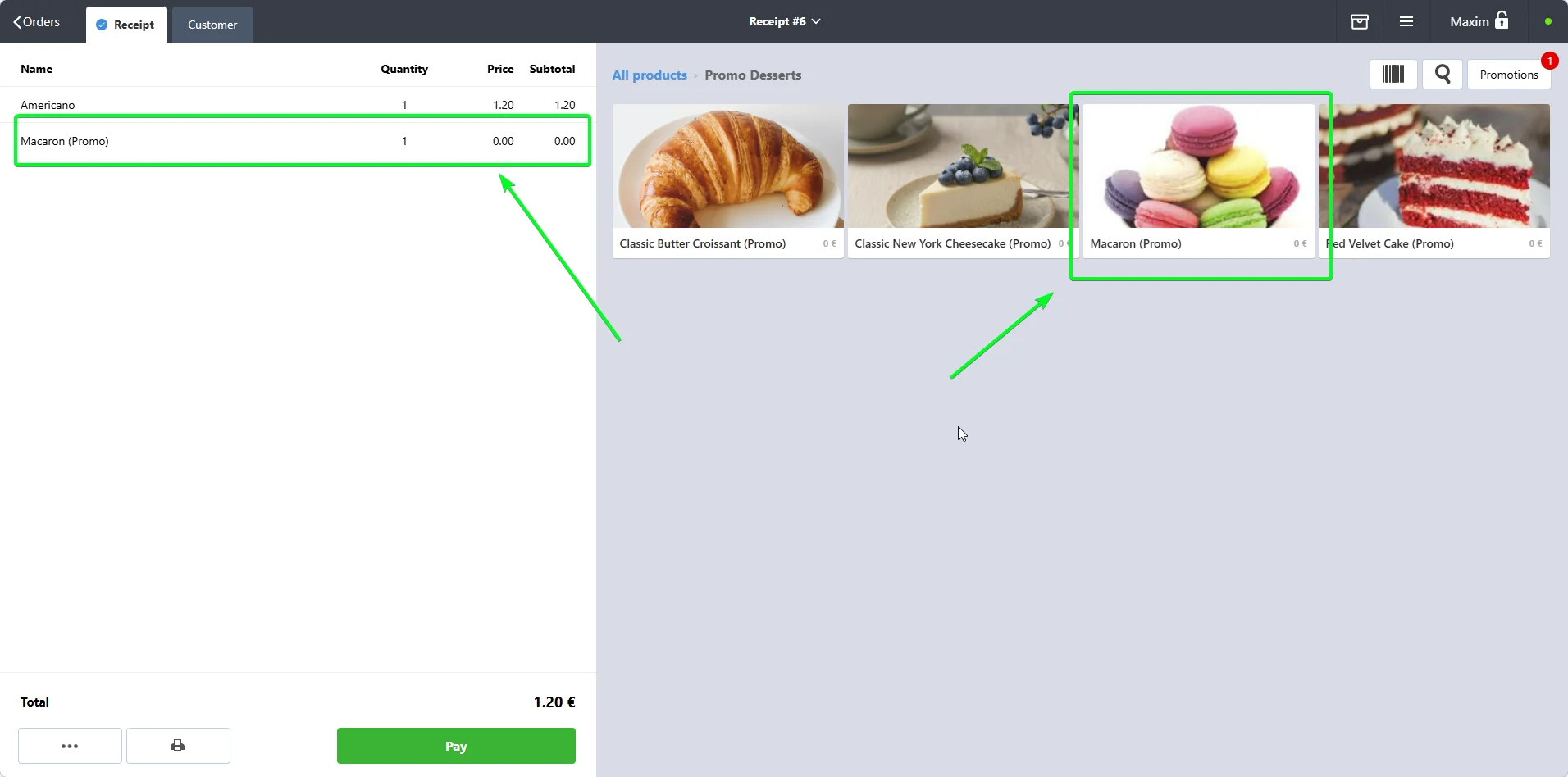
This is the accounting-critical section. If the gift is not put through the POS, the end-of-shift balance and stock write-off stop matching reality.
Free coffee, free dessert, or any item gift.
Setup once
Cashier flow
Percentage discounts or amount-off rewards.
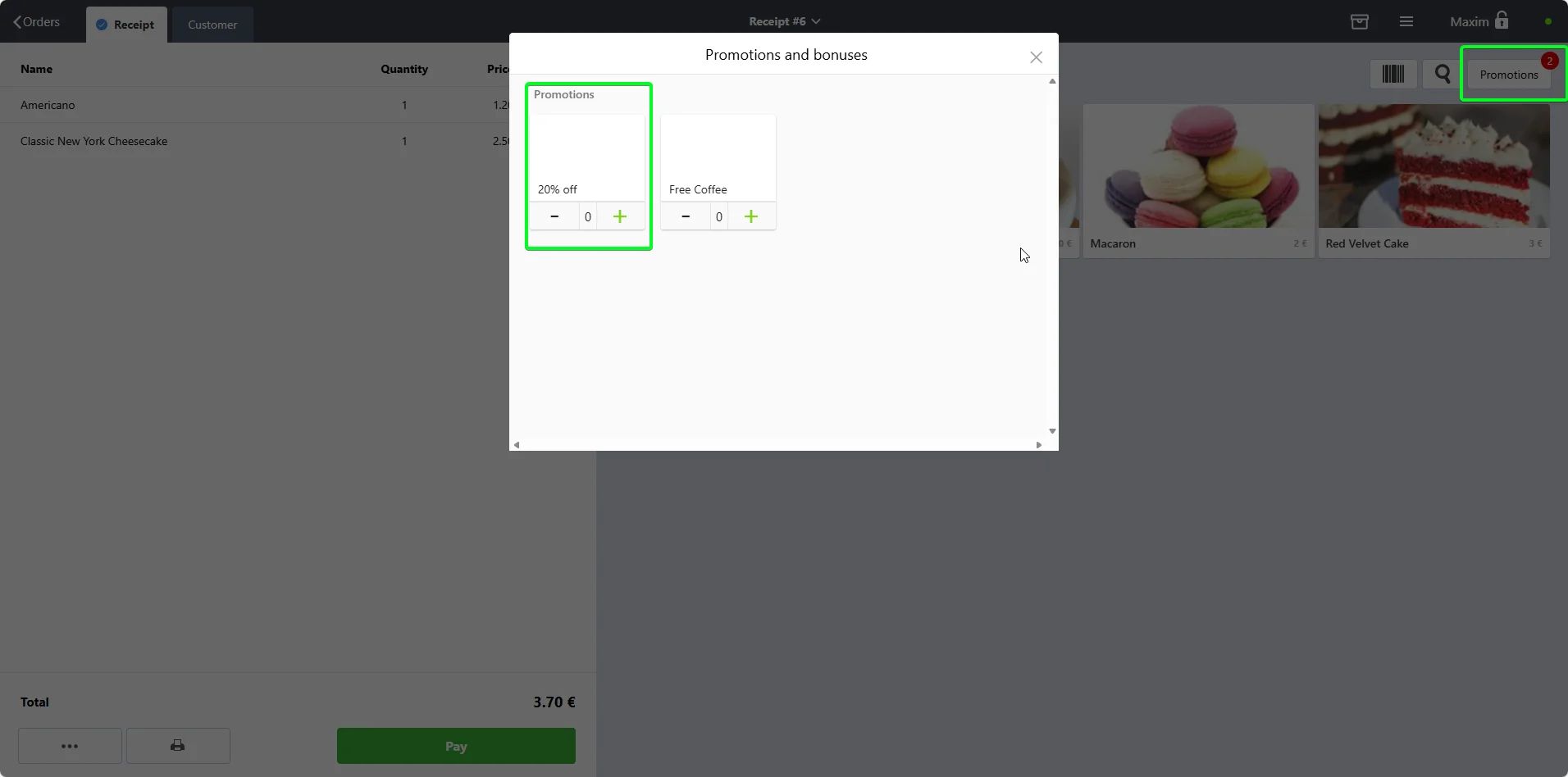
Setup once
Cashier flow
Vouchers or more complex future-use rewards.
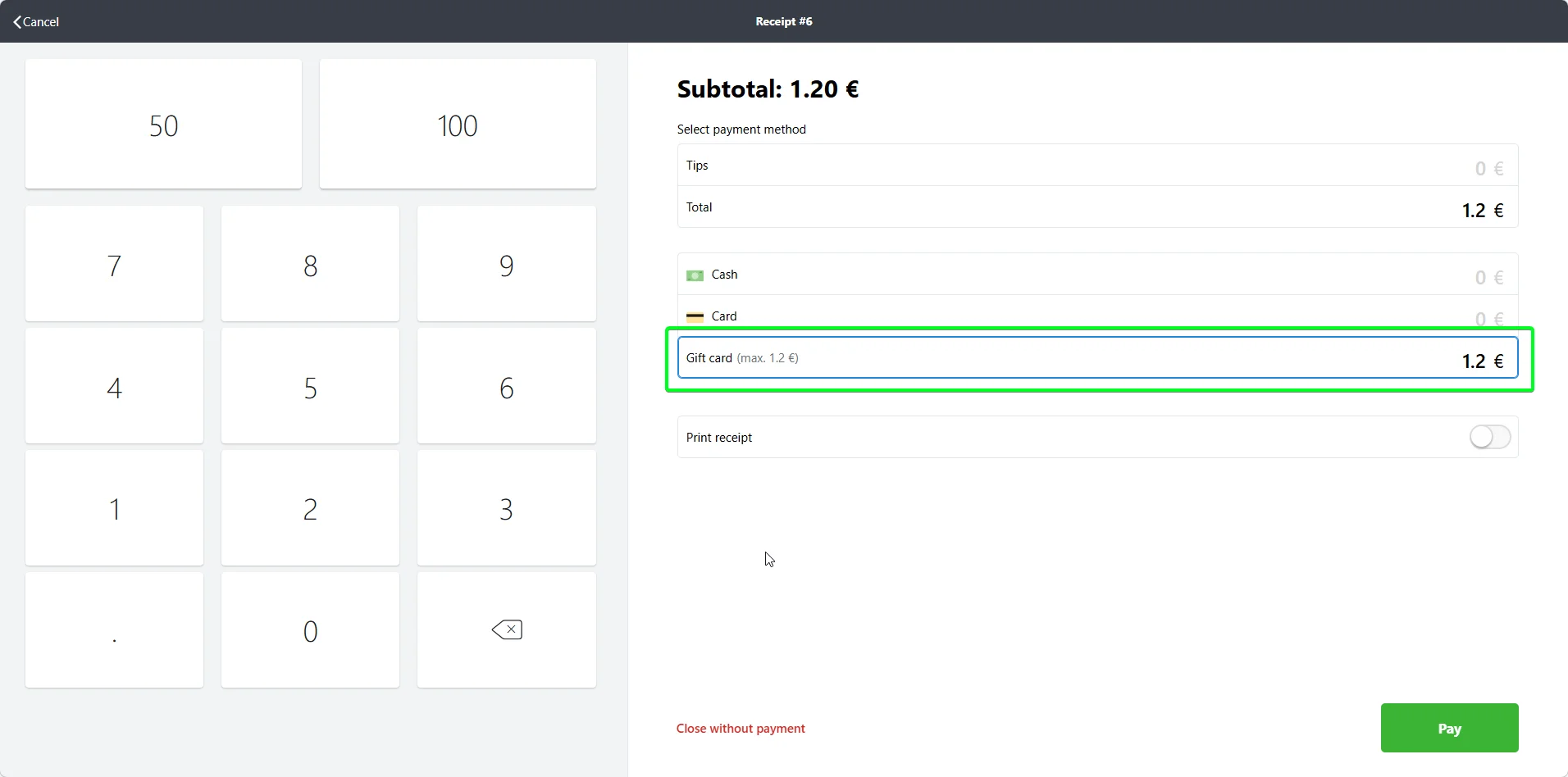
Setup once
Cashier flow
Issued the moment the customer reaches the goal. Poster shows the cashier the reward right before payment, and the item is recorded through the gift method that fits your reporting.
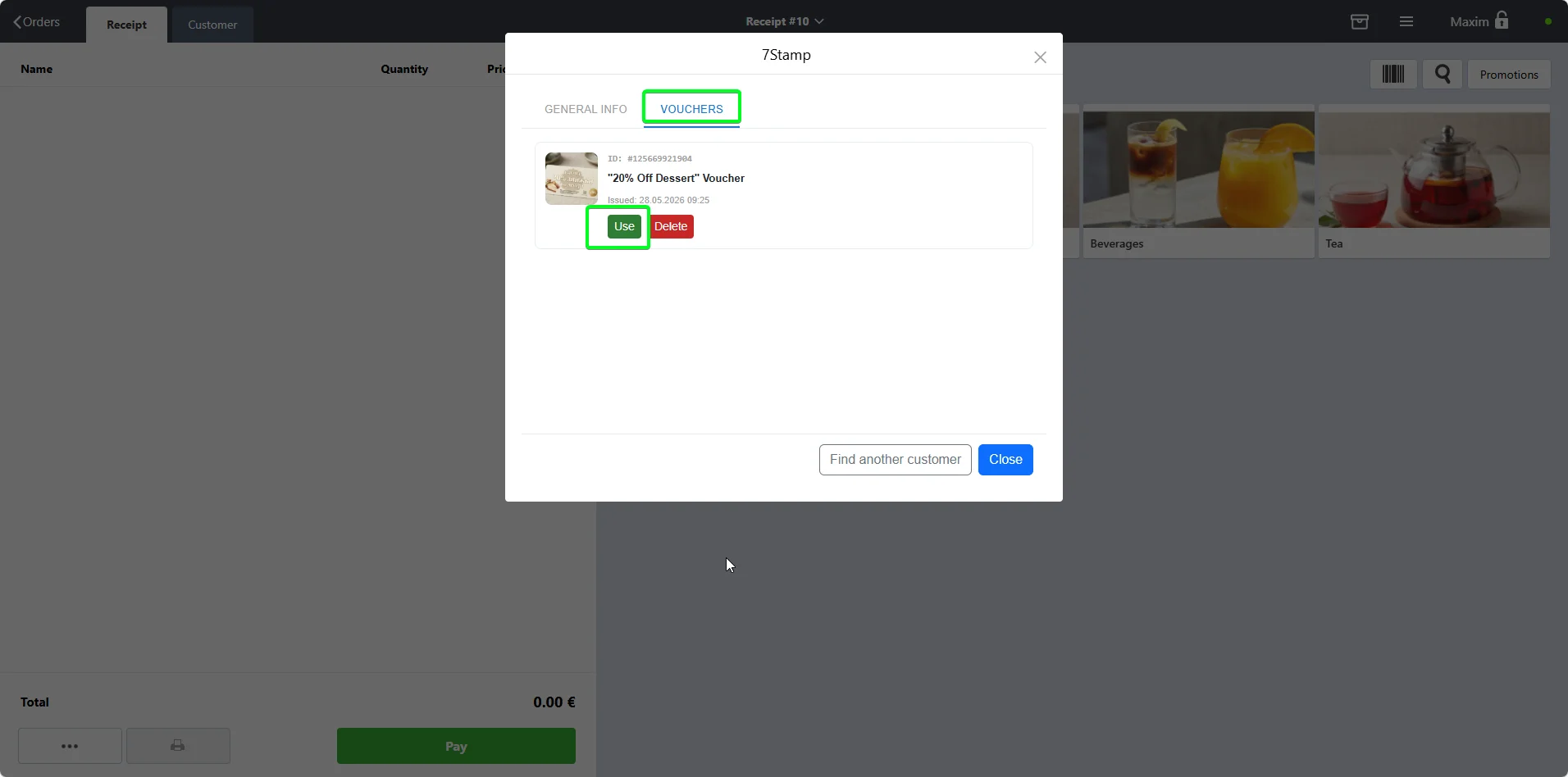
Lives inside the customer card with the states issued, active, redeemed, and expired. It can be used today or several visits later and can carry a Redeem Code.
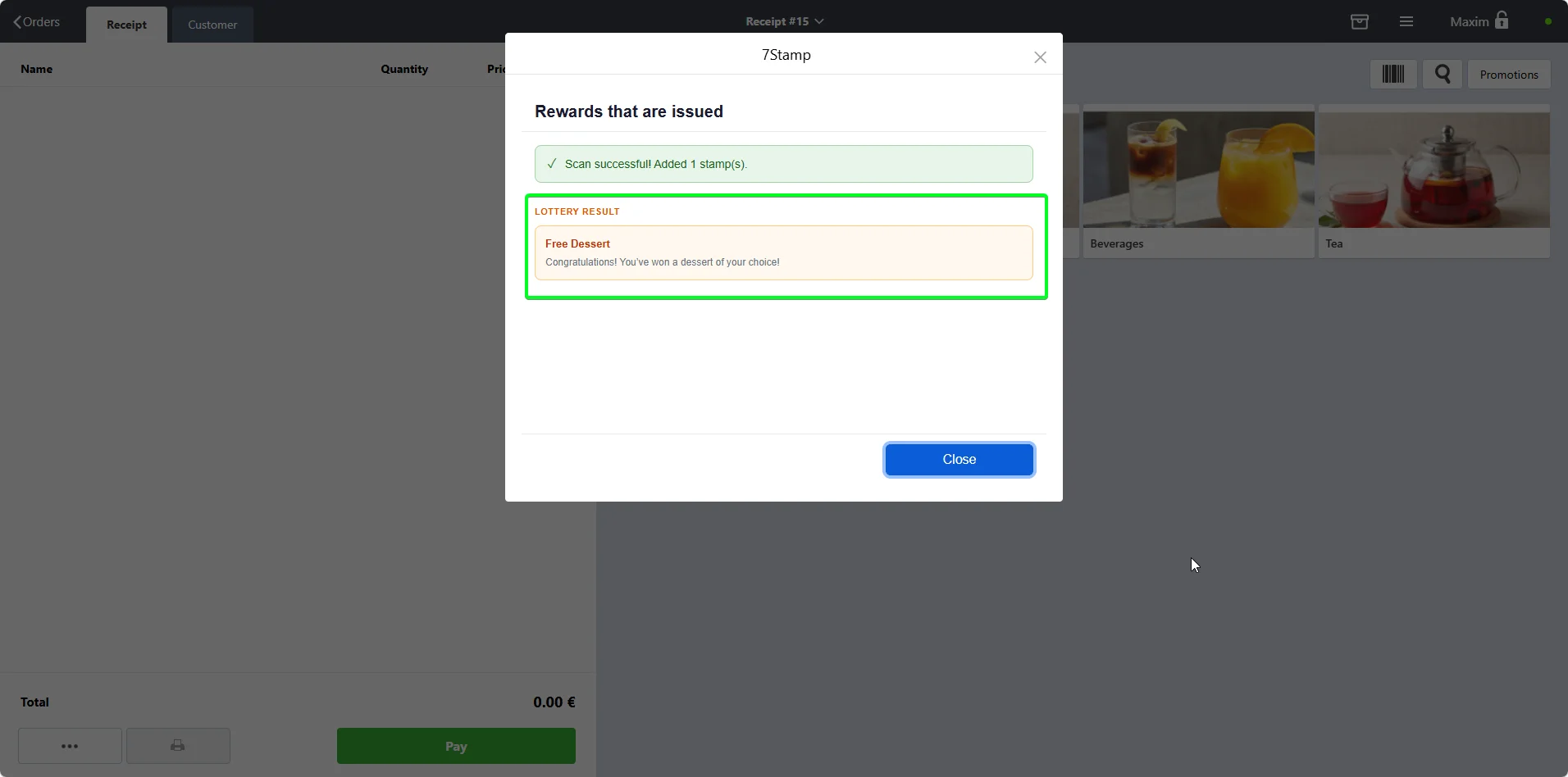
A reward moment that becomes a small game. The customer can win an instant gift, a voucher, an extra try, or nothing, and the result appears on the Poster payment screen.
This is the default recommendation for most fast-moving counters. A unique QR prints on every receipt, the customer scans it, gets the stamp instantly, and can install the wallet card in the same moment if they are new.
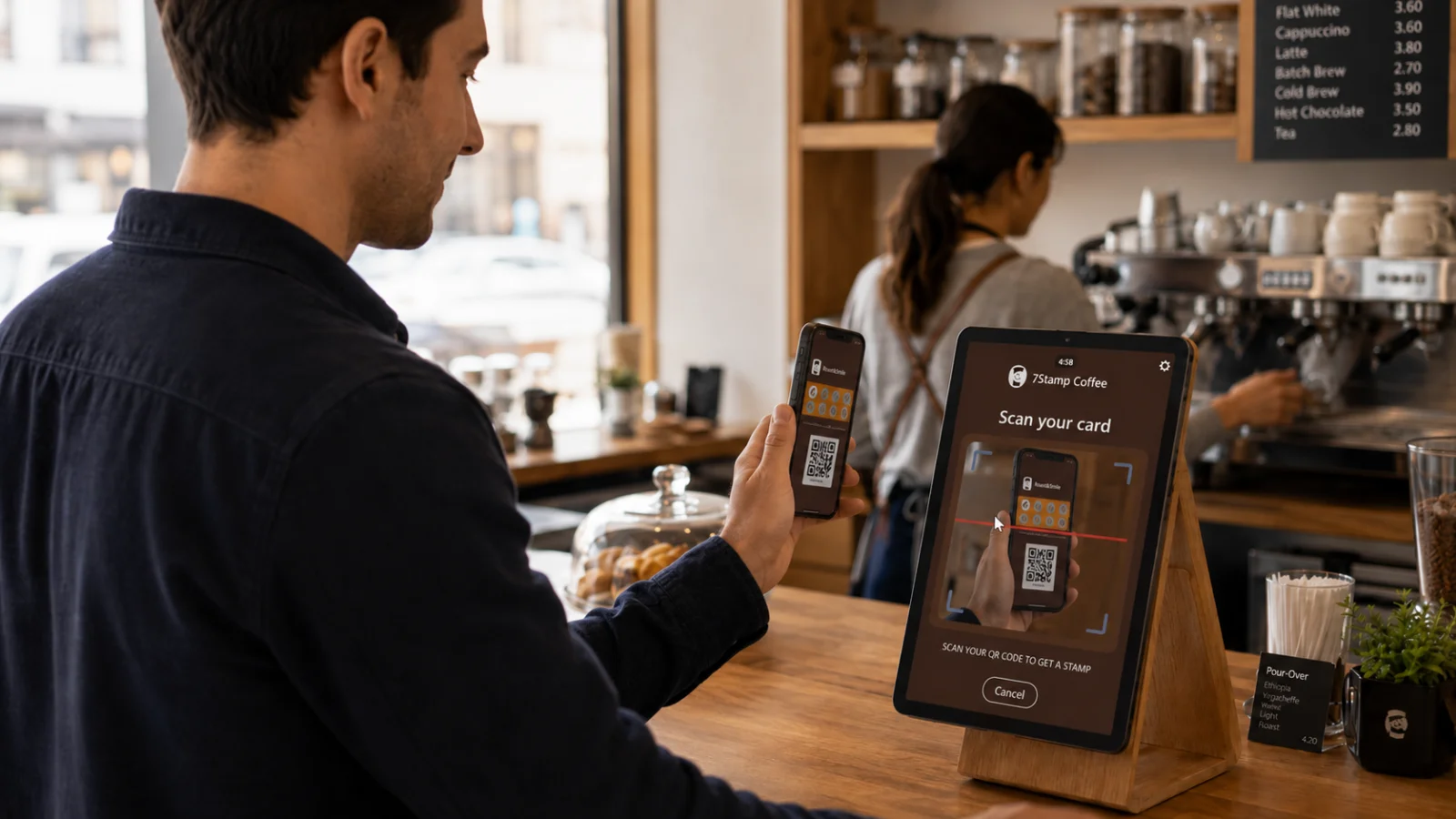
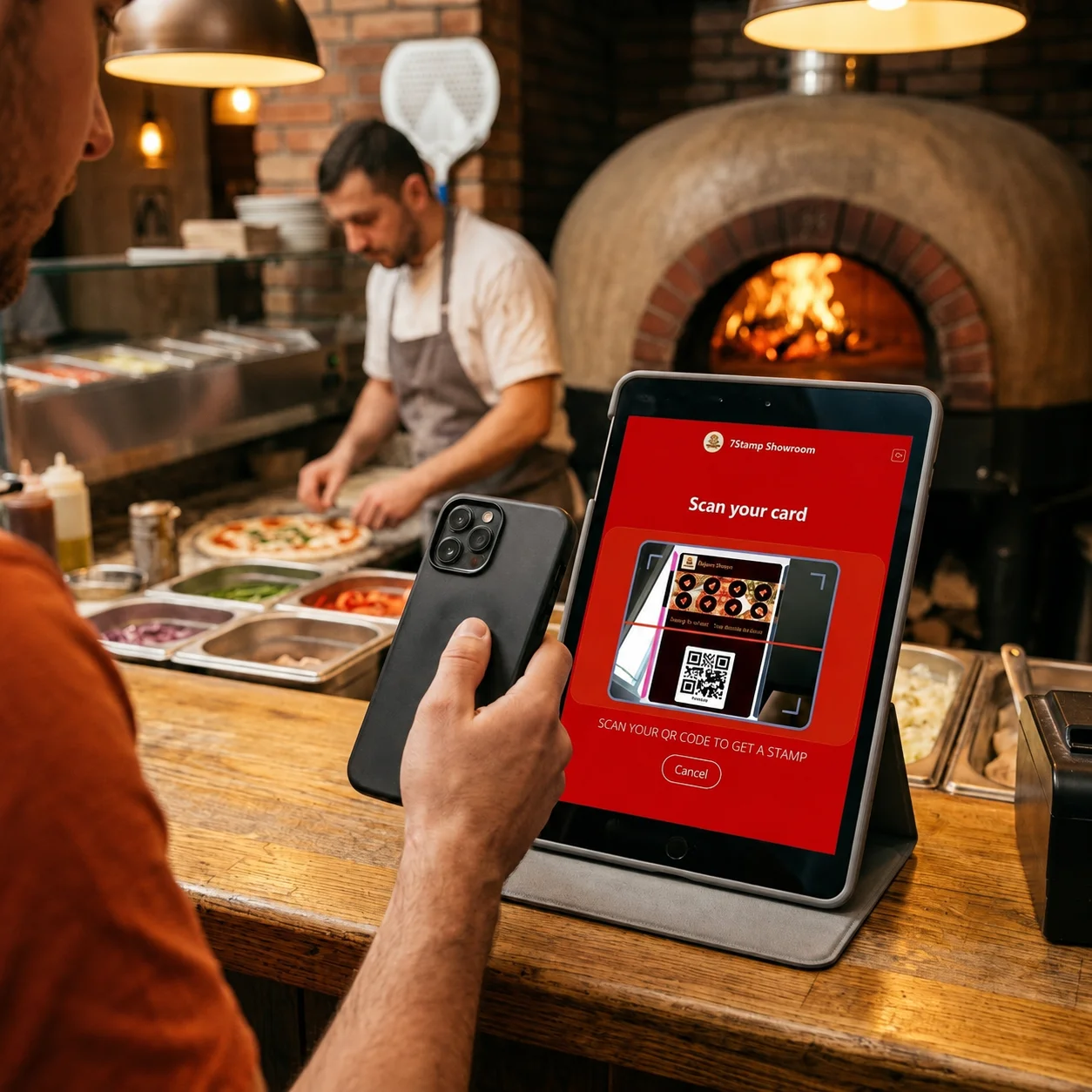
Put an inexpensive tablet facing the customer, run the 7Stamp Scanner app in kiosk mode, and let the guest scan without staff involvement. Enable anti-abuse protection so one customer cannot stack repeated scans in one visit.
Poster has discounts, promotions, and certificates, but not a real voucher engine with lifecycle, ownership, and one-time redemption protection. 7Stamp fills exactly that gap.
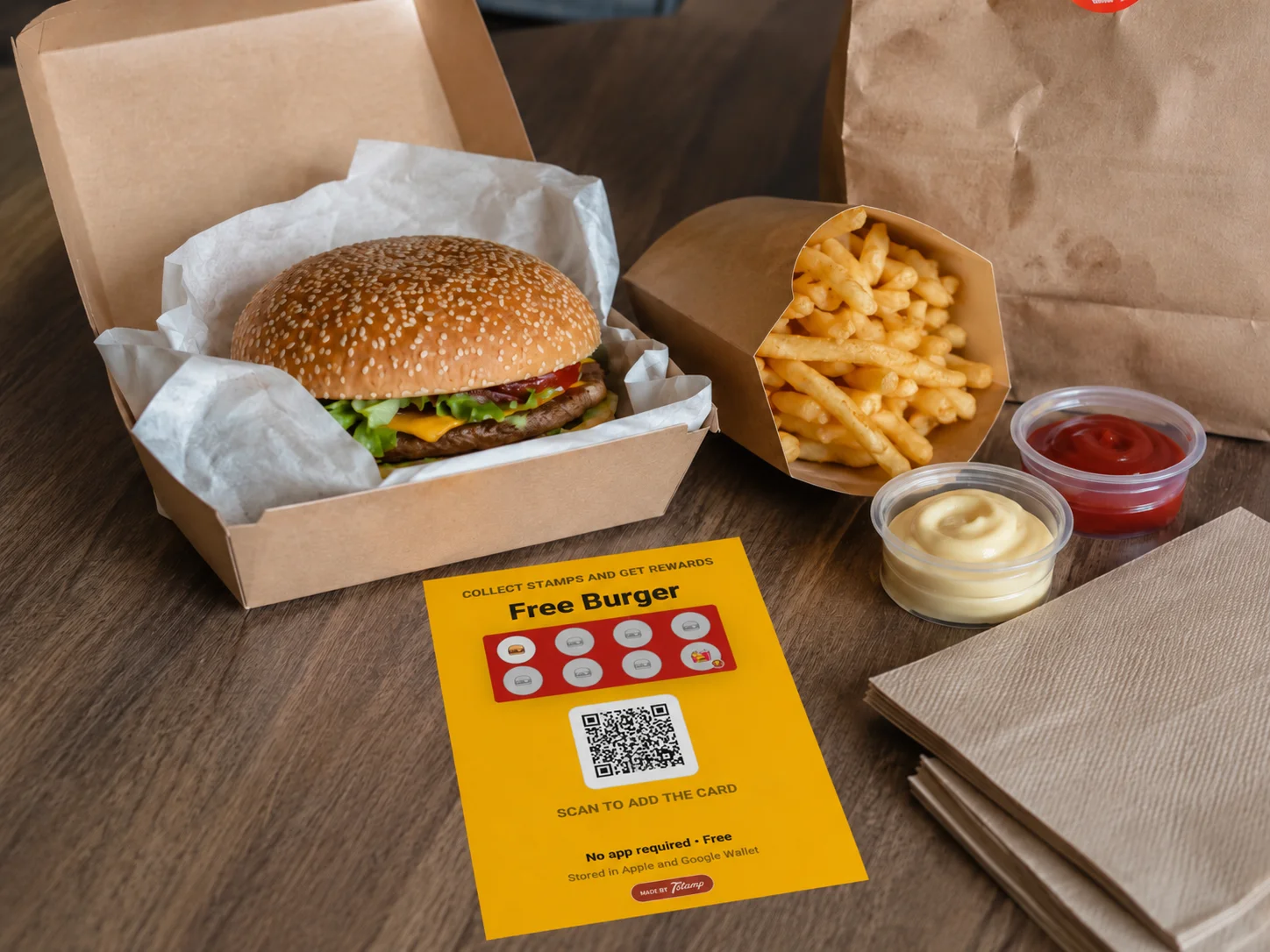
Aggregators control the customer relationship and take commission. Delivery Inserts turn one anonymous package into the first step of your own direct loyalty relationship.
| Metric | Via aggregator | After Delivery Insert |
|---|---|---|
| Platform commission | 25-35 percent | 0 percent |
| Customer contact | Not yours | Yours through wallet push and email |
| Bring-back ability | Paid ads on the aggregator | Free reminders and own promotions |
| Birthday or win-back campaigns | Not available | Automatic in 7Stamp |
Understand what the Poster and 7Stamp integration adds on top of the POS.
Connect the 7Stamp app from the Poster marketplace and prepare the API key.
Choose the right stamping mode and rule before launch.
Learn the manual staff-driven mode inside Poster checkout.
Configure how gifts and vouchers are recorded in Poster reports.
The scan buttons simply do not show. Find the customer by the six-digit number from the card, email, or name.
It will not work. The voucher lifecycle is issued -> active -> redeemed -> expired. After redemption the same screenshot cannot pass again.
Yes. Generate a voucher in the 7Stamp admin panel and send the QR or link. The customer can use the voucher first, and the wallet card can be installed during that journey.
Yes. Generate the voucher, print the QR, and hand it out in flyers, events, or order packages. Redemption works the same way as with a digital voucher.
The Poster integration itself is for offline checks. For aggregator orders, use 7Stamp Delivery Inserts: put one QR insert into every package and gradually move those customers into your direct base.
Free Forever includes up to 25 Card Operations per month and one staff login. After that, Growth is billed per staff login on a volume ladder; see the pricing page.
Create a separate API key for each location or till. Location analytics in 7Stamp can then show performance per branch separately.
Use WhatsApp, email, or phone from the support card in the table of contents panel. This guide is meant to cover the operating model, and support covers edge cases.
Related guides