Operational flow

How 7stamp Works

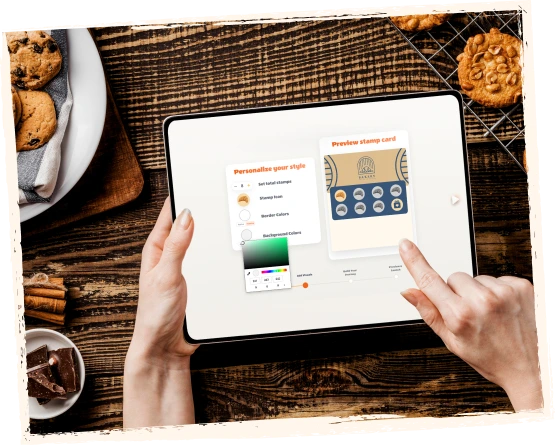
Create a branded stamp card, share a QR code, let customers save it to their wallet, validate stamps with staff, kiosk, Autopilot Mode, or receipt QR, then reward customers with stamps, vouchers, or redeem codes.

7stamp is designed for local businesses that want repeat visits without app-download friction or a heavy POS rollout. The flow is simple on the customer side and flexible on the business side, so you can start with the workflow that fits your queue, team, and checkout setup.

Launch in minutes Apple Wallet and Google Wallet QR code signup Staff, kiosk, Autopilot, or codes

Frictionless enrollment in 15 seconds

Launch a digital stamp card in minutes. Customers scan a QR code, save the card to their phone wallet, collect stamps, and receive rewards while your business keeps control over validation and follow-up.

  1. Step 1 01

    Scan

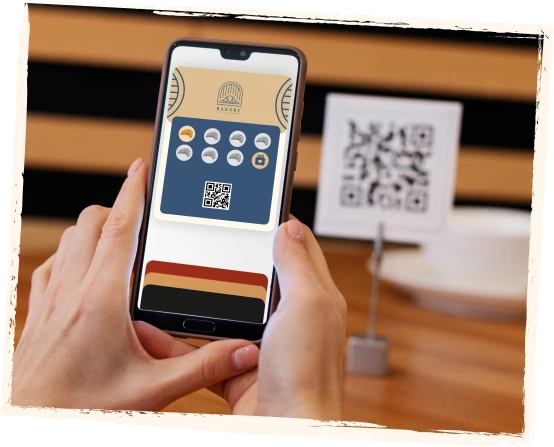
    Customers scan a QR code on a table tent, poster, receipt, delivery bag, packaging insert, website, or social profile.

    Customer sees
    A clear invitation to join the loyalty program right where the visit or order happens.
    Business controls
    Where the QR code appears and which join moment fits best for counter, service, takeaway, or delivery flows.
    Scan
  2. Step 2 02

    Save

    The digital card saves to Apple Wallet or Google Wallet. No separate customer app is required.

    Customer sees
    One branded card in the wallet already on their phone, ready for the next visit.
    Business controls
    Branding, reward copy, card design, and the first-save experience without pushing app installs.
    Save
  3. Step 3 03

    Collect

    Customers earn stamps with each visit, purchase, service, wash, order, or other action you define.

    Customer sees
    Visible progress on the same card after each qualifying action.
    Business controls
    Which actions count, how many stamps are needed, and which workflow validates each stamp.
    Collect
  4. Step 4 04

    Reward

    When the goal is reached, 7stamp can show a simple reward, issue a Smart Voucher, display a Redeem Code, or launch a lottery reward.

    Customer sees
    A reward moment that is easy to understand and easy to redeem.
    Business controls
    Whether rewards stay simple, require a voucher, or use text, QR, or barcode codes alongside checkout.
    Reward
  5. Step 5 05

    Return

    Customers come back through wallet reminders, birthday rewards, geo-fenced notifications, push-style updates, and email campaigns.

    Customer sees
    The same loyalty card stays useful after the first reward instead of disappearing like a paper card.
    Business controls
    When to send reminders, birthday gifts, win-back offers, or repeat-visit campaigns from the same loyalty base.
    Return

Where customers usually join the loyalty card

The best join moment depends on how the business serves customers. 7stamp is built to capture attention at the exact moment when a visit, order, or reward is already relevant.

01

On-site at the counter

Best for cafes, bakeries, quick-service counters, salons, and retail where customers are already standing in front of the team.

  • Table tent
  • Poster near checkout
  • Counter QR
  • Window sticker
02

After checkout

Best when you want loyalty to start after payment without slowing the queue or distracting from the sale.

  • Receipt QR
  • Pre-check QR
  • Printed bag insert
  • Takeaway packaging
03

Delivery and takeaway

Best for businesses using aggregators or direct delivery that want to turn one-off orders into repeat direct traffic.

  • Delivery bag QR
  • Packaging insert
  • Receipt inside the order
  • Direct reorder card
04

Online and social

Best when customers often discover the brand before visiting and you want them to join before the first in-store moment.

  • Website QR
  • Instagram bio link
  • Email campaign
  • Landing page CTA

Choose your loyalty workflow

7stamp works for premium service, busy counters, self-service stations, high-speed queues, delivery orders, and businesses that want to start before any deep integration work.

Self-Service Kiosk
01

Self-Service Kiosk

High-traffic cafes, bakeries, quick-service counters, car washes, and busy retail

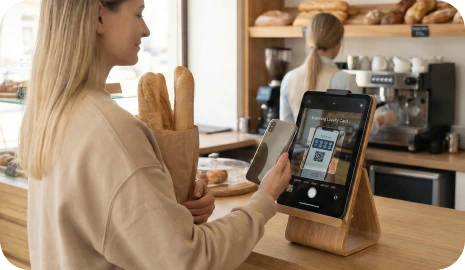
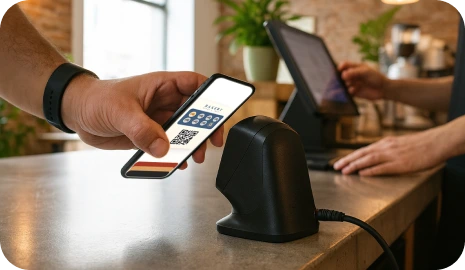
Place a tablet near checkout so customers scan their own wallet card, see stamp progress, and redeem vouchers with almost no staff involvement.

Staff Scanner
02

Staff Scanner

Salons, spas, barbershops, sit-down restaurants, and premium service businesses

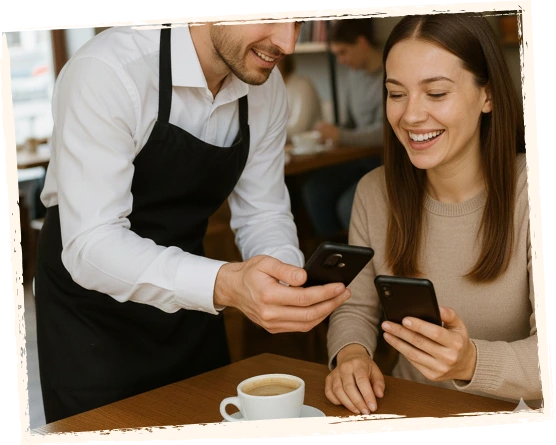
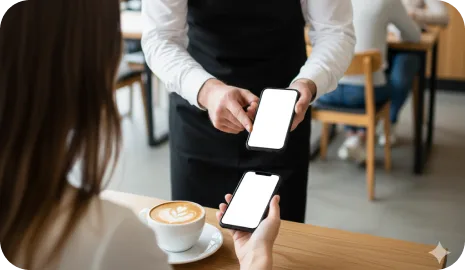
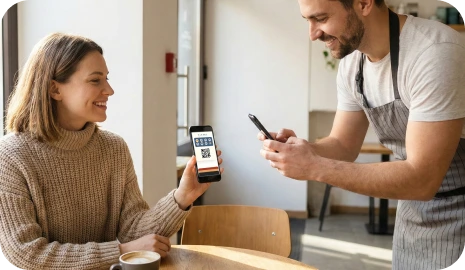
Your team scans the customer’s wallet card from any phone or tablet, adds stamps quickly, and sees reward alerts at the right moment.

Autopilot Mode
03

Autopilot Mode

Rush hours, queues, car washes, and high-volume counters

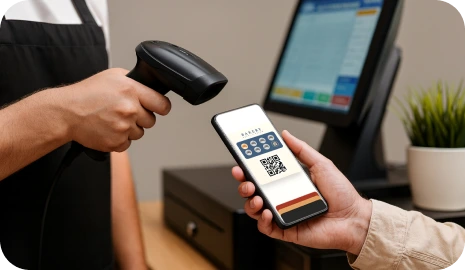
Customers scan their card with an external scanner and 7stamp adds the stamp in the background, so the queue keeps moving.

Receipt and Delivery QR
04

Receipt and Delivery QR

Takeaway, delivery, packaging inserts, receipts, pre-checks, and Zero-Integration starts

Print a QR code on receipts, packaging, or delivery bags so customers can claim stamps, save your wallet card, and join your direct loyalty base.

How rewards can work after the stamp goal is reached

The reward moment can stay as simple as a classic paper stamp card, or it can become more controlled when the business needs vouchers, checkout codes, or a game layer.

01

Simple stamp reward

Use a familiar buy-X-get-1-free mechanic. When the customer reaches the goal, the card shows the reward and staff can give the gift.

Example: Buy 9 coffees, get 1 free.

02

Smart Voucher

When the goal is reached, 7stamp can issue a digital voucher that stays separate from the collection phase and can be redeemed with more control.

Example: Unlock a free drink, a service add-on, or a birthday gift.

03

Redeem Code

Show a text code, QR code, or barcode inside the voucher so staff can enter or scan the reward without custom API development in the POS.

Example: FREECOFFEE, GIFT100, or a barcode shown in the voucher.

See the customer flow and the business flow side by side

The customer sees a simple wallet card. The business controls the QR entry point, validation workflow, reward rules, and repeat-visit follow-up from a browser-based layer.

A short demo video is still being prepared. The screenshots on this page already reflect the real sequence from QR join to wallet save, stamp validation, reward delivery, and return-visit activation.

See the customer flow and the business flow side by side

Next step

Launch the flow first, optimize the workflow second

You do not need to start with a complicated loyalty project. Begin with one reward, one QR code, and the validation path that fits your business today, then grow into deeper automations later.