Operational flow

How 7stamp Works

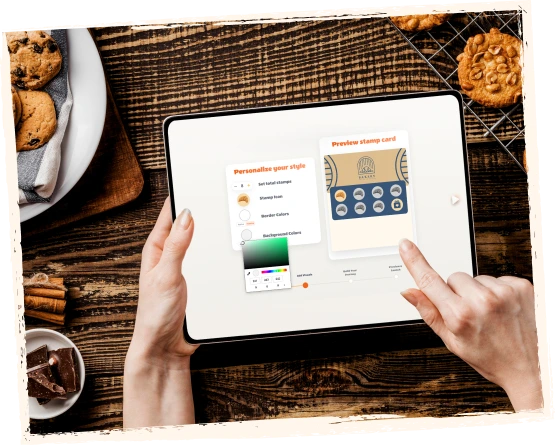
생성 a branded 스탬프 카드, share a QR code, let 고객 저장 it to their 지갑, validate 스탬프 with 직원, kiosk, Autopilot Mode Mode Mode, or receipt QR, then 보상 고객 with 스탬프, 바우처, or redeem codes.

7stamp is designed for local businesses that want repeat 방문 without 앱-download friction or a heavy POS rollout. The flow is 간단한 on the 고객 side and flexible on the 비즈니스 side, so you can 시작 with the 워크플로 that fits your queue, team, and checkout 설정.

출시 in minutes Apple 지갑 및 Google 지갑 QR 코드 참여 직원, kiosk, Autopilot Mode Mode, or codes
마지막 업데이트

Frictionless enrollment in 15 seconds

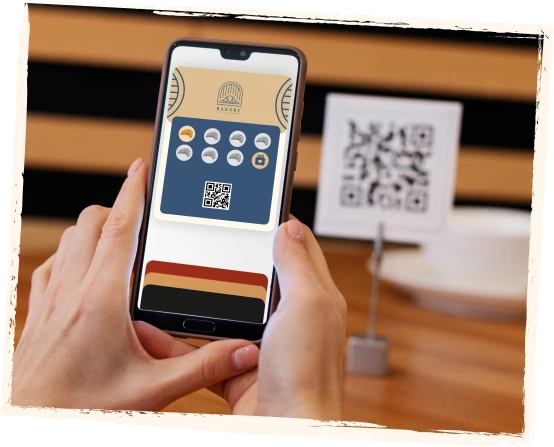
출시 a 디지털 스탬프 카드 in minutes. 고객 스캔 a QR code, 저장 the 카드 to their phone 지갑, collect 스탬프, and receive 보상 while your 비즈니스 keeps control over validation and follow-up.

  1. 1단계 01

    스캔

    고객 스캔 a QR code on a table tent, poster, receipt, delivery bag, packaging insert, website, or social profile.

    고객 sees
    A 지우기 invitation to 참여 the 로열티 program right where the visit or order happens.
    비즈니스 controls
    Where the QR code appears and which 참여 moment fits best for counter, service, takeaway, or delivery flows.
    스캔
  2. 2단계 02

    저장

    The 디지털 카드 saves to Apple 지갑 or Google 지갑. 아니요 separate 고객 앱 is required.

    고객 sees
    One branded 카드 in the 지갑 already on their phone, ready for the 다음 visit.
    비즈니스 controls
    Branding, 보상 copy, 카드 design, and the 첫 번째-저장 experience without pushing 앱 installs.
    저장
  3. 3단계 03

    적립

    고객 earn 스탬프 with each visit, purchase, service, wash, order, or other action you define.

    고객 sees
    Visible progress on the same 카드 after each qualifying action.
    비즈니스 controls
    Which actions count, how many 스탬프 are needed, and which 워크플로 validates each 스탬프.
    적립
  4. 4단계 04

    보상

    When the goal is reached, 7stamp can show a 간단한 보상, issue a Smart Voucher, display a Redeem Code, or 출시 a lottery 보상.

    고객 sees
    A 보상 moment that is easy to 이해 and easy to redeem.
    비즈니스 controls
    Whether 보상 stay 간단한, require a voucher, or use text, QR, or barcode codes alongside checkout.
    보상
  5. Step 5 05

    재방문

    고객 come 뒤로 through 지갑 reminders, birthday 보상, geo-fenced notifications, push-style updates, and email 캠페인.

    고객 sees
    The same 로열티 카드 stays useful after the 첫 번째 보상 instead of disappearing like a paper 카드.
    비즈니스 controls
    When to send reminders, birthday gifts, win-뒤로 offers, or repeat-visit 캠페인 from the same 로열티 베이스.
    재방문

Where 고객 usually 참여 the 로열티 카드

The best 참여 moment depends on how the 비즈니스 serves 고객. 7stamp is built to capture attention at the exact moment when a visit, order, or 보상 is already relevant.

01

On-site at the counter

적합한 업종 cafes, bakeries, 빠른-service counters, salons, and retail where 고객 are already standing in front of the team.

  • Table tent
  • Poster near checkout
  • Counter QR
  • Window sticker
02

After checkout

Best when you want 로열티 to 시작 after 결제 without slowing the queue or distracting from the sale.

  • 영수증 QR
  • Pre-check QR
  • Printed bag insert
  • Takeaway packaging
03

배달 and takeaway

적합한 업종 businesses using aggregators or direct delivery that want to turn one-off orders into repeat direct traffic.

  • 배달 가방 QR
  • 포장 동봉물
  • Receipt inside the order
  • Direct reorder 카드
04

Online and social

Best when 고객 often discover the brand before visiting and you want them to 참여 before the 첫 번째 in-store moment.

  • Website QR
  • Instagram bio link
  • Email 캠페인
  • Landing page CTA

로열티 워크플로 선택하기

7stamp works for premium service, busy counters, self-service stations, high-speed queues, delivery orders, and businesses that want to 시작 before any deep integration work.

Self-Service Self-Service Self-Service Kiosk
01

Self-Service Self-Service Self-Service Kiosk

High-traffic cafes, bakeries, 빠른-service counters, car washes, and busy retail

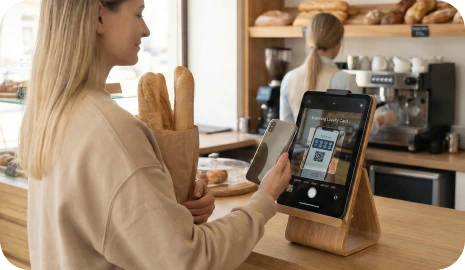
Place a tablet near checkout so 고객 스캔 their own 지갑 카드, see 스탬프 progress, and redeem 바우처 with almost no 직원 involvement.

직원 직원 스캔ner
02

직원 직원 스캔ner

Salons, spas, barbershops, sit-down restaurants, and premium service businesses

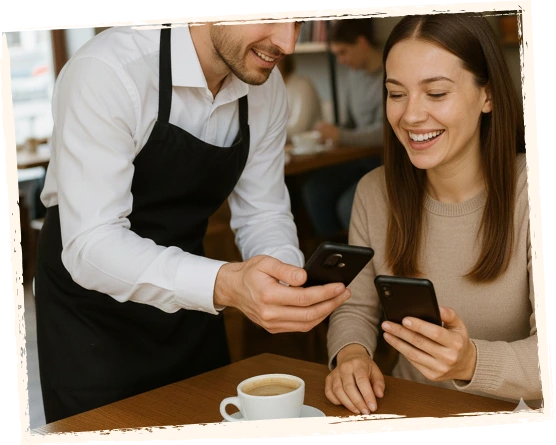
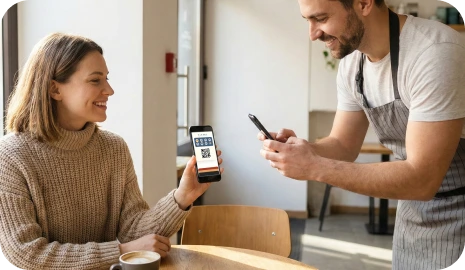
Your team scans the 고객’s 지갑 카드 from any phone or tablet, adds 스탬프 quickly, and sees 보상 alerts at the right moment.

Autopilot Mode Mode Mode
03

Autopilot Mode Mode Mode

Rush hours, queues, car washes, and high-volume counters

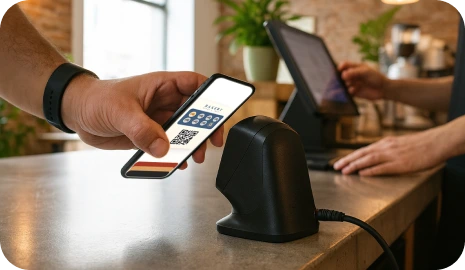
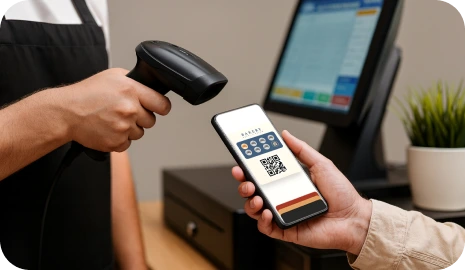
고객 스캔 their 카드 with an external scanner and 7stamp adds the 스탬프 in the background, so the queue keeps moving.

Receipt and 배달 QR
04

Receipt and 배달 QR

Takeaway, delivery, packaging inserts, receipts, pre-checks, and Zero-Integration starts

Print a QR code on receipts, packaging, or delivery bags so 고객 can claim 스탬프, 저장 your 지갑 카드, and 참여 your direct 로열티 베이스.

How 보상 can work after the 스탬프 goal is reached

The 보상 moment can stay as 간단한 as a classic paper 스탬프 카드, or it can become more controlled when the 비즈니스 needs 바우처, checkout codes, or a game layer.

01

간단한 스탬프 보상

Use a familiar buy-X-get-1-free mechanic. When the 고객 reaches the goal, the 카드 shows the 보상 and 직원 can give the gift.

예시: 커피 9잔 구매 시 1잔 무료.

02

Smart Voucher

When the goal is reached, 7stamp can issue a 디지털 voucher that stays separate from the collection phase and can be redeemed with more control.

예시: 무료 음료, 서비스 추가 혜택, 생일 선물 잠금 해제.

03

Redeem Code

Show a text code, QR code, or barcode inside the voucher so 직원 can enter or 스캔 the 보상 without custom API development in the POS.

예시: FREECOFFEE, GIFT100, or a barcode shown in the voucher.

See the 고객 flow and the 비즈니스 flow side by side

The 고객 sees a 간단한 지갑 카드. The 비즈니스 controls the QR entry point, validation 워크플로, 보상 rules, and repeat-visit follow-up from a browser-based layer.

A short demo video is still being prepared. The screenshots on this page already reflect the real sequence from QR 참여 to 지갑 저장, 스탬프 validation, 보상 delivery, and 복귀-visit activation.

See the 고객 flow and the 비즈니스 flow side by side

다음 step

출시 the flow 첫 번째, optimize the 워크플로 second

You do not need to 시작 with a complicated 로열티 project. Begin with one 보상, one QR code, and the validation path that fits your 비즈니스 today, then grow into deeper automations later.