Join and save
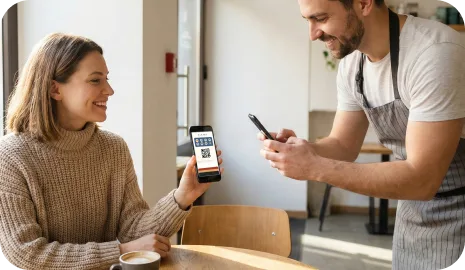
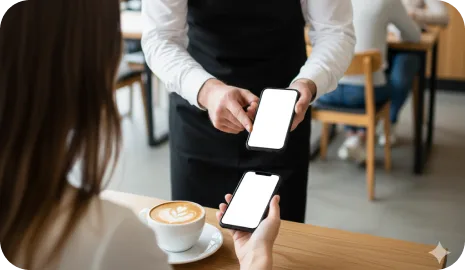
Customers scan a QR code, save the loyalty card to Apple Wallet or Google Wallet, and keep the same card for future visits.
Feature hub
7Stamp combines wallet stamp cards, Smart Vouchers, staff scanning, Self-Service Kiosk, Autopilot Mode, receipt QR codes and email campaigns in one system.
The goal is not to force every business into one loyalty setup. 7Stamp gives local businesses a flexible feature stack: QR onboarding, wallet-based cards, multiple validation workflows, controlled reward options, and retention tools that can start simple and grow with the operation.
Most businesses do not need every feature on day one. What matters is choosing the right layer for customer entry, stamp validation, reward control, and repeat-visit reactivation.
Customers scan a QR code, save the loyalty card to Apple Wallet or Google Wallet, and keep the same card for future visits.
Choose Staff Scanner, Self-Service Kiosk, Autopilot Mode, or receipt-based flows depending on the queue and service style.
Use simple stamp rewards, Smart Vouchers, Redeem Codes, or a game-like reward moment when the goal is reached.
Use wallet updates, geo reminders, birthday rewards, and campaigns to turn one visit into repeat traffic.
These features control how customers enter the loyalty loop and how the card stays accessible between visits.
Customers save the loyalty card directly to Apple Wallet or Google Wallet, so there is no separate customer app to install or remember.
Best for businesses that want the simplest possible customer experience.
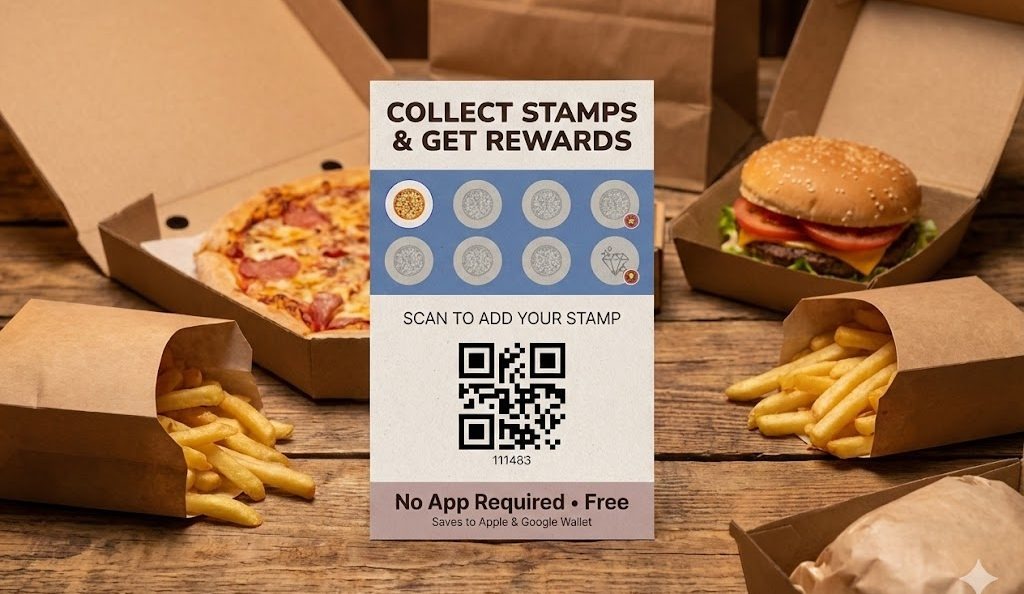
Customers can join the loyalty program from a QR code on a table tent, poster, receipt, packaging insert, delivery bag, website, or social profile.
Best for join-in-the-moment loyalty at checkout, takeaway, and delivery touchpoints.
7Stamp can show the loyalty card experience in the customer’s language, which helps businesses serve mixed local or international audiences.
Best for hospitality, tourist traffic, and multilingual neighborhoods.
These features define how stamps are added when a customer visits, buys, orders, or reaches a checkpoint in the business.
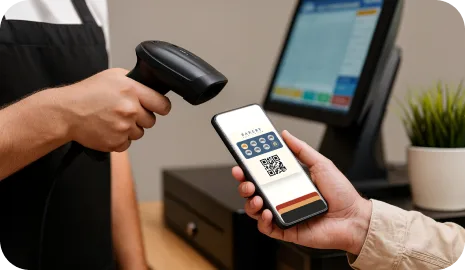
Staff can scan the customer’s wallet card from a phone or tablet and add stamps quickly while keeping control over the service moment.
Best for salons, spas, restaurants, and premium service businesses.
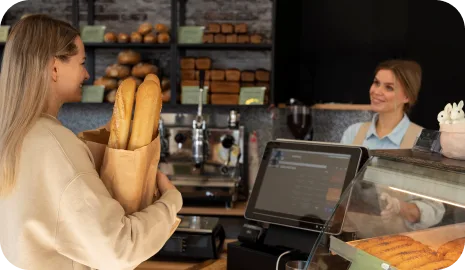
A customer-facing tablet near checkout lets guests scan their own card, collect stamps, and interact with rewards with minimal staff involvement.
Best for cafes, bakeries, counters, car washes, and busy retail.
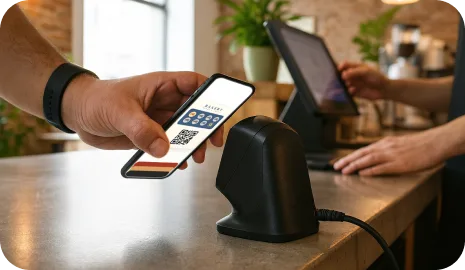
Customers scan with an external scanner and 7Stamp adds the stamp in the background so the queue keeps moving without a long loyalty step.
Best for high-traffic counters, queues, and rush-hour operations.
A QR code on receipts, pre-checks, takeaway packaging, or delivery bags lets customers join or claim loyalty after the transaction.
Best for takeaway, delivery, packaging inserts, and low-friction counter flows.
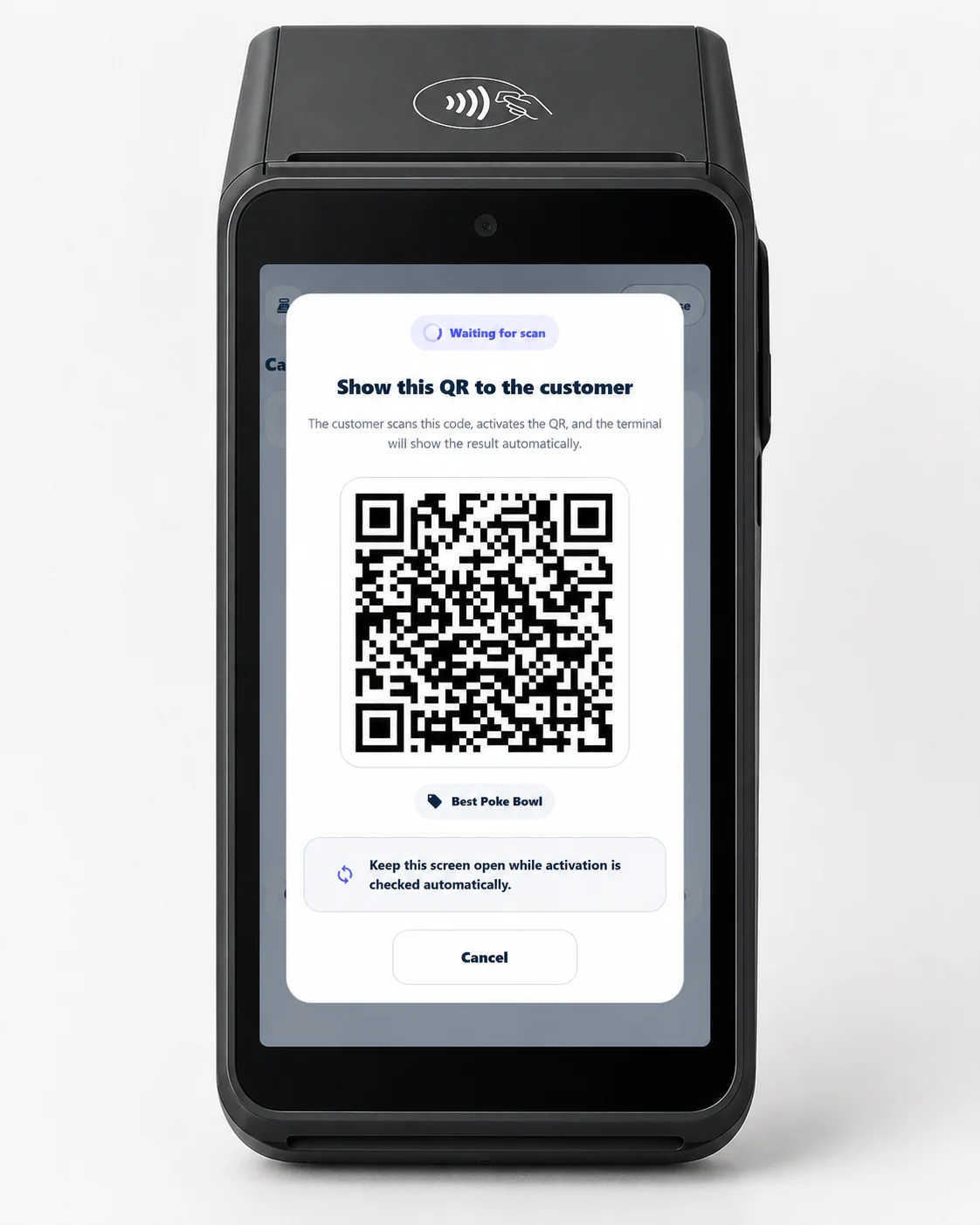
Run a loyalty program directly on an existing Android payment terminal, with no new hardware and no customer app.
Best for acquirers, processors, ISOs, and merchants already using Android payment terminals.
These features define what the customer receives when the goal is reached and how the business keeps checkout under control.
7Stamp can keep loyalty as simple as a classic buy-X-get-1-free reward, with progress and reward state shown on the wallet card.
Best for coffee shops, bakeries, car washes, and straightforward repeat-visit offers.
When a customer reaches the goal, 7Stamp can issue a digital voucher that separates reward delivery from stamp collection and adds more redemption control.
Best for businesses that want a cleaner reward handoff or delayed redemption.
7Stamp can show a text code, QR code, or barcode inside the voucher so staff can enter or scan the reward without custom POS development.
Best for businesses that want to start loyalty before committing to API or POS integration work.
A game-like reward moment can add surprise and replay value when a customer completes a cycle instead of always receiving a fixed reward.
Best for brands that want a more playful loyalty moment without changing the core stamp logic.
These features help the business turn one saved wallet card into an ongoing return-visit channel and connect loyalty activity to other systems when needed.
7Stamp can keep the card useful between visits by updating reward status and sending location-aware reminders when the customer is near the business.
Best for neighborhood traffic, nearby repeat visits, and local habit building.
The system can issue a birthday voucher or trigger a birthday-state change so staff and customers both have a clear reason to celebrate and return.
Best for salons, restaurants, cafes, and service businesses that want personal reactivation.
Businesses can send wallet push-style updates, email campaigns, and win-back messages to loyalty customers instead of relying only on the stamp counter.
Best for promotions, seasonal campaigns, and reactivation after a gap in visits.
When a business is ready for deeper automation, 7Stamp can connect loyalty events to external systems through API, webhooks, or automation tools.
Best for CRM sync, triggered workflows, and integration-led operations.
Collect customer feedback across every channel — table QR, receipt, payment terminal, the Self-Service Kiosk, and a chat-bot — all on one Customer Feedback page, with a private line to the business next to the public review option.
Best for cafes, retail, services, and franchises that want a direct line to customers alongside public reviews.
Connect loyalty events to CRM, reporting, and downstream workflows through direct API work, webhooks, or no-code automation tools.
Best for teams that want loyalty data to trigger other systems after launch.
Next step
You do not need to turn on everything at once. Start with QR onboarding and one validation workflow, then add vouchers, reminders, campaigns, or integrations as the loyalty program proves itself in the real business.