
The marketplace owns the transaction moment
When the order comes through an aggregator, your business may fulfill the meal but still lose the customer relationship after checkout.
Industry solution
7Stamp QR codes on receipts, packaging, and bag inserts help turn anonymous delivery marketplace buyers into direct repeat customers.
Delivery marketplaces can bring orders, but they often keep the customer relationship. A wallet loyalty card gives your business a simple way to reconnect after the handoff: the customer scans a QR code, saves the card to Apple Wallet or Google Wallet, gets a welcome stamp or reward, and has a reason to order directly next time.
Delivery loyalty at a glance
Counter loyalty and delivery loyalty are not the same problem. In delivery, the order may be successful, but the business still loses the direct relationship unless it creates a clean post-purchase join moment.
When the order comes through an aggregator, your business may fulfill the meal but still lose the customer relationship after checkout.
A QR code on the receipt, bag, or insert lets the customer join loyalty after the order instead of forcing a decision in the middle of an already remote purchase flow.
Once the card is saved in Apple Wallet or Google Wallet, the business can use rewards, reminders, and campaigns to invite the customer back directly.
Delivery customers are less likely to install a dedicated loyalty app. A QR-to-wallet flow is lighter and fits casual or first-time ordering behavior much better.
The QR code should live where the customer actually looks after receiving the order. Each touchpoint changes how quickly the card is seen, scanned, and remembered.
A delivery customer needs a reason to scan now, not later. The strongest starting offers are immediate, simple, and clearly tied to the next direct order.
This lowers the barrier to the very first join and gives the customer visible progress as soon as they save the card.
It creates a clean habit around frequent ordering and works well when the reward is easy to fulfill in the kitchen or at pickup.
This helps shift the customer relationship away from the aggregator by making the next direct order feel more valuable than a one-off marketplace repeat.
You do not need to rebuild your delivery operation to start. The simplest version is one QR code, one clear offer, and one visible placement that customers actually notice.
Start with a delivery-friendly offer that makes sense for repeat orders, such as a welcome stamp, a free side after several orders, or a clear next-order benefit.

Use the bag, receipt, or insert based on what is easiest for your team to pack consistently and what the customer is most likely to see immediately.
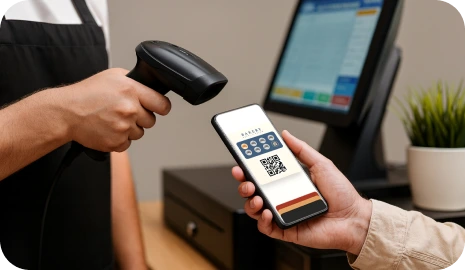
The QR should lead directly to the Apple Wallet or Google Wallet save flow so the customer joins without downloading an app or searching later.
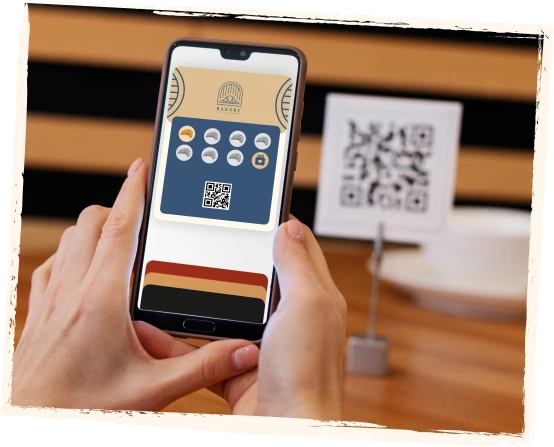
A visible first reward moment makes the scan feel worthwhile and turns the current order into the beginning of the next loyalty cycle.
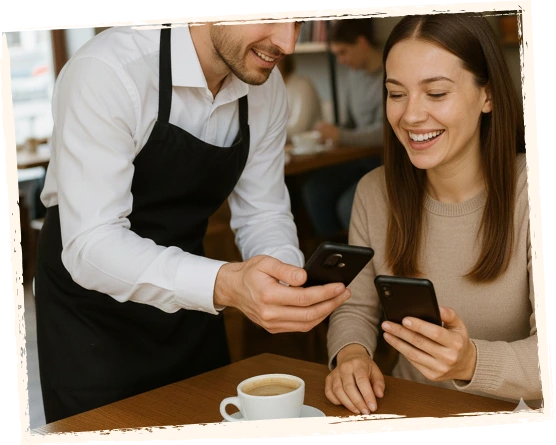
After the card is saved, the business can use rewards, birthday offers, wallet reminders, and campaigns to create a path back outside the marketplace.
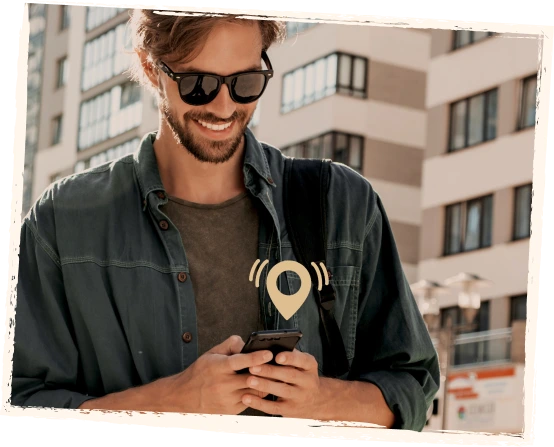
The printed message should do one job: explain why the customer should scan right now. Short copy usually works better than generic marketing claims.
Scan to save your loyalty card and get your first stamp now.
Best when you want the first join action to feel immediate and concrete.
Collect stamps on every delivery or takeaway order and unlock your next reward.
Best when the brand wants to build habit across several orders, not just one comeback.
Save your card today and come back directly for future rewards.
Best when the goal is to shift attention away from the aggregator and toward your own repeat-customer channel.
Poster + delivery
Poster POS integrates with delivery aggregators for order intake, but the customer relationship still stays with the platform. 7Stamp Delivery Inserts plug into the same delivery flow and help convert anonymous marketplace orders into your direct customer base.
Drop one printed QR insert into every delivery package. Each scan issues a wallet loyalty card, credits welcome stamps, and can issue a voucher for the next direct order. Single-use codes prevent stamp farming.
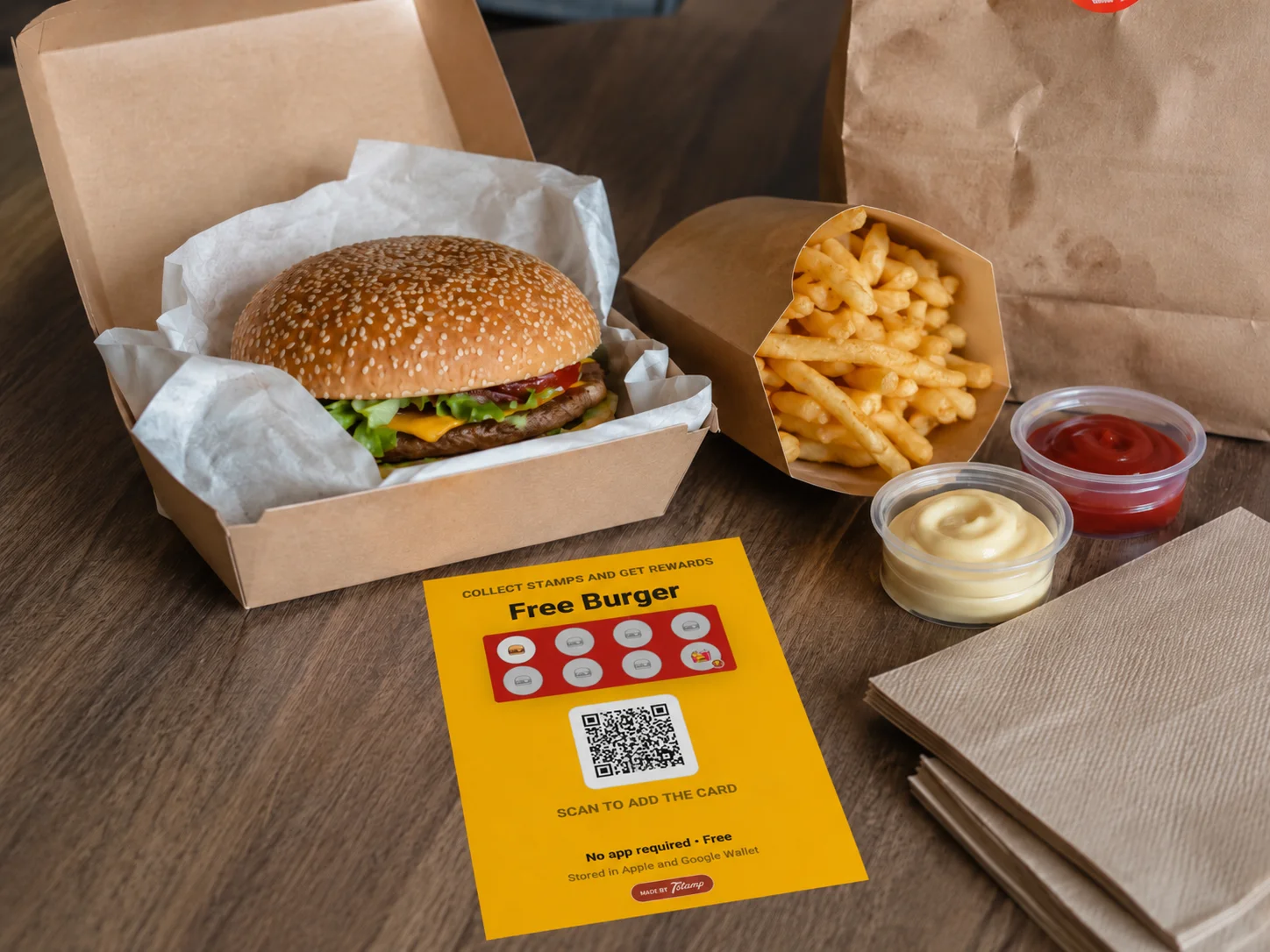
Yes. You can add QR codes to delivery bags, receipts, packaging, or inserts so marketplace customers can save your loyalty card and become direct repeat customers.
Yes. Receipt QR and delivery bag QR codes are useful for delivery and takeaway businesses because they help turn anonymous marketplace customers into direct loyalty members. Customers scan the QR code, save the card to Apple Wallet or Google Wallet, and can return directly for future rewards.
Yes. You can use receipt QR codes, pre-check QR codes, packaging inserts or delivery bag QR codes. When customers scan the QR code, they can receive the digital loyalty card and collect the required number of stamps without staff scanning or a customer-facing tablet.
Yes. In supported receipt QR or pre-check QR workflows, scanning the QR code can both open the digital loyalty card flow and add the required number of stamps for that purchase.
No. Customers scan a QR code or open a link and save the loyalty card to Apple Wallet or Google Wallet. They do not need to install a separate loyalty app.
Yes. 7Stamp can start without POS integration through receipt QR codes, delivery bag QR codes, Staff Scanner, Self-Service Kiosk, Autopilot Mode, or Redeem Codes. For deeper automation later, API, webhooks, Zapier, and custom workflows are available.
Delivery loyalty launch
If your business already pays to acquire marketplace orders, 7Stamp gives you a lightweight way to turn those anonymous buyers into loyalty members who can come back directly.