عضویت و ذخیره
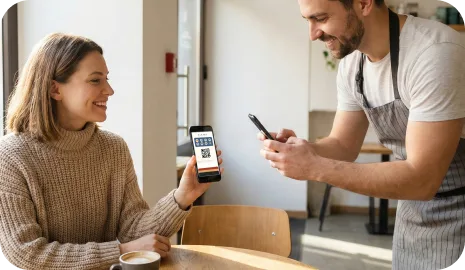
مشتریان یک کد QR را اسکن میکنند، کارت وفاداری را در Apple Wallet یا Google Wallet ذخیره میکنند و همان کارت را برای مراجعههای بعدی نگه میدارند.
هاب قابلیتها
7Stamp کارت مهر در Wallet، Smart Vouchers، اسکن کارکنان، Self-Service Kiosk، Autopilot Mode، کدهای QR رسید و کمپینهای ایمیلی را در یک سیستم واحد جمع میکند.
هدف این نیست که همه کسبوکارها را در یک قالب وفاداری بگنجانیم. 7Stamp به کسبوکارهای محلی یک مجموعه قابلیت انعطافپذیر میدهد: عضویت با QR، کارتهای مبتنی بر Wallet، چند گردشکار تأیید، گزینههای کنترلشده پاداش و ابزارهای نگهداشت که میتوانند ساده شروع شوند و همراه عملیات رشد کنند.
بیشتر کسبوکارها از روز اول به همه قابلیتها نیاز ندارند. آنچه اهمیت دارد انتخاب لایه درست برای ورود مشتری، تأیید مهر، کنترل پاداش و بازفعالسازی مراجعه دوباره است.
مشتریان یک کد QR را اسکن میکنند، کارت وفاداری را در Apple Wallet یا Google Wallet ذخیره میکنند و همان کارت را برای مراجعههای بعدی نگه میدارند.
بسته به صف و سبک خدمت، Staff Scanner، Self-Service Kiosk، Autopilot Mode یا روندهای مبتنی بر رسید را انتخاب کنید.
وقتی هدف محقق شد، از پاداش ساده مهری، Smart Vouchers، Redeem Codes یا یک لحظه پاداش شبیه بازی استفاده کنید.
با بهروزرسانیهای Wallet، یادآورهای موقعیتی، پاداش تولد و کمپینها یک مراجعه را به ترافیک تکرارشونده تبدیل کنید.
این قابلیتها تعیین میکنند مشتریان چطور وارد چرخه وفاداری میشوند و کارت چطور بین مراجعهها در دسترس میماند.
مشتریان کارت وفاداری را مستقیماً در Apple Wallet یا Google Wallet ذخیره میکنند، پس هیچ اپ جداگانهای برای نصب یا به خاطر سپردن وجود ندارد.
مناسب برای کسبوکارهایی که سادهترین تجربه ممکن را برای مشتری میخواهند.
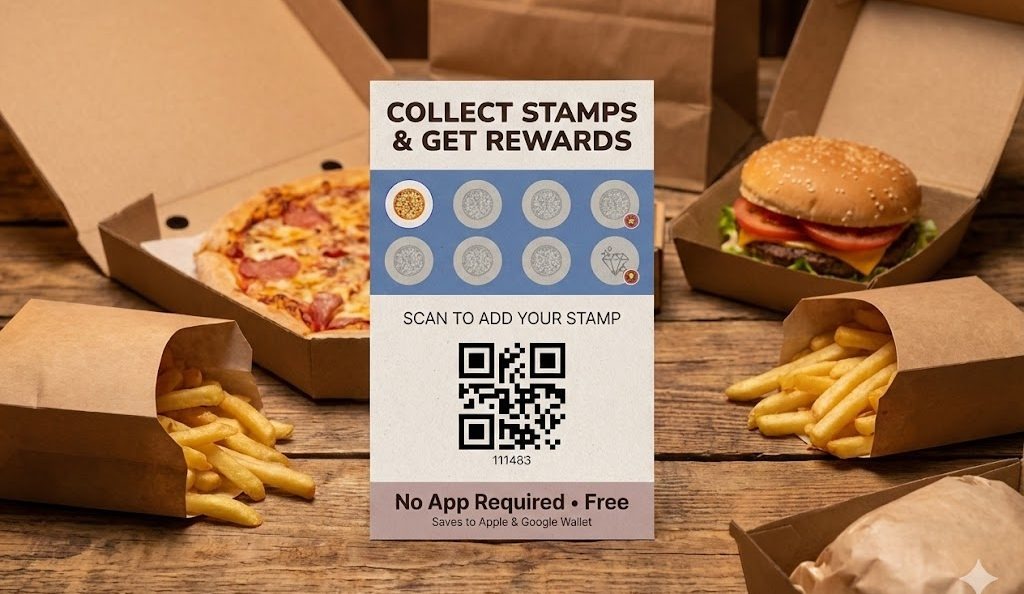
مشتریان میتوانند از طریق یک کد QR روی استند میز، پوستر، رسید، ضمیمه بستهبندی، کیسه تحویل، وبسایت یا صفحه شبکه اجتماعی عضو برنامه وفاداری شوند.
مناسب برای عضویت در همان لحظه، سر صندوق و در نقاط تماس بیرونبر و تحویل.
7Stamp میتواند تجربه کارت وفاداری را به زبان مشتری نشان دهد، که به کسبوکارها کمک میکند به مخاطبان محلی یا بینالمللی متنوع خدمت کنند.
مناسب برای مهماننوازی، ترافیک گردشگری و محلههای چندزبانه.
این قابلیتها تعیین میکنند وقتی مشتری مراجعه میکند، خرید میکند، سفارش میدهد یا به یک نقطه مشخص در کسبوکار میرسد، مهرها چطور اضافه شوند.
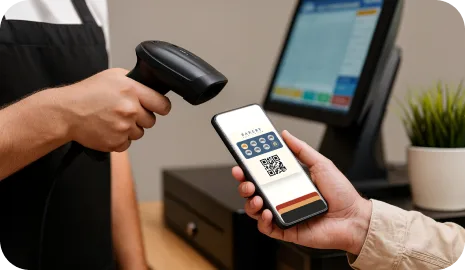
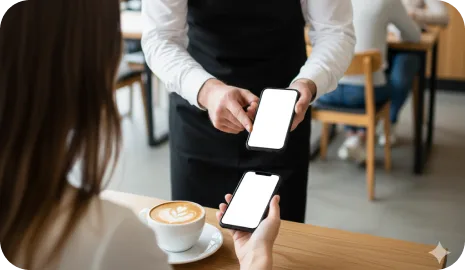
کارکنان میتوانند کارت Wallet مشتری را با گوشی یا تبلت اسکن کنند و سریع مهر اضافه کنند، در حالی که کنترل لحظه خدمت را حفظ میکنند.
مناسب برای سالنها، اسپاها، رستورانها و کسبوکارهای خدماتی لوکس.
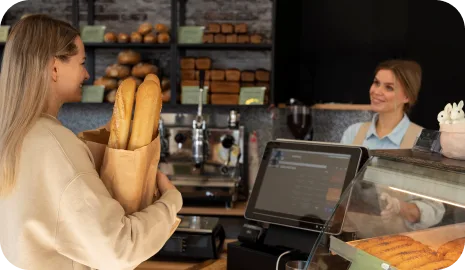
یک تبلت رو به مشتری نزدیک صندوق به مهمانان اجازه میدهد کارت خود را اسکن کنند، مهر جمع کنند و با پاداشها کار کنند، با کمترین دخالت کارکنان.
مناسب برای کافهها، نانواییها، پیشخوانها، کارواشها و خردهفروشیهای شلوغ.
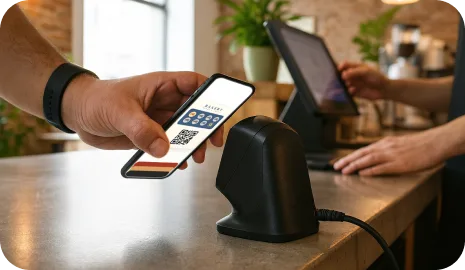
مشتریان با یک اسکنر خارجی اسکن میکنند و 7Stamp مهر را در پسزمینه اضافه میکند تا صف بدون یک مرحله طولانی وفاداری در حرکت بماند.
مناسب برای پیشخوانهای پرتردد، صفها و عملیات ساعت شلوغی.
یک کد QR روی رسید، پیشفاکتور، بستهبندی بیرونبر یا کیسه تحویل به مشتریان امکان میدهد پس از تراکنش عضو شوند یا مهر خود را بگیرند.
مناسب برای بیرونبر، تحویل، ضمیمه بستهبندی و روندهای کماصطکاک سر پیشخوان.
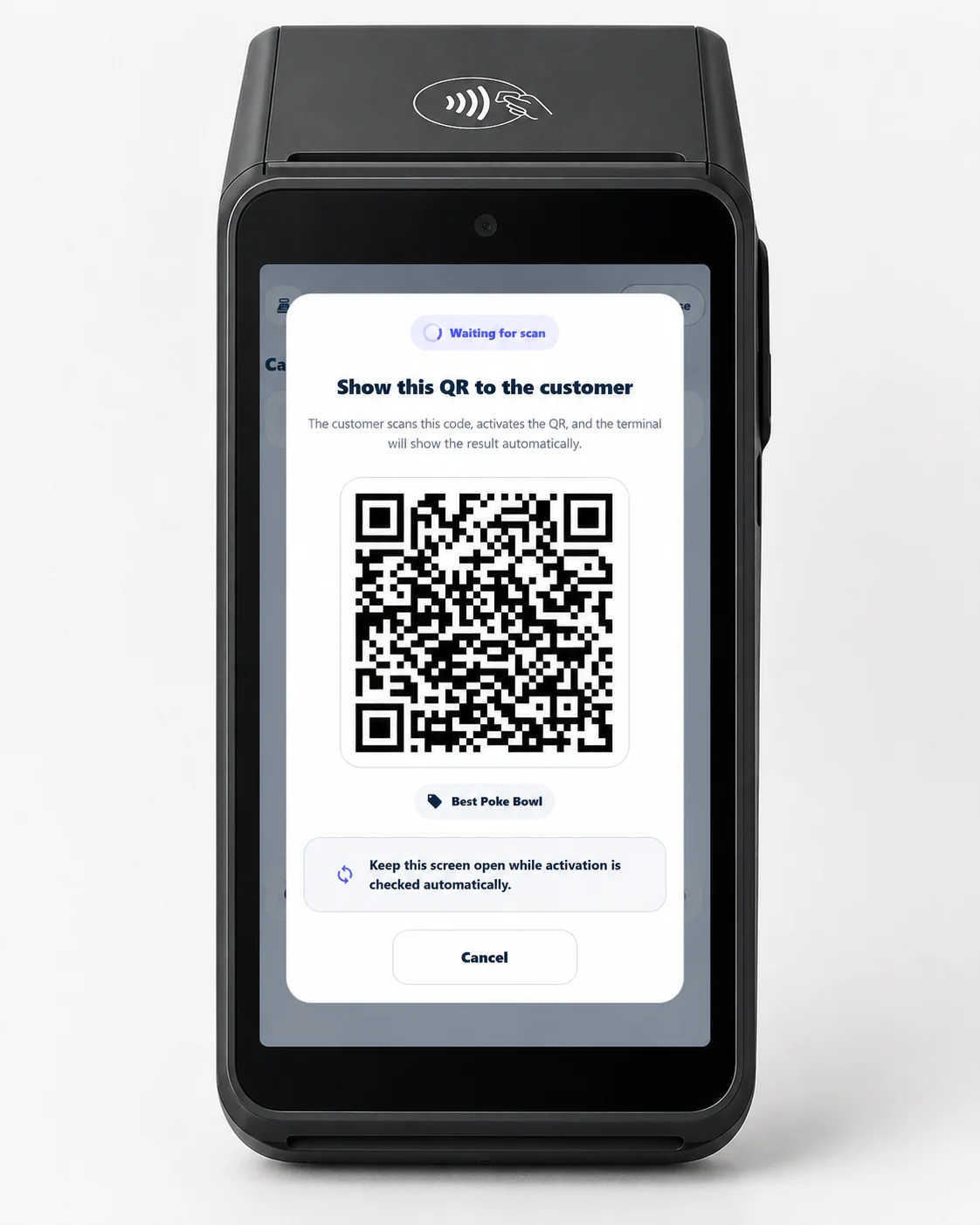
یک برنامه وفاداری را مستقیماً در پایانه پرداخت Android موجود، بدون سخت افزار جدید و بدون برنامه مشتری اجرا کنید.
بهترین برای خریدارها، پردازندهها، ISO s و تاجرانی که قبلاً از پایانههای پرداخت Android استفاده میکنند.
این قابلیتها تعیین میکنند وقتی هدف محقق شد مشتری چه میگیرد و کسبوکار چطور کنترل صندوق را حفظ میکند.
7Stamp میتواند وفاداری را به سادگی پاداش کلاسیک «X تا بخر، ۱ تا رایگان بگیر» نگه دارد، با نمایش پیشرفت و وضعیت پاداش روی کارت Wallet.
مناسب برای کافیشاپها، نانواییها، کارواشها و پیشنهادهای ساده مراجعه دوباره.
وقتی مشتری به هدف میرسد، 7Stamp میتواند یک کوپن دیجیتال صادر کند که تحویل پاداش را از جمعآوری مهر جدا میکند و کنترل بیشتری بر استفاده میدهد.
مناسب برای کسبوکارهایی که تحویل تمیزتر پاداش یا استفاده با تأخیر میخواهند.
7Stamp میتواند یک کد متنی، کد QR یا بارکد را داخل کوپن نشان دهد تا کارکنان بدون توسعه سفارشی روی POS پاداش را وارد یا اسکن کنند.
مناسب برای کسبوکارهایی که میخواهند وفاداری را پیش از تعهد به کار روی API یا یکپارچهسازی POS شروع کنند.
یک لحظه پاداش شبیه بازی میتواند بهجای دریافت همیشگی یک پاداش ثابت، هنگام کاملشدن یک چرخه غافلگیری و انگیزه تکرار بیفزاید.
مناسب برای برندهایی که لحظهای بازیگوشتر میخواهند، بدون تغییر منطق اصلی مهرها.
این قابلیتها به کسبوکار کمک میکنند یک کارت ذخیرهشده در Wallet را به کانال دائمی بازگشت مشتری تبدیل کند و در صورت نیاز فعالیت وفاداری را به سیستمهای دیگر وصل کند.
7Stamp میتواند با بهروزرسانی وضعیت پاداش و ارسال یادآورهای مبتنی بر موقعیت هنگام نزدیکبودن مشتری به کسبوکار، کارت را بین مراجعهها مفید نگه دارد.
مناسب برای ترافیک محلهای، مراجعههای دوباره نزدیک و ساختن عادت محلی.
سیستم میتواند یک کوپن تولد صادر کند یا وضعیت تولد را تغییر دهد تا هم کارکنان و هم مشتریان دلیل روشنی برای جشن گرفتن و بازگشت داشته باشند.
مناسب برای سالنها، رستورانها، کافهها و کسبوکارهای خدماتی که بازفعالسازی شخصی میخواهند.
کسبوکارها میتوانند بهجای تکیه صرف بر شمارنده مهر، بهروزرسانیهای push در Wallet، کمپینهای ایمیلی و پیامهای بازگرداندن مشتری بفرستند.
مناسب برای پروموشنها، کمپینهای فصلی و بازفعالسازی پس از یک وقفه در مراجعه.
وقتی کسبوکار برای اتوماسیون عمیقتر آماده شد، 7Stamp میتواند رویدادهای وفاداری را از طریق API، webhook یا ابزارهای اتوماسیون به سیستمهای بیرونی وصل کند.
مناسب برای همگامسازی CRM، گردشکارهای تریگرمحور و عملیات مبتنی بر یکپارچهسازی.
گام بعدی
لازم نیست همه چیز را یکباره روشن کنید. با عضویت QR و یک گردشکار تأیید شروع کنید، سپس هرچه برنامه وفاداری در کسبوکار واقعی خودش را ثابت کرد، کوپن، یادآور، کمپین یا یکپارچهسازی اضافه کنید.