Author: Maksym Ronshyn
Last updated: June 25, 2026
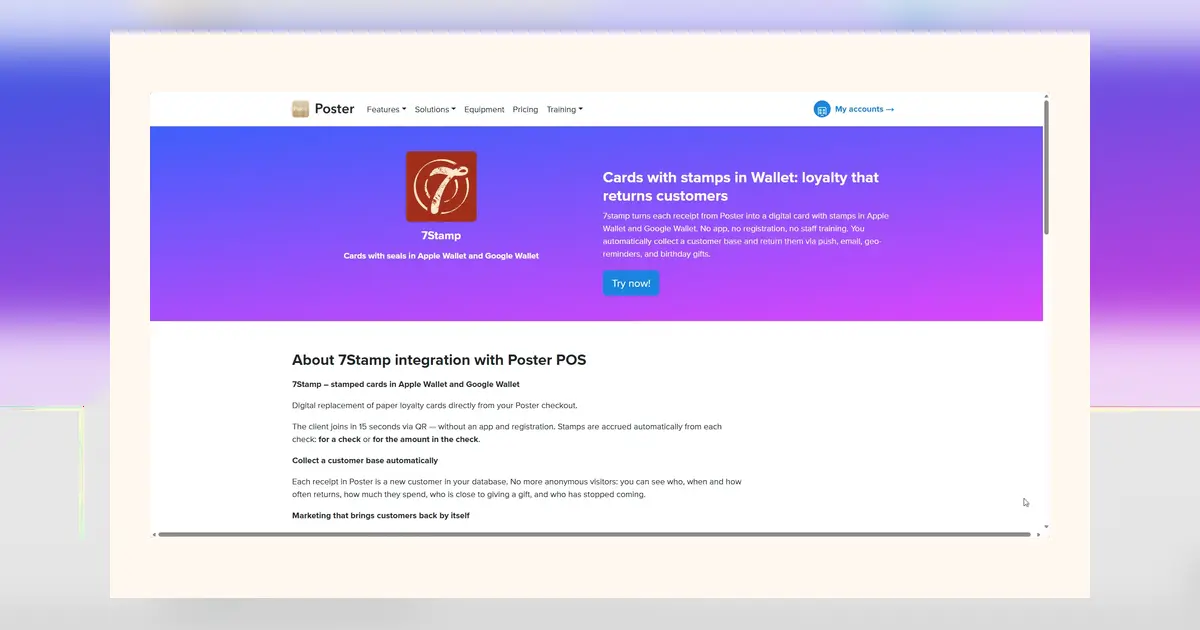
If you already have a payment terminal on your counter, you already have everything you need to run a loyalty program. No new device, no app for your customers to download, no complicated POS project. Here is how it works with 7Stamp.
Can you really add loyalty to a payment terminal?
Yes. With Terminal Mode, the 7Stamp Scanner app runs directly on an existing Android payment terminal. Your customers collect digital stamps in Apple Wallet or Google Wallet, and you manage everything from the terminal that already takes the payment.
How it works at checkout
It is four steps:
- Pay — the customer pays for the order as usual.
- Open — the 7Stamp Scanner app opens on the terminal, automatically or with one tap.
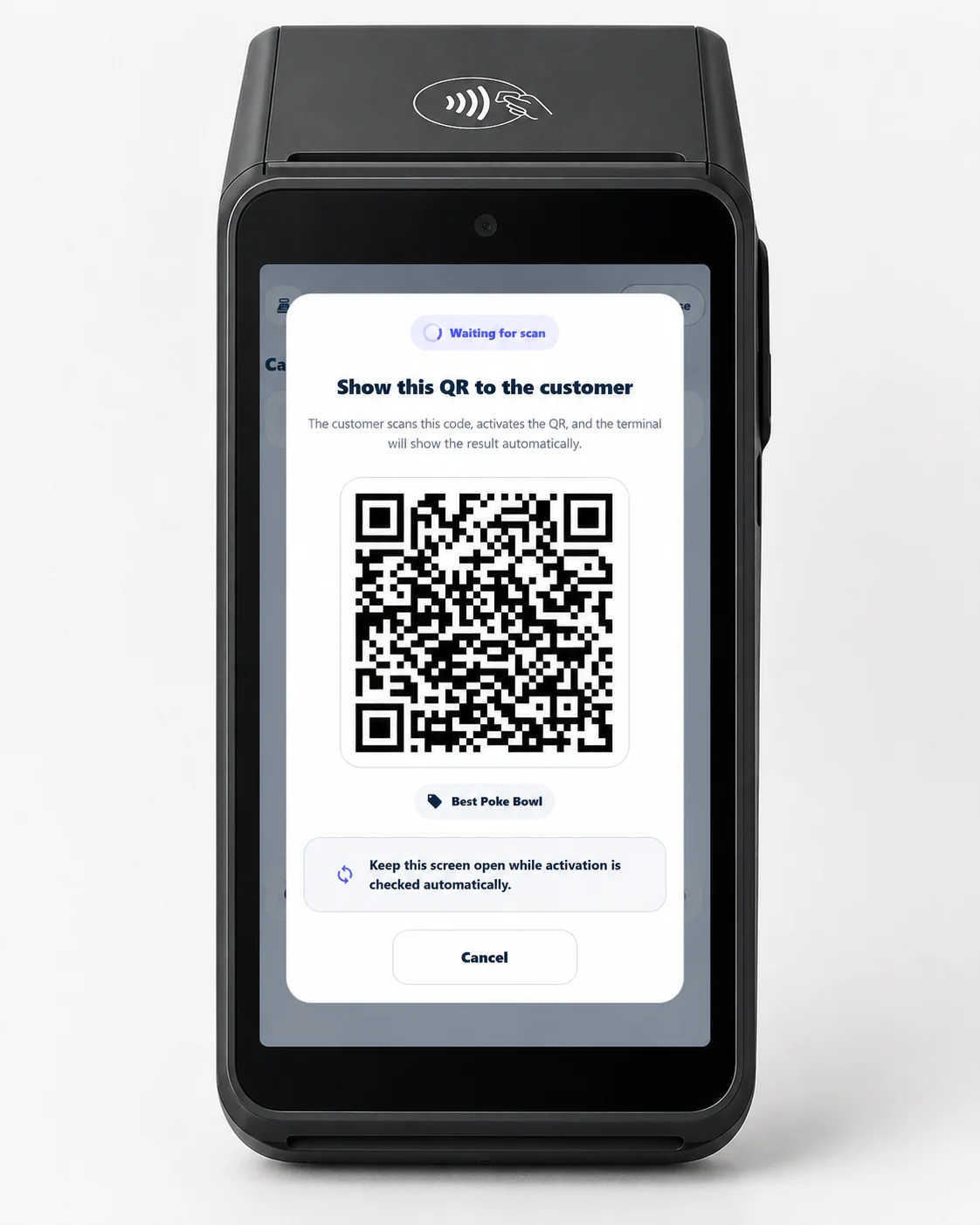
- QR — you tap "Serve customer" and a QR code appears on the terminal screen.
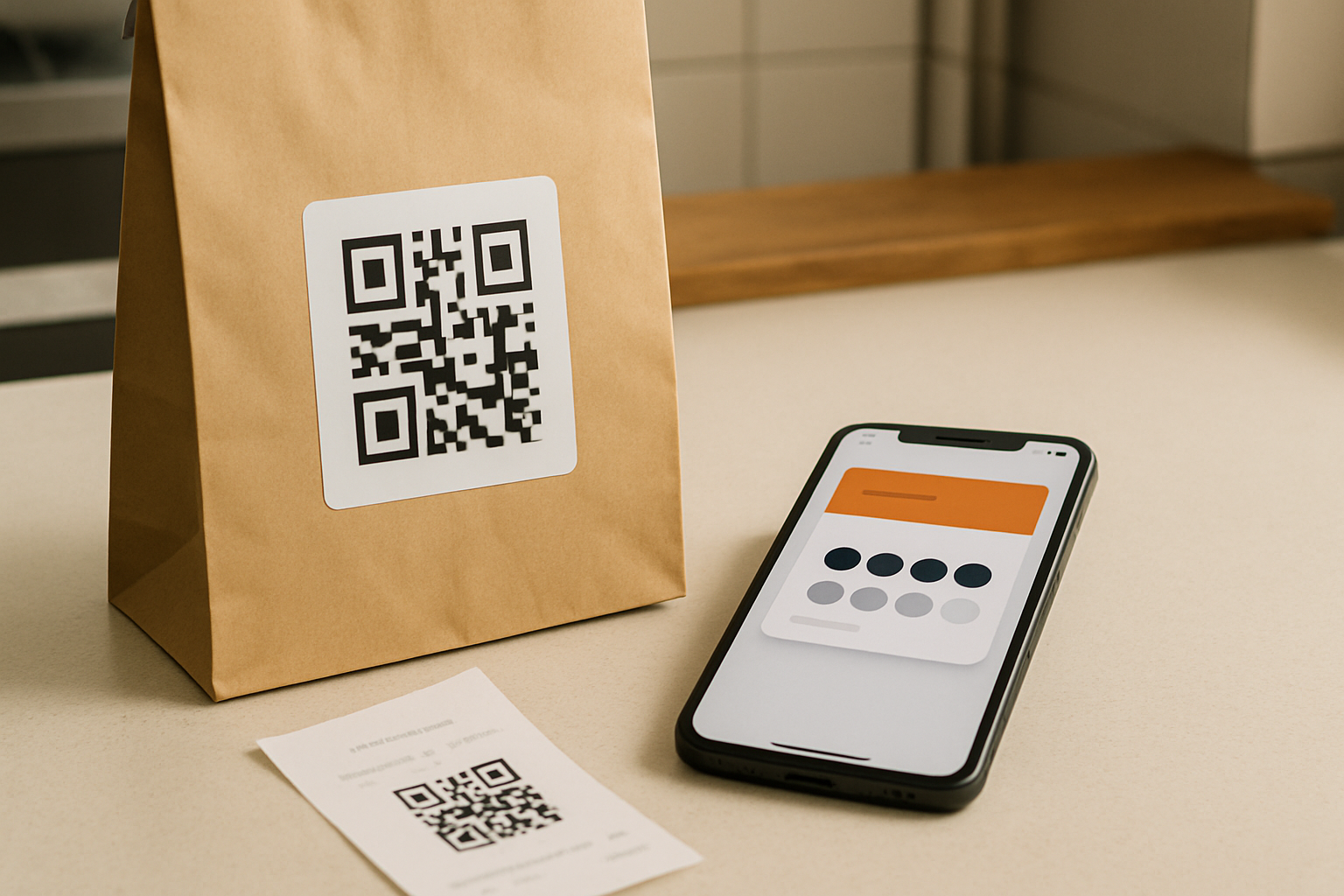
- Scan — the customer scans it with their phone. A loyalty card is created and saved to their wallet (with the first stamps), or their existing card updates instantly.
Fixed vs by-amount stamping
You choose how stamps are earned. With fixed stamping, the customer gets one stamp per purchase, no matter the total. With by-amount stamping, stamps are based on the receipt total — you enter the amount on the terminal and 7Stamp calculates the rest.
Rewards your customers actually use
Terminal Mode does more than count stamps. When a customer reaches a goal, you can hand over an instant gift (Award), issue a voucher they redeem on a later visit (Smart Voucher), or let them spin a quick game for a prize (Lottery). All of it happens on the terminal and on the customer's phone — nothing to print, nothing to lose.
What you need to start
An Android payment terminal and the 7Stamp Scanner app — install it from Google Play or download the direct APK. Then open Terminal Mode and start serving customers.
Do customers need an app?
No. The loyalty card lives in Apple Wallet or Google Wallet, which is already on their phone. They scan a QR once and the card stays with them for every future visit — no download, no account, no password.
Try it
Start free with 7Stamp, or see the full Terminal Mode workflow.