
No API key, any plan
SmartKasa gives out API keys only on its Corporate plan. 7Stamp does not need one: you add an outlet ID or a company code, and that is the whole connection.
Integration · SmartKasa · Ukraine
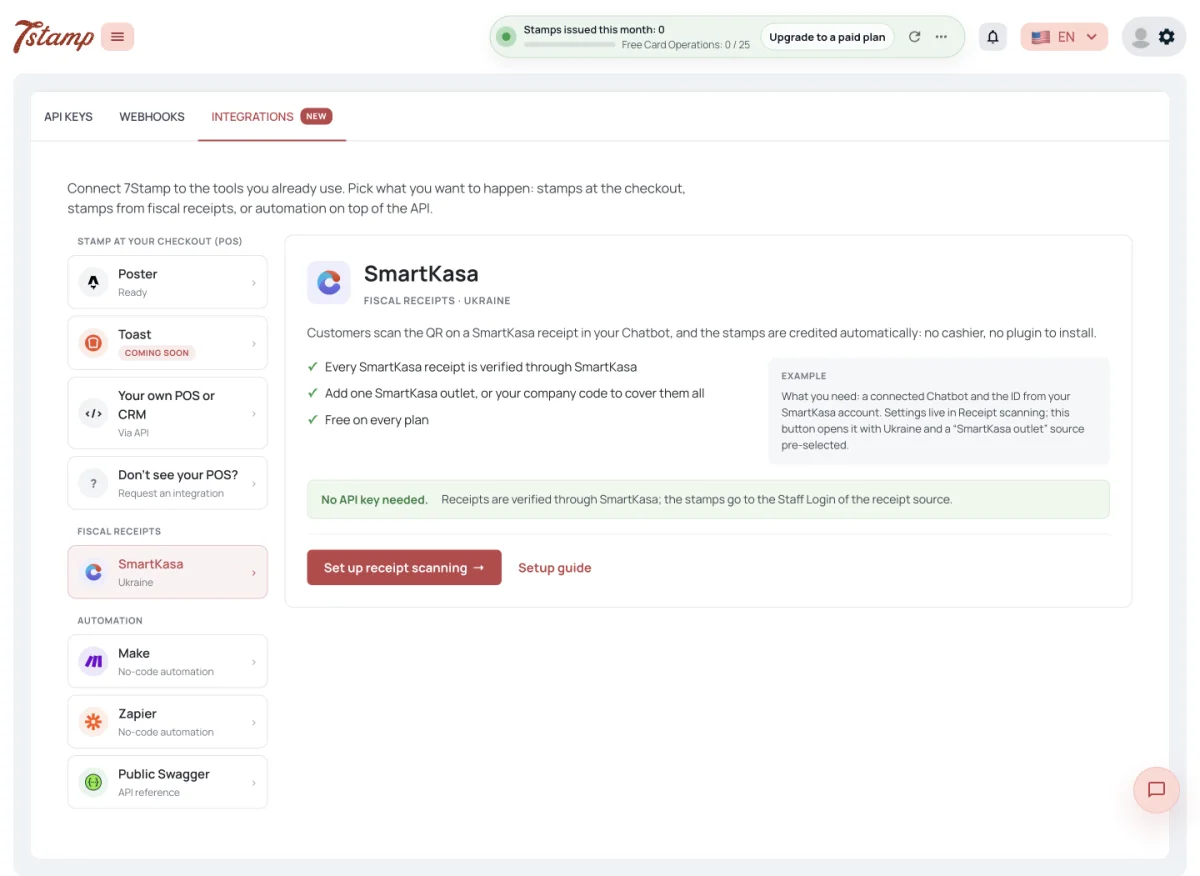
Your Customers scan the QR code on the SmartKasa receipt in your Telegram or WhatsApp bot and get stamps on their 7Stamp card. SmartKasa itself has no loyalty program; 7Stamp adds one without an API key, on any SmartKasa plan.
You add your SmartKasa outlet ID, or your company code to cover every outlet, as a receipt source in 7Stamp. Each receipt is verified through SmartKasa, counts once, and the cashier keeps working exactly as before.
7Stamp and SmartKasa at a glance
A loyalty program on top of the SmartKasa you already use, with no integration project and no change at the counter.
SmartKasa gives out API keys only on its Corporate plan. 7Stamp does not need one: you add an outlet ID or a company code, and that is the whole connection.
The cashier sells and prints the receipt in SmartKasa as usual. No second screen, no Customer QR to scan.
7Stamp checks every receipt through SmartKasa. A receipt gives stamps once, only from your outlets, and only within the scan window you set.
A digital Stamp card in Apple Wallet and Google Wallet and in your bot, with Vouchers, a Lottery and Vouchers the Customer can redeem at the counter themselves.
Video walkthrough
Adding a SmartKasa outlet as a receipt source and what the Customer sees in the bot.
The SmartKasa side does not change. Everything new happens on the Customer's phone after paying.
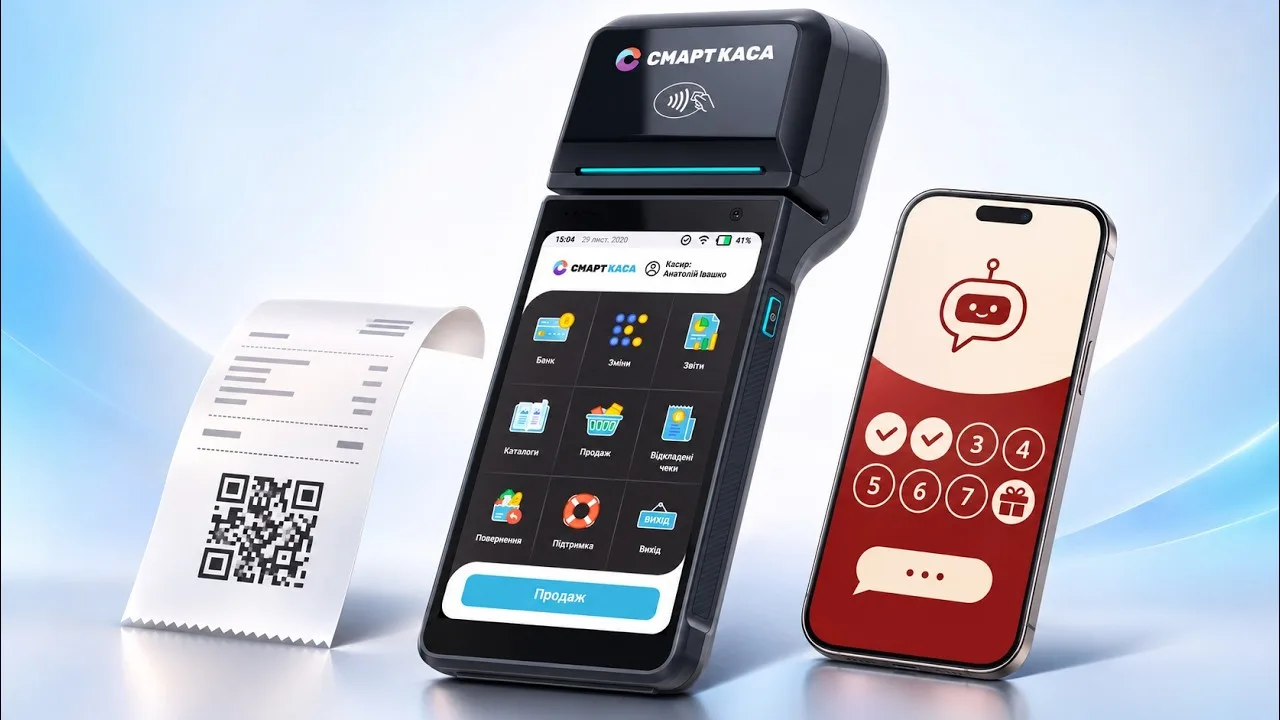
The cashier rings up the sale in SmartKasa, which issues the fiscal receipt with its QR code.
In your Telegram or WhatsApp bot the Customer taps Scan receipt and scans the receipt QR.
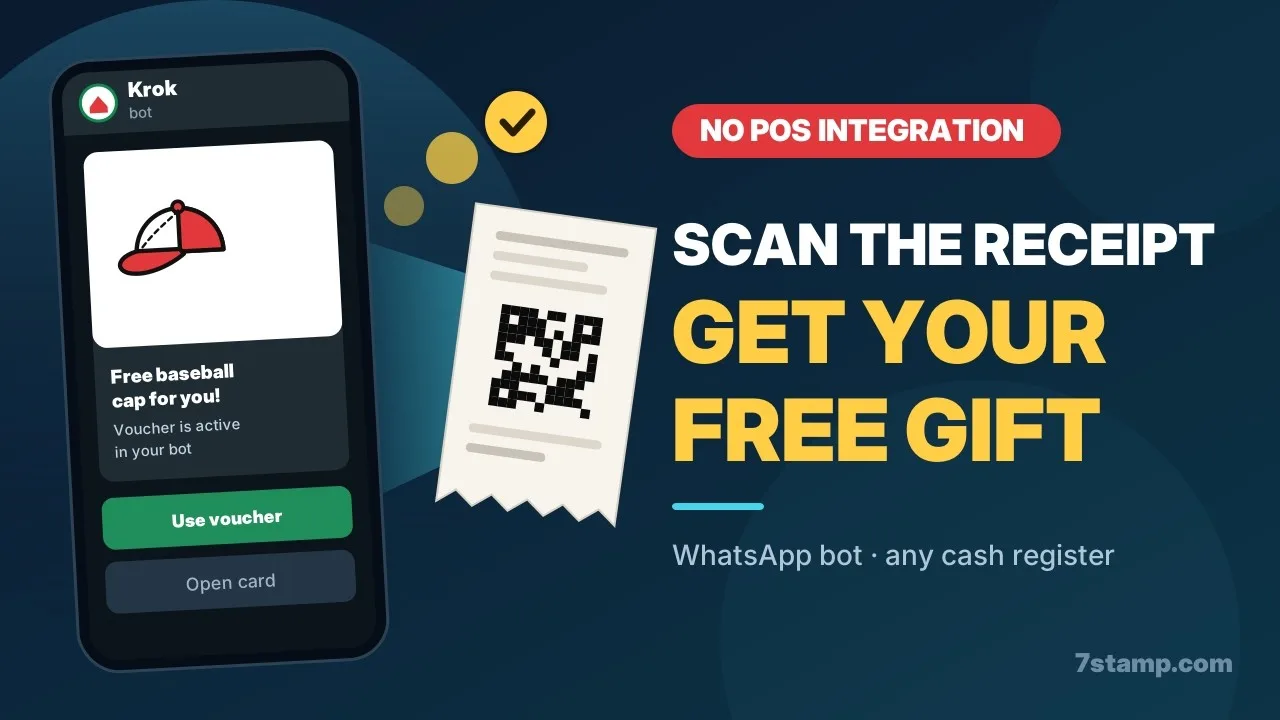
7Stamp checks the receipt through SmartKasa, matches it to your outlet or company code and adds stamps by your Stamp card's rule.
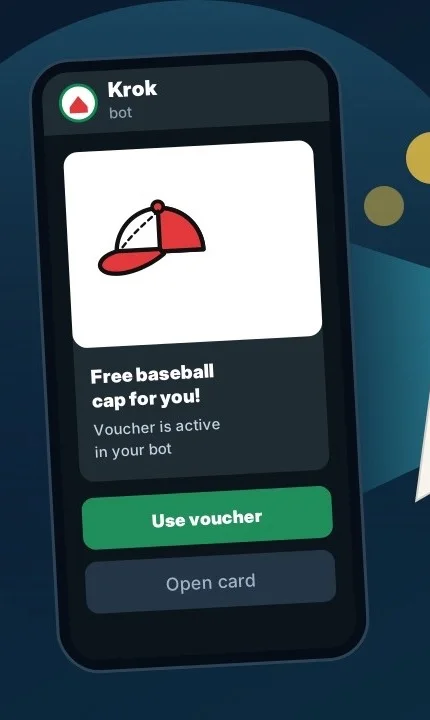
When the goal is reached, the Customer gets a Voucher or plays a Lottery in the bot.
Coffee shops, retail and services that already sell on SmartKasa and want regulars.
Add the outlet ID, connect your bot, and Customers start collecting stamps for the same receipts you print today.
Add the company code once to cover every SmartKasa outlet of the company.
Stamp by the receipt total or by products on the receipt, not only per visit.
What changes when the SmartKasa receipt itself is the loyalty step.
No. SmartKasa is a POS and software cash register. 7Stamp adds a stamp-card loyalty program on top of it: Customers scan SmartKasa receipts in your bot and collect stamps.
No. SmartKasa is added as a receipt source in Receipt scanning, by an outlet ID or by the company code. No API key is needed, so it works on any SmartKasa plan.
In your SmartKasa account: My business → Outlets, the ID column. To cover every outlet of the company at once, add the company code instead.
Nothing new. The cashier sells in SmartKasa as usual; the Customer scans the receipt in your bot.
Every SmartKasa receipt is verified through SmartKasa. It gives stamps once, only when it comes from your outlet or company, and only within the scan window of the receipt source.
A receipt that 7Stamp itself sent to SmartKasa for an order is refused, so an online order is not stamped twice.
No. Fiscal receipts from other cash registers work too: add the cash register's fiscal number or your company code as a receipt source.
In your bot right after the scan, and on the Stamp card in Apple Wallet or Google Wallet.
Receipt scanning has no fee of its own on any 7Stamp plan. A receipt that stamps a card counts one Card Operation of your plan.
Next step
Create a Stamp card, connect your bot and add your SmartKasa outlet ID. The next receipt can already bring a stamp.