
The cashier does nothing
No Customer QR to scan, no button to press, no question to ask. The queue moves as before, and the loyalty step happens on the Customer's phone after paying.
Fiscal Receipt Scanning · Ukraine · Slovakia · Kazakhstan · Uzbekistan
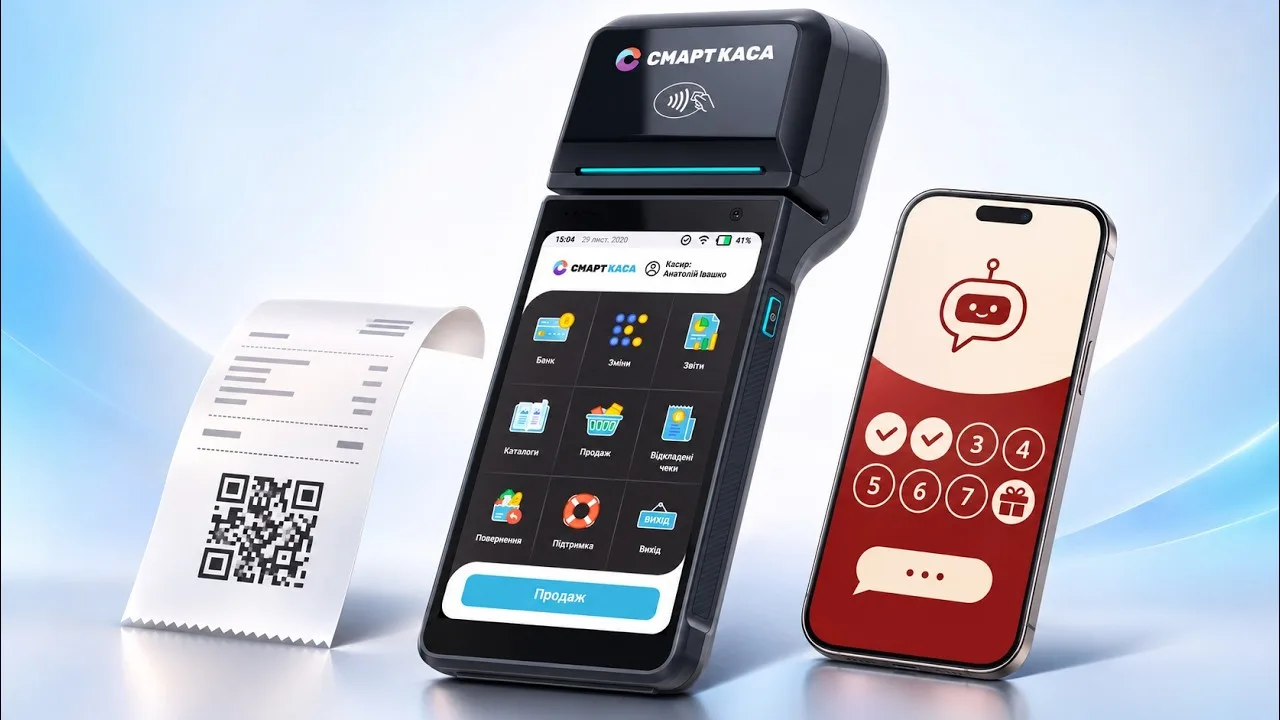
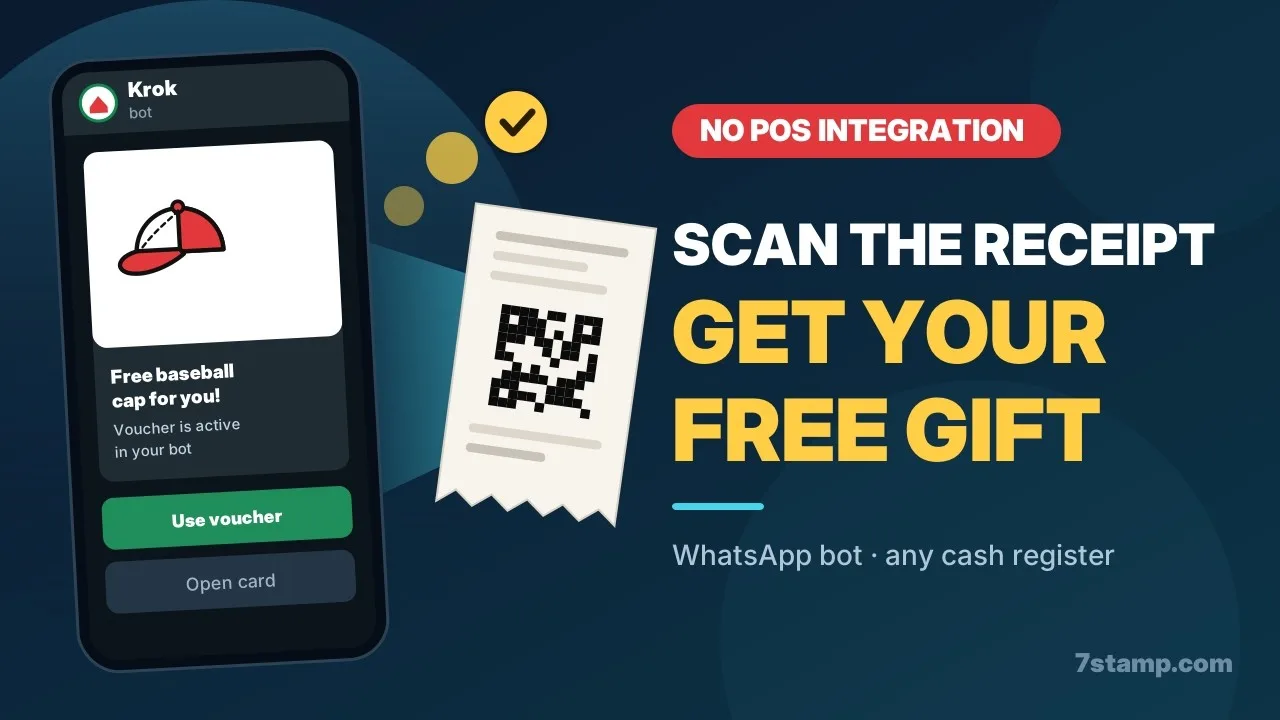
After paying, the Customer opens your Telegram or WhatsApp bot, taps Scan receipt and points the camera at the QR code on the fiscal receipt. 7Stamp fetches that receipt from the country's fiscal service and adds the stamps. It works with any cash register, and the cashier does nothing.
Every fiscal receipt in Ukraine, Slovakia, Kazakhstan and Uzbekistan already carries a QR code. 7Stamp turns it into a loyalty step: no plugin for your POS, no developers, no new device at the counter, and no app for the Customer to install.
Fiscal receipt loyalty at a glance
Most loyalty tools need the cashier to scan the Customer, a POS plugin, or a photo of the receipt. Fiscal receipt scanning needs none of these.
No Customer QR to scan, no button to press, no question to ask. The queue moves as before, and the loyalty step happens on the Customer's phone after paying.
No POS integration and no developers. The QR code the law already puts on every fiscal receipt is the link between the purchase and the Stamp card.
7Stamp fetches the receipt from the country's fiscal service, so the total and the products come from the official record, not from a picture someone could edit.
A receipt gives stamps once, only for the cash registers and companies you add, and only within the scan window after the purchase. Another shop's receipt or an old one gives nothing.
Video walkthrough
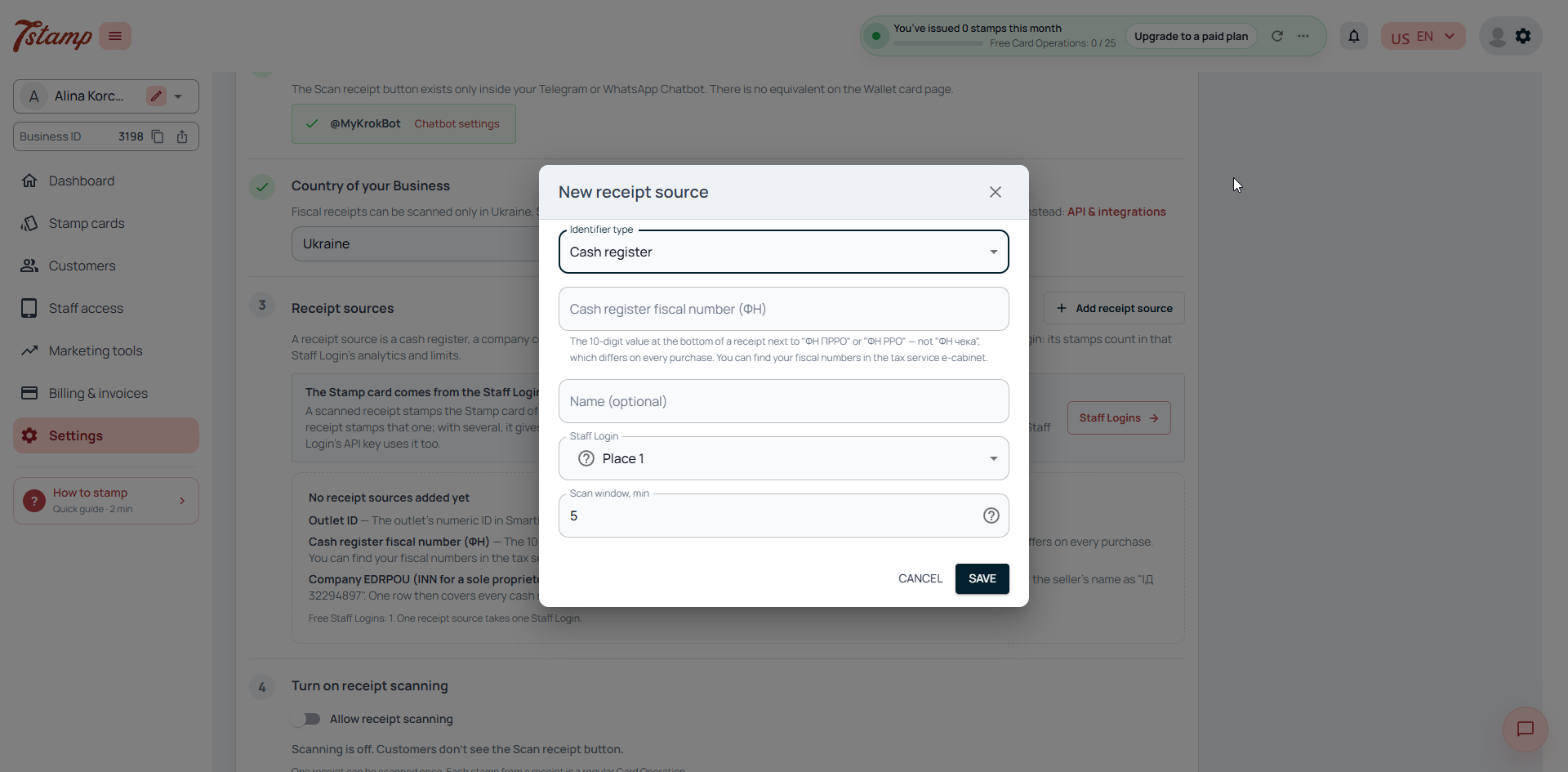
Connecting the bot, choosing the country, adding a receipt source and switching scanning on.
Four steps, and only the first one happens at the counter. The receipt is stamped by the rules of your Stamp card: one stamp per visit or by the amount spent.
The purchase ends with the standard fiscal receipt and its QR code.
The Customer opens your Telegram or WhatsApp bot, taps Scan receipt and points the camera at the QR code on the receipt.
7Stamp fetches the receipt from the fiscal service, matches it to one of your receipt sources and stamps it by your Stamp card's earning rule.
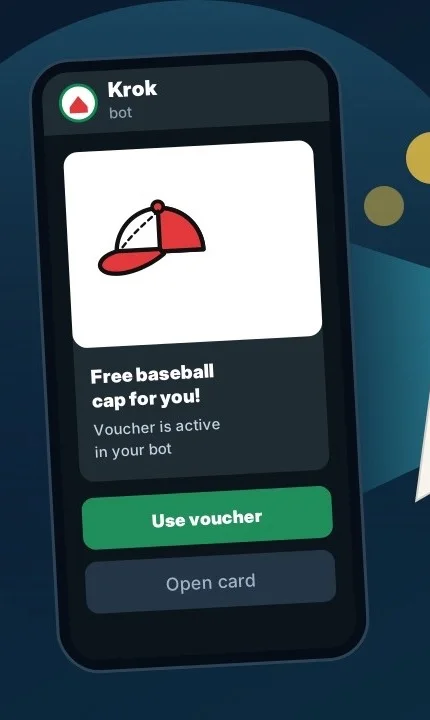
When the goal is reached, the Customer gets a Voucher or plays a Lottery right in the bot.
Any business in the four countries that issues fiscal receipts and wants regulars without slowing the counter down.
Buy six coffees, get the seventh free. The Customer takes the receipt and scans it at the table while the next order is already being made.
Stamps by the receipt amount instead of per visit, so a bigger basket brings the reward closer. Products on the receipt can count too.
One company code covers every cash register of the company. No list of terminals to keep up to date.
What changes when the receipt itself becomes the loyalty step.
After paying, the Customer opens your Telegram or WhatsApp bot, taps Scan receipt and scans the QR code on the fiscal receipt. 7Stamp fetches the receipt from the country's fiscal service, checks that it comes from one of your receipt sources and adds stamps by your Stamp card's rule.
No. Fiscal receipt scanning works with any cash register or software cash register that prints a fiscal receipt with a QR code. You add the cash register's fiscal number, your company code, or a SmartKasa outlet ID as a receipt source; nothing is installed on the POS.
Nothing. The cashier issues the usual fiscal receipt. The Customer scans it in your bot, and 7Stamp adds the stamps.
In Ukraine, Slovakia, Kazakhstan and Uzbekistan. In other countries a 7Stamp QR printed on your receipt does the same job.
7Stamp does not read a photo. It fetches the receipt from the country's fiscal service by its QR code and gives stamps only when the receipt comes from a cash register or company you added as a receipt source.
No. A receipt gives stamps once, and only within the receipt source's scan window: five minutes after the purchase for a new source. You can make it longer, or set zero for no limit.
No. The Customer scans in your Telegram or WhatsApp bot, a chat they already have. The Scan receipt button is only in the bot, not in Apple Wallet.
A business connects one bot at a time: a Telegram bot or a WhatsApp number of its own. 7Stamp has no shared bot for Customers.
No. The first receipt a Customer scans issues them the Stamp card.
A Voucher for a gift or a discount, or a Lottery with prizes. If you allow Customers to redeem Vouchers themselves, the Customer redeems it in the bot at the counter; otherwise staff redeem it in 7Stamp Scanner.
Yes. The receipt is stamped by your Stamp card's earning rule: one stamp per visit, by the amount spent, or by the products on the receipt.
Four steps in Settings → Receipt scanning: connect the bot, choose your country, add a receipt source and switch scanning on. Test mode lets you try the flow before going live.
No. Receipt scanning has no fee of its own on any plan, and checking the receipt with the fiscal service is not counted. A receipt that stamps a card counts one Card Operation of your plan.
Next step
Create a Stamp card, connect your bot and add your cash register or company code. Your Customers can scan their first receipt today.