Poster POS — Орталық және Шығыс Еуропадағы кофеханалар, наубайханалар, салондар мен шағын мейрамханаларға арналған ең танымал кассалық жүйелердің бірі. Ол жылдам, телефонда ыңғайлы әрі қолжетімді. Бірақ бір нәрсені өзі істемейді: қонақтарды қайтармайды.
Poster чекті, ас үй тапсырысын, қойма қалдығын және қаржы есебін атқарады. Онда wallet карталар, ваучерлер, push еске салулар немесе туған күн сыйлықтары бар кіріктірілген адалдық бағдарламасы жоқ. Мұның бәрі керек болса, Poster үстіне қабат қосу керек. Бұл нұсқаулық үш нақты нұсқаны қарастырады және неге көп кофехана wallet картаны таңдайтынын түсіндіреді.
Poster POS-та кіріктірілген адалдық бағдарламасы бар ма?
Қысқаша: жоқ, кем дегенде көп кофехана күткен мағынада емес.
Poster-де жеңілдік логикасы, промокодтар және Сертификат төлем әдісі бар, бірақ мекемелерге шын мәнінде керек адалдық қабаты жоқ:
- қонақ телефонында сақтайтын wallet адалдық картасы;
- берілуден өтелуге дейінгі өмірлік циклі бар ваучер қозғалтқышы;
- қонақтың мінез-құлқы іске қосатын push, email немесе мессенджер науқандары;
- қол еңбегінсіз туған күн автоматикасы;
- анонимді маркетплейс тапсырыстарын түрлендіретін жеткізудегі QR салымдар.
Адалдық — касса жұмысынан бөлек міндет, ал Poster әдейі кассада қалады.
1-нұсқа. Қағаз штамп карточкалары
Бұл ең арзан нұсқа. Бір буда карточка басып шығарыңыз, сөреде штамп қойыңыз және оныншы келгенде тегін кофе беріңіз. Тек бастапқы нүкте іздеп жүрген өте кішкентай кофеханаға бұл жеткілікті болуы мүмкін.
Бірақ бағасы ауыр: қонақтар карточканы жоғалтады, кім қайтқаны туралы дерек жоқ, ешкімге жаза алмайсыз, ал біреу әмиянын реттеген сәтте бағдарлама жоғалады. Туған күн логикасы да, қайтару да жоқ, ұжым бағдарламаны шынымен ұсынып жүр ме — оны білудің таза жолы да жоқ.
2-нұсқа. Жеке брендтелген адалдық қосымшасы
Кейбір кофеханалар штамптары, ұпайлары және сыйлықтары бар брендтелген мобильді қосымша жасайды немесе сатып алады. Бюджеті мен ішкі өнім командасы бар үлкен желі үшін бұл жұмыс істеуі мүмкін.
Тәуелсіз мекеме үшін кемшілік әдетте тым ауыр: қонақ тағы бір қосымшаны жүктеп, тіркеліп, құпиясөзді есте сақтауы керек. Орнату кезінде-ақ ықтимал қатысушылардың үлкен бөлігі жоғалады. Одан кейін қосымшаға iOS пен Android-та үздіксіз қолдау керек. Жалпы шығын сирек ақталады.
3-нұсқа. Poster үстіндегі сандық wallet штамп карталары
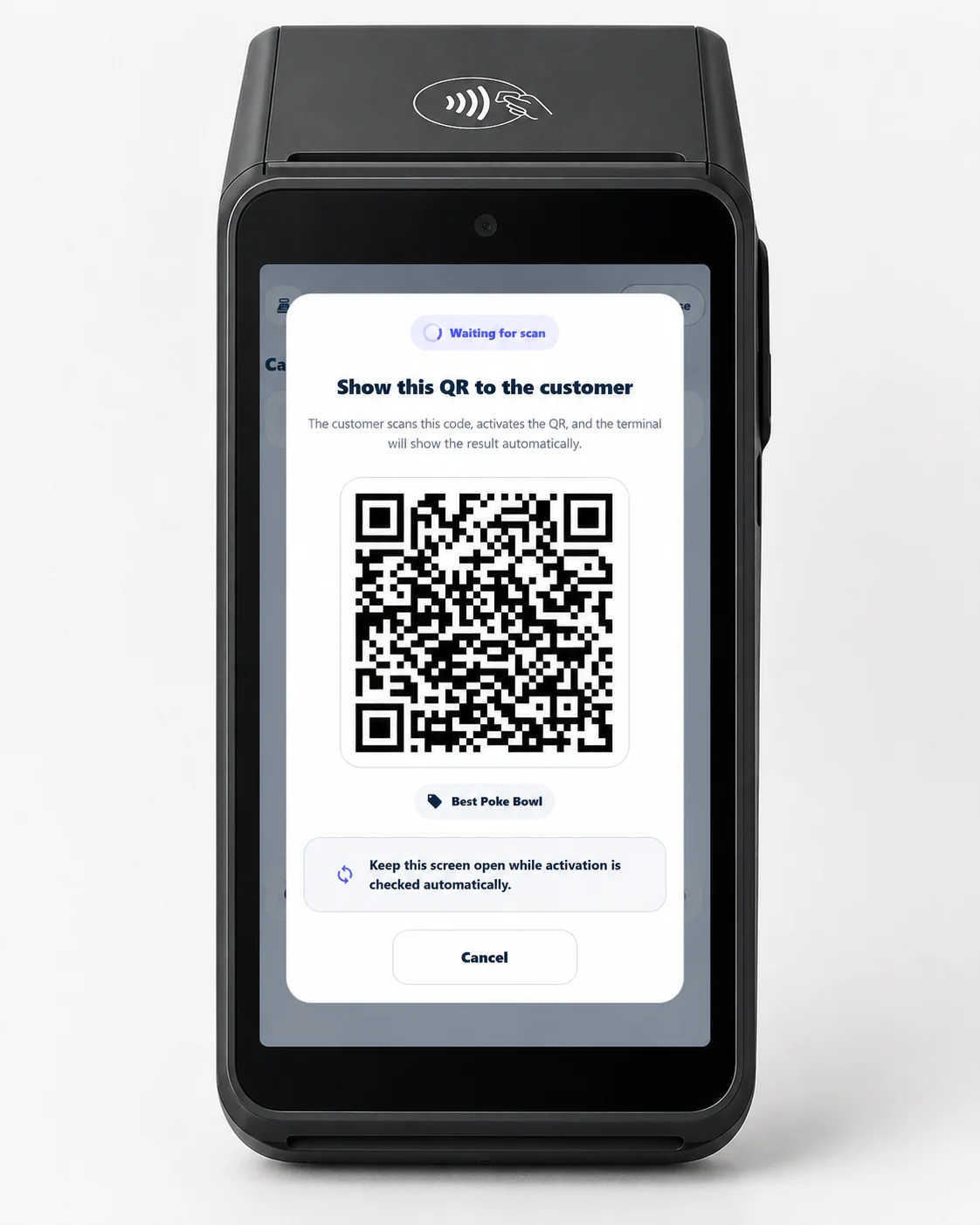
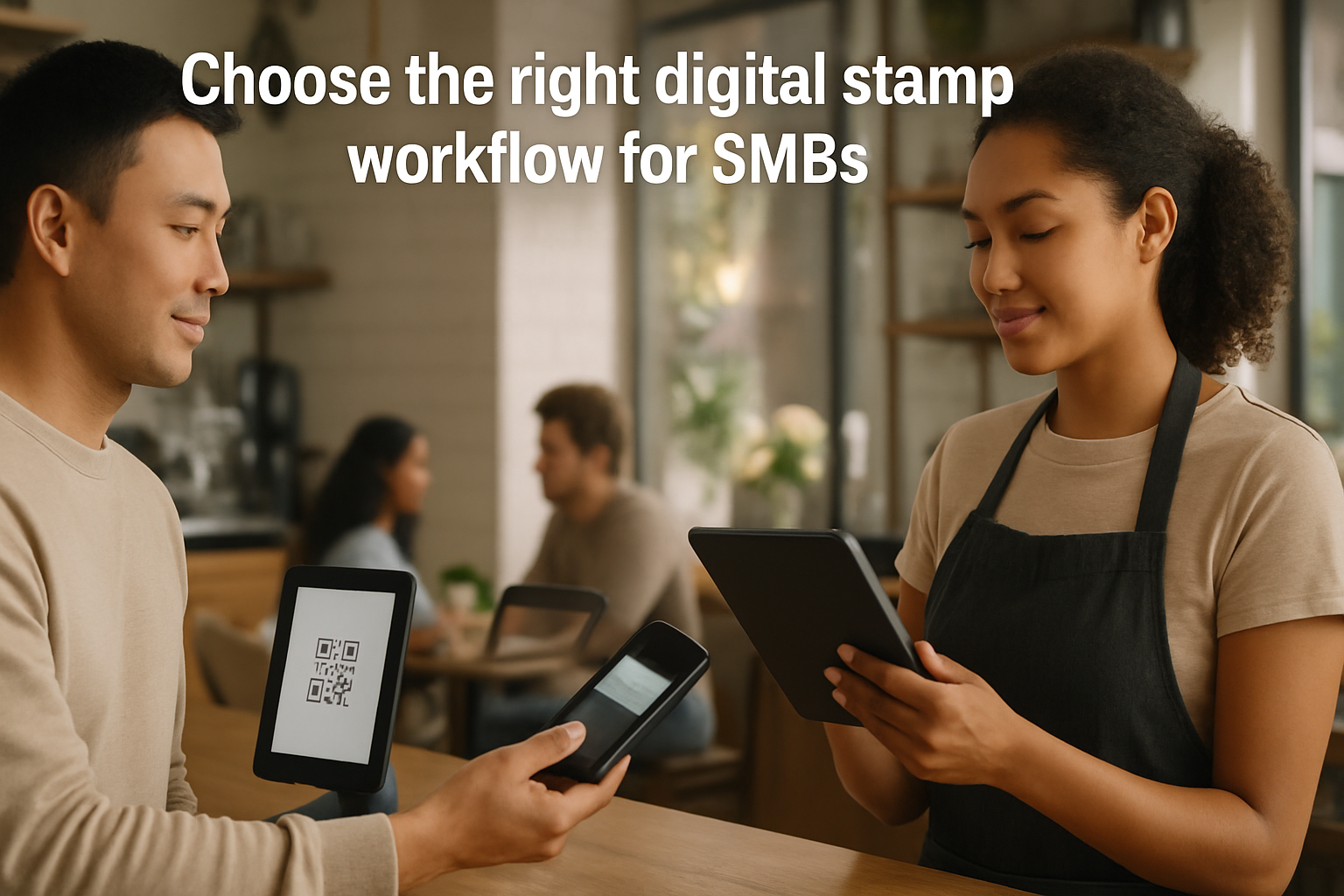
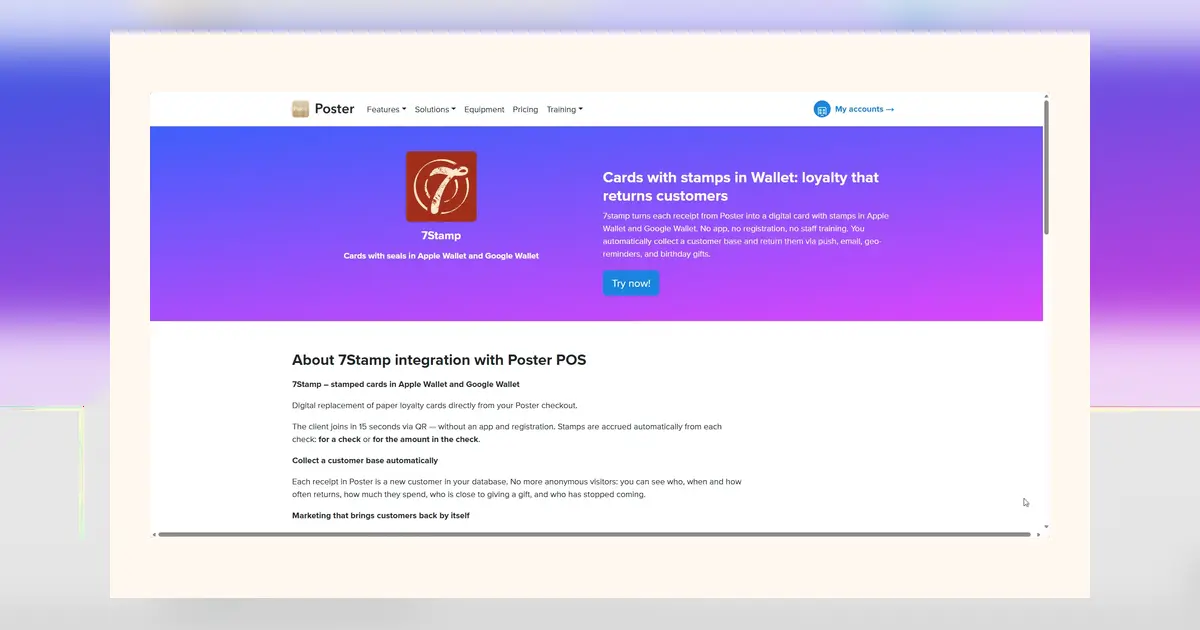
7Stamp дәл осы жолмен жүреді. Карталар Apple Wallet және Google Walletішінде тұрады — олар қонақтың телефонында әлдеқашан бар. Қосылу Poster чегінің төменгі жағына басылған QR кодты сканерлеу арқылы шамамен 15 секунд алады. Қызметкерлер жаңа ештеңе істемейді. Poster дәл бұрынғыдай жұмысын жалғастырады.
- 7Stamp-ты Poster маркетплейсінен орнатыңыз.
- Екі режимнің бірін таңдаңыз: төлем кезінде кассир сканерлеуі немесе әр чекке басылатын QR.
- Қонақтар сканерлейді, картаны сақтайды және келесі келгеннен бастап штамп жинайды.
Карта Apple Pay мен Google Pay қасында тұрады, сондықтан қонақтар оны күнделікті өмірде көреді. Өшіретін қосымша, ұмытатын құпиясөз және бөлек кіру жоқ.
| Нұсқа | Несімен жақсы | Қай жерде сынады |
|---|---|---|
| Қағаз штамп карточкасы | Арзан әрі іске қосу оңай | Қонақ туралы дерек жоқ, хабарлама жоқ, оңай жоғалады |
| Жеке адалдық қосымшасы | Барынша бақылау және өз тәжірибесі | Жоғары бағасы, әлсіз қосылу, үздіксіз қолдау |
| Poster үстіндегі wallet карта | Жылдам қосылу, қосымшасыз, аз жүктеме | Кассадан тыс адалдық қабаты керек |
Ал ваучерлер ше? Poster-де олар жоқ.
Дұрыс. Poster касса ретінде нағыз ваучер жүйесін қамтымайды, тек төлемде қолданылатын жеңілдіктер мен промокодтар бар.
7Stamp Poster үстіне толыққанды ваучер қозғалтқышын қосады. Ваучерлердің өмірлік циклі бар: берілді -> белсенді -> өтелді -> мерзімі бітті, оларды штамп жинап алуға немесе қолмен беруге болады, науқандарда жұмыс істейді және екі рет қолдануға болмайды, тіпті скриншоттан да.
Poster кассасында ваучерлер үш стандартты әдістің бірімен өтеледі: нөл бағалы акциялық позиция, қолмен жеңілдік немесе Сертификатпен төлеу. Мекемеге сай есеп жолын өзіңіз таңдайсыз.
Smart Vouchers қалай жұмыс істейтінін қараңыз
Ал Glovo, Bolt Food немесе Wolt арқылы жеткізу тапсырыстары ше?
Агрегаторлар тапсырыс әкеледі, бірақ қонақпен қарым-қатынасты өзінде қалдырады және 25-тен 35 пайызға дейін комиссия алады. Poster тапсырыс қабылдауға көмектеседі, бірақ анонимді агрегатор тапсырыстарын сіздің өз қонақ базаңызға айналдырмайды.
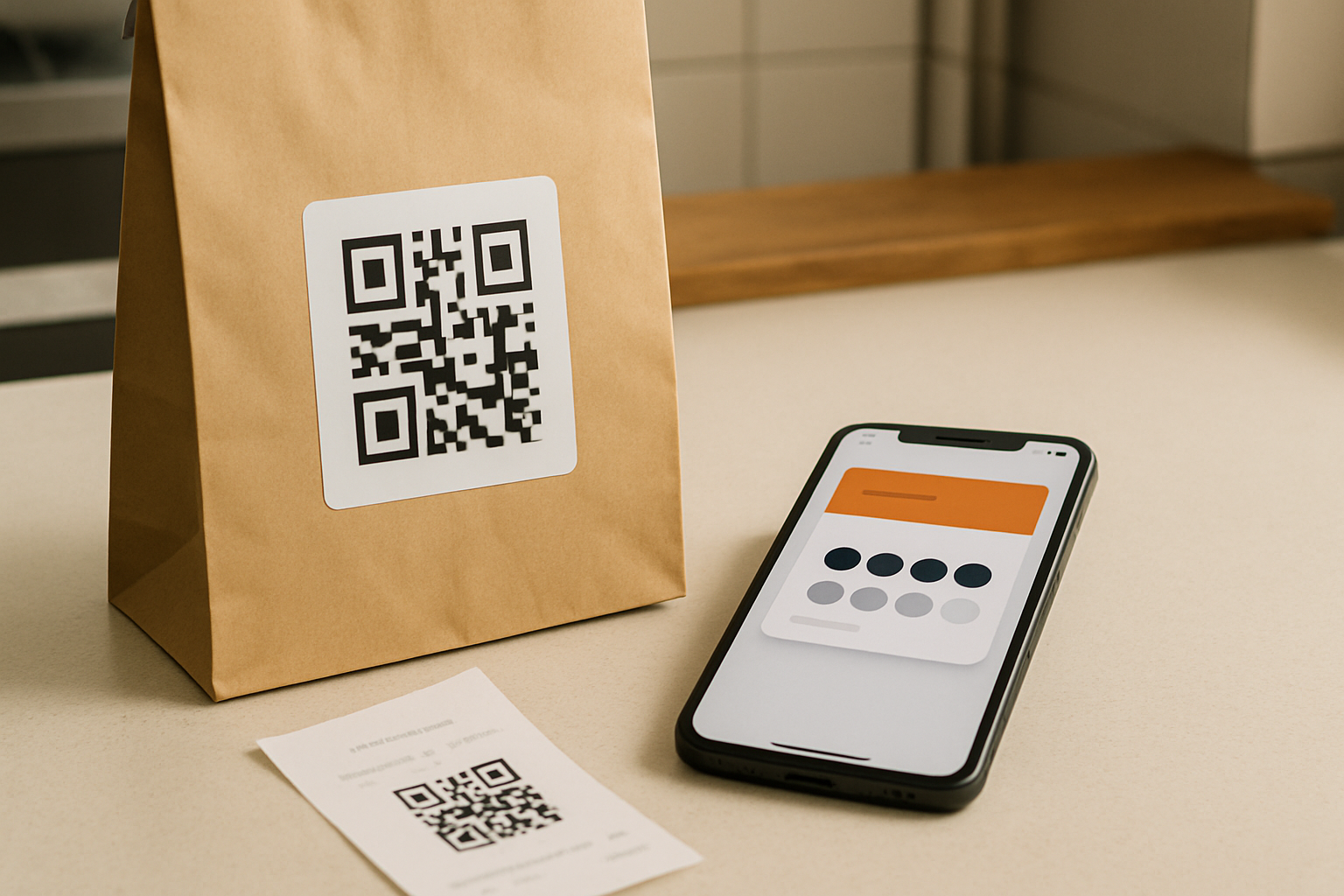
7Stamp Delivery Inserts осы олқылықты жабады. Бірегей QR кодтары бар шағын карточкалар басып шығарыңыз, әр жеткізу пакетіне біреуден салыңыз — әр сканерлеу бірден қарсы алу штамптары бар адалдық картасын береді. Қонақ енді сіздің базаңызда, сондықтан агрегатор арқылы қайта өтпей-ақ wallet push, туған күн сыйлығын немесе қайтару ваучерін жібере аласыз.
Толық жеткізу агрегаторының ойын кітабын оқыңыз
Ал туған күндер, қайтару және еске салулар ше?
Poster қонақтарға өмірлік цикл бойынша хабарлама жібермейді, себебі қарым-қатынас чекпен аяқталады.
7Stamp үстіне үш практикалық арна қосады:
- Wallet push сақталған картадағы қысқа хабарландырулар үшін;
- Email сурет, түйме және ваучерлері бар ұзағырақ науқандар үшін;
- Мессенджерлер WhatsApp, Telegram және Viber интеграциялары арқылы.
Туған күн сыйлықтары бір рет бапталады да, әрі қарай өзі жұмыс істейді. Қайтару ережелері, мысалы 30 күн келмеген, да фонда жүреді. Хабарлама енді жай ғана қайта келіңіз емес. Ол мынаған айналады: қайта келіңіз, міне нақты себеп.
Бұл қанша тұрады?
7Stamp-та айына 25 Card Operations дейін және бір Staff Seat бар Free Forever тарифі бар — адалдық циклын сынап жүрген шағын кофеханаға әдетте жетеді.
Poster интеграциясының өзі орнату мен пайдалануға тегін. Транзакция үшін комиссия жоқ.
15 минуттан аз уақытта қалай орнату керек
- Ашыңыз: joinposter.com/applications/7stamp және басыңыз: Try, содан кейін Connect.
- Ашыңыз: admin.7stamp.com және мына жерде API кілт жасаңыз: Stamp Cards -> API & Integrations.
- Poster-де мына бөлімге өтіңіз: Functions -> Applications -> 7Stamp және кілтті қойыңыз.
- Штамп режимін таңдаңыз: кассада картаны сканерлеу немесе чекке QR басу.
- Дайын.
Скриншоттары бар толық қадамдық
Білуге тұрарлық басқа Poster интеграциялары
Poster-де бухгалтерия, онлайн тапсырыс, брондау және қоймаға арналған үшінші тарап қосымшаларының маркетплейсі бар. 7Stamp — адалдық қабаты. Ол бұл құралдарды алмастыруға тырыспайды және орнатылып қойған бәрінің қасында жұмыс істейді.
Қорытынды
Poster POS-қа адалдықты қосу үшін не жеке қосымша, не әзірлеуші қажет емес. Ең арзан салмақты шешім — қағаз штамп карточкасы. Күнделікті жұмыста ең тиімдісі — QR арқылы қосылатын және фонда тыныш жұмыс істейтін wallet штамп картасы. Poster өзі ең жақсы білетін ісін жалғастырады, ал адалдық қабаты үстінде отырады.