اگر تا به حال خواستهاید از داخل Poster POS به یک مشتری همیشگی برای مراجعه بعدی یک قهوه رایگان بدهید، احتمالاً دیدهاید که چنین چیزی واقعاً وجود ندارد. Poster تخفیف، کمپین و روش پرداخت گواهی دارد، اما کوپن به معنای واقعی باشگاه مشتریان ندارد.
این ایراد Poster نیست. Poster یک سامانه صندوق فروش است و کوپن به حوزه وفاداری مشتری مربوط میشود. پرسش عملی این است که چطور آن لایه را بدون تعویض یا دستکاری صندوق اضافه کنیم. دقیقاً همینجاست که 7Stamp Smart Vouchers مینشیند.
چرا تخفیف و کمپین کوپن نیستند
تخفیف یا کد تخفیف در Poster قاعدهای است که صندوقدار در لحظه پرداخت اعمال میکند. بین مراجعهها همراه مشتری نمیماند. خودبهخود منقضی نمیشود. نمیداند مشتری قبلاً از آن استفاده کرده یا نه. اگر کسی از کد اسکرینشات بگیرد و برای دوستش بفرستد، Poster آن را یک شیء بستهشده وفاداری نمیداند.
کوپن واقعی فرق دارد. متعلق به یک مشتری مشخص یا یک دسته صدور مشخص است. چرخه عمری دارد: صادرشده -> فعال -> استفادهشده -> منقضی. پس از استفاده، همان کوپن دوباره قابل استفاده نیست؛ نه از روی اسکرینشات، نه نزد صندوقدار دیگر، نه در روزی دیگر.
7Stamp چه چیزی روی Poster اضافه میکند
7Stamp یک موتور کوپن کامل دارد که برای نشستن روی صندوق طراحی شده است. هر کوپن میتواند شامل اینها باشد:
- عنوان و توضیح تا مشتری پاداش را بفهمد؛
- قواعد اعتبار مثل نامحدود، تاریخ انقضای ثابت، N روز یا N ماه پس از صدور؛
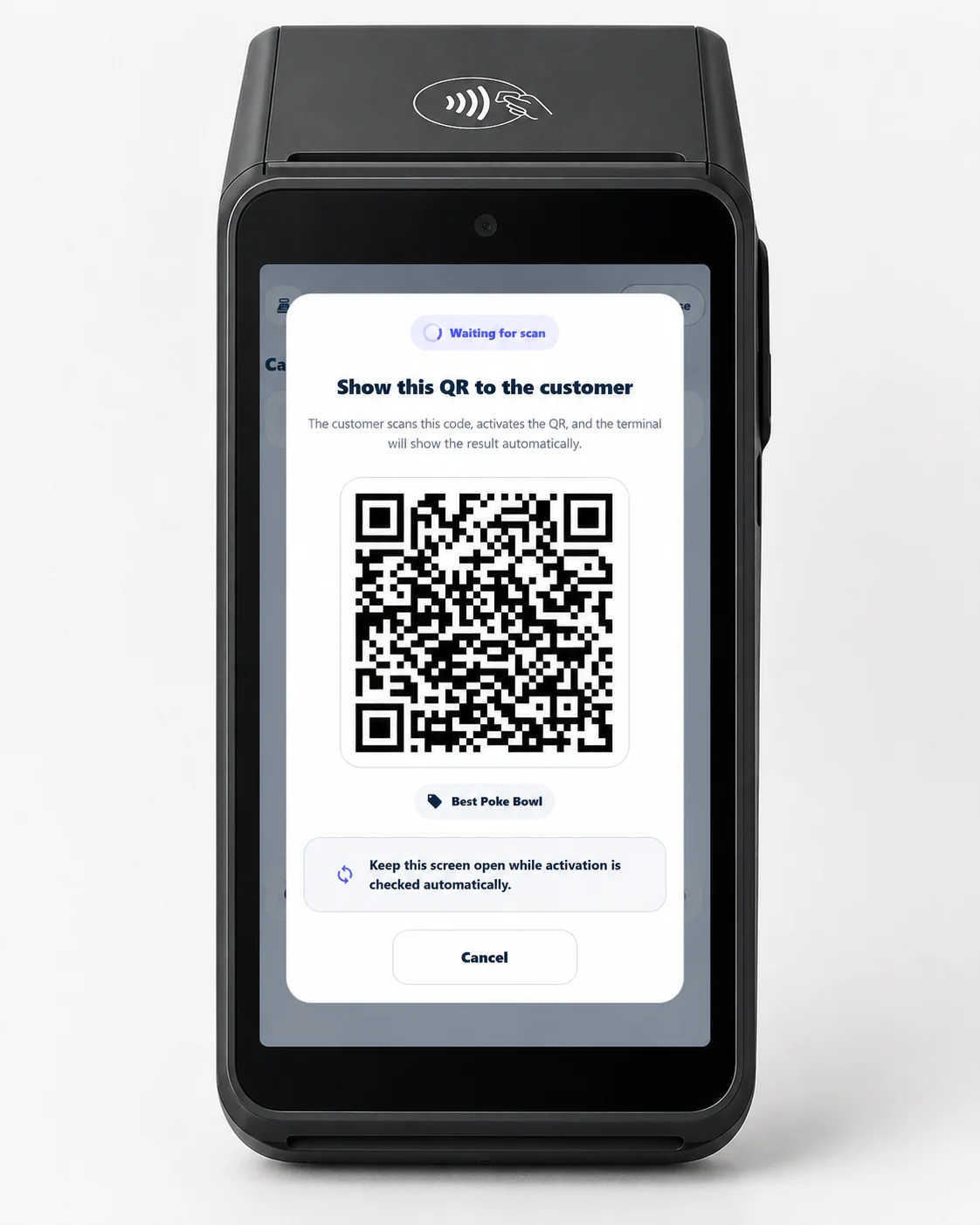
- Redeem Code به شکل متن، QR و بارکد برای سهولت کار در صندوق؛
- محافظت از وضعیت در برابر استفاده دوباره با اسکرینشات و استفاده مضاعف.
کوپن داخل کارت وفاداری در Apple Wallet یا Google Wallet زندگی میکند. بهمحض اینکه صندوقدار مشتری را در پنل 7Stamp داخل Poster شناسایی کند، کوپنهای فعال همانجا دیده میشوند.
پنج راه صدور کوپن
بیشتر کسبوکارها کوپن را فقط پاداش تکمیل کارت مهر میدانند. در عمل معمولاً به چند مسیر صدور نیاز دارید:
- پاداش مهرهای جمعشده وقتی هدف کارت محقق میشود.
- هدیه تولد بهصورت خودکار در روز تولد مشتری صادر میشود.
- هدیه دستی و یکباره برای جبران یک نقص در سرویس یا تشکر از مشتری همیشگی.
- کوپن کمپین پیوستشده به نوتیفیکیشن کیف پول، ایمیل یا پیام در پیامرسان.
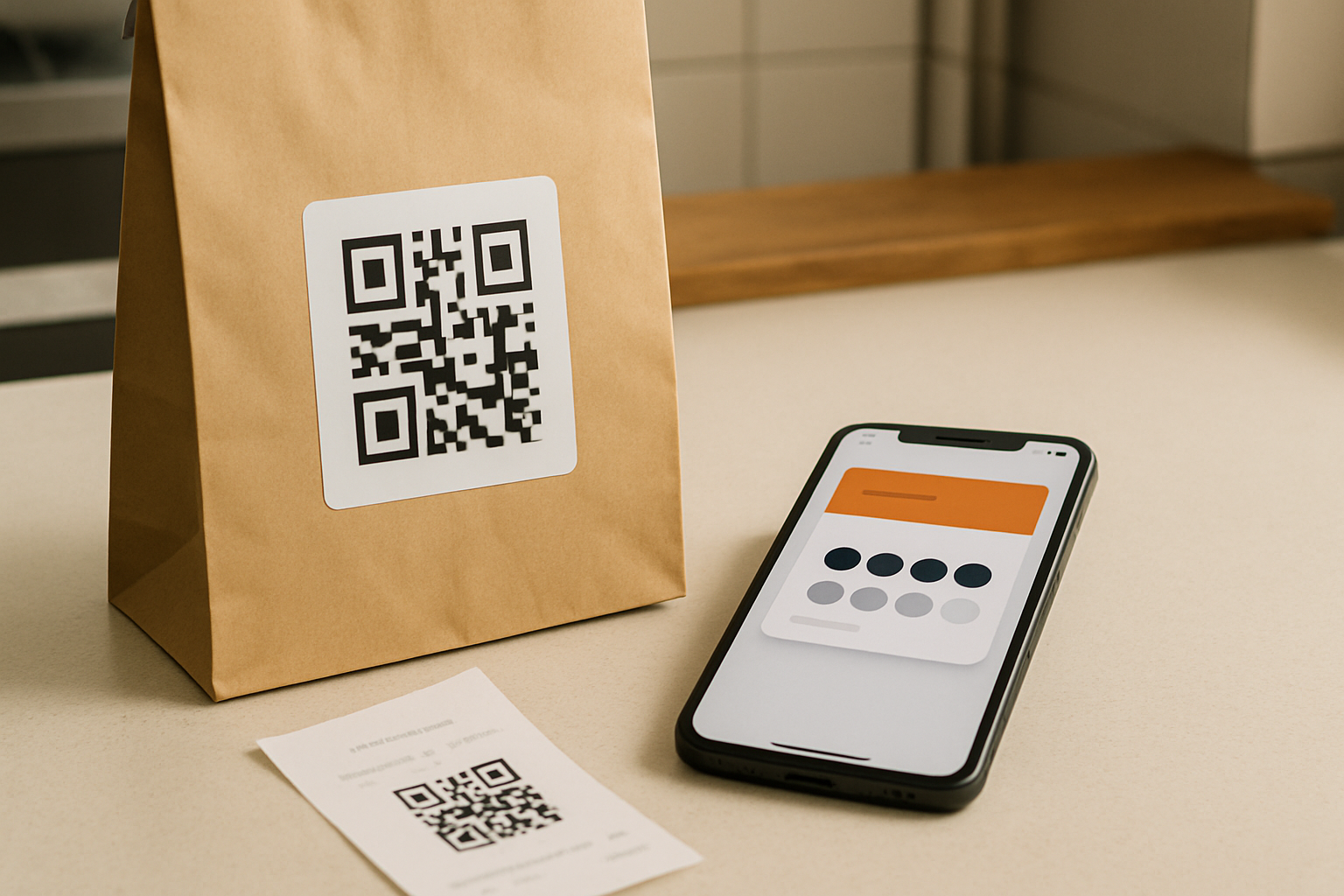
- کوپن کاغذی چاپی با QR یا کد یکتا برای رویدادها، تراکتها یا بستههای ارسال.
| سناریو | کاربرد معمول | چرا اهمیت دارد |
|---|---|---|
| پاداش مهر | ۹ قهوه بخر، یکی را بعداً رایگان بگیر | بازگشت را تشویق میکند بدون اینکه استفاده فوری را تحمیل کند |
| هدیه تولد | دسر رایگان در این هفته | خودکار اجرا میشود و کارکنان درگیر نمیشوند |
| صدور دستی | بابت تأخیر عذر میخواهیم، این قهوه مهمان ما | خوشرفتاری قابل پیگیری میشود نه بداهه |
| کوپن کمپین | برگردید، ۱۵ درصد تخفیف برای شما | یک پیام را به دلیلی ملموس برای بازگشت تبدیل میکند |
| کوپن چاپی | کوپن در یک رویداد یا داخل سفارش ارسالی | امکان جذب مشتری بیرون از مجموعه را میدهد |
چطور کوپن را در صندوق Poster استفاده کنیم
روند استفاده در صندوق Poster یکسان است، صرفنظر از اینکه کوپن چطور صادر شده باشد:
- مشتری کوپن را روی گوشی یا روی کاغذ نشان میدهد.
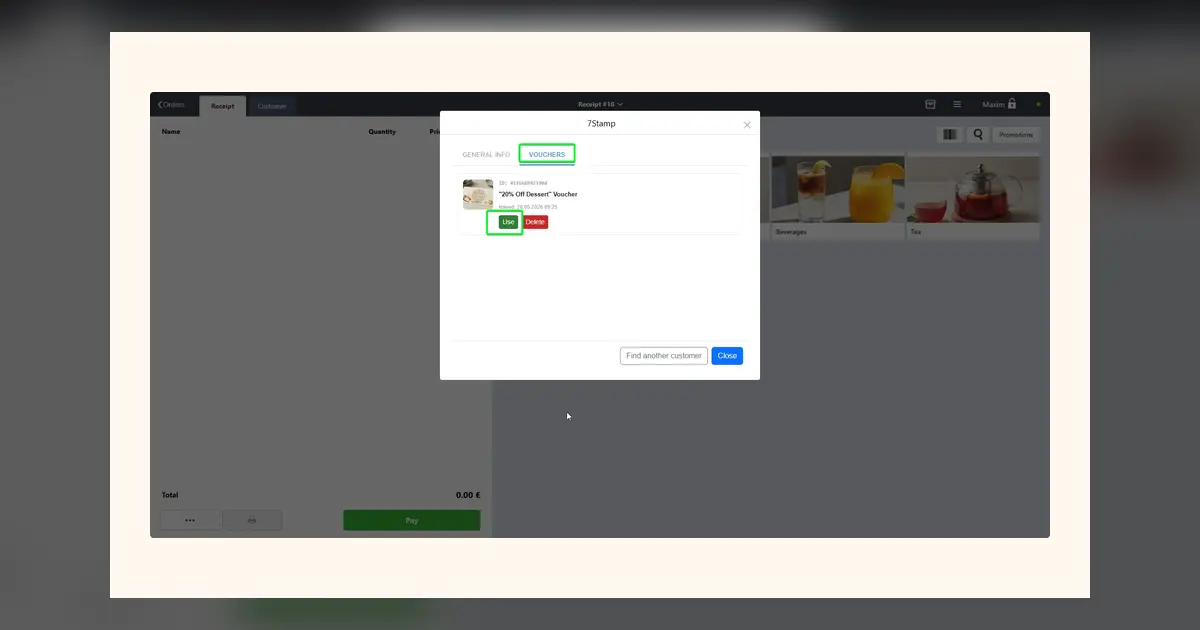
- صندوقدار پنل 7Stamp را داخل Poster باز میکند و مشتری را پیدا میکند، یا مستقیم QR کوپن را اسکن میکند.
- سامانه کوپنهای فعال در دسترس همان لحظه را نشان میدهد.
- صندوقدار Useرا میزند و کوپن به وضعیت
استفادهشدهمیرود. - صندوقدار هدیه را با یکی از سه روش استاندارد در Poster ثبت میکند: کالای کمپینی با قیمت صفر، کمپین دستی، یا پرداخت با گواهی.
Redeem Code: کوپن بهعنوان یک شیء دیجیتال
هر کوپن میتواند یک Redeem Code یکتا داشته باشد، مثلاً FREECOFFEE یا BDAY25. مشتری کد را به شکل متن، QR و بارکد میبیند.
همین است که کوپنها را حتی در یکپارچگی سبک با Poster سازگار میکند. اگر در Poster کمپینی با کد FREECOFFEEاز قبل تنظیم شده باشد، همان کد را به کوپن اختصاص دهید. صندوقدار کمپین همیشگی Poster را اعمال میکند و 7Stamp در همان لحظه چرخه عمر کوپن را میبندد.
Redeem Codes میتوانند چیزی فراتر از یک کد تخفیف معمولی حمل کنند، مثل کد شارژ، لینک به یک هدیه یا کلید ورود به یک رویداد. اینگونه کوپن به یک شیء بازاریابی چندبارمصرف تبدیل میشود نه یک تخفیف یکباره.
چرا این بهتر از سرهمبندی با صفحهگسترده است
بسیاری از کسبوکارها کوپن را با فهرست کاغذی، فایل اکسل یا پخش غیررسمی کد تخفیف شبیهسازی میکنند. مشکل این نیست که این راه میانبر زشت است. مشکل این است که وضعیت قابل اتکا، تاریخچه به تفکیک مشتری و محافظت در برابر استفاده دوباره نمیسازد.
وقتی کوپنها چرخه عمر واقعی داشته باشند، بالاخره میتوانید به پرسشهای عملی پاسخ دهید: چه کوپنهایی صادر شد، کدامها استفاده شد، کدامها بدون استفاده منقضی شد و کدام کمپین واقعاً مشتریها را برگرداند.
جمعبندی
Poster بهعنوان صندوق فروش لازم نیست همه کار بکند. باید پرداخت، موجودی و گزارشها را انجام دهد. کوپن مسئله وفاداری مشتری است و 7Stamp این لایه را از بالا حل میکند بدون اینکه صندوق را عوض کند. اگر تا امروز کوپن را با تخفیف بهعلاوه حافظه تقریب میزدید، این مسیر تمیزتر است.