Author: Maksym Ronshyn
Last updated: August 13, 2026
Most feedback tools do one of two things: they push every customer toward a public review, or they quietly ask happy customers for reviews and route unhappy ones somewhere else. The first wastes the moment; the second is against the rules and puts your own listing at risk. There is a better way, and it is simple: give the customer a direct line to you, and show everyone the same options.
A review is a megaphone, not a conversation
A public review is written for the world, not for you. It is useful, but it is slow, one-directional, and it is not where a customer expects an answer. When the only thing you offer at the end of a visit is "leave us a review," you miss the request, the suggestion, or the thank-you that the customer would happily give you directly — if you gave them a place to do it.
Add a private channel; keep the public one
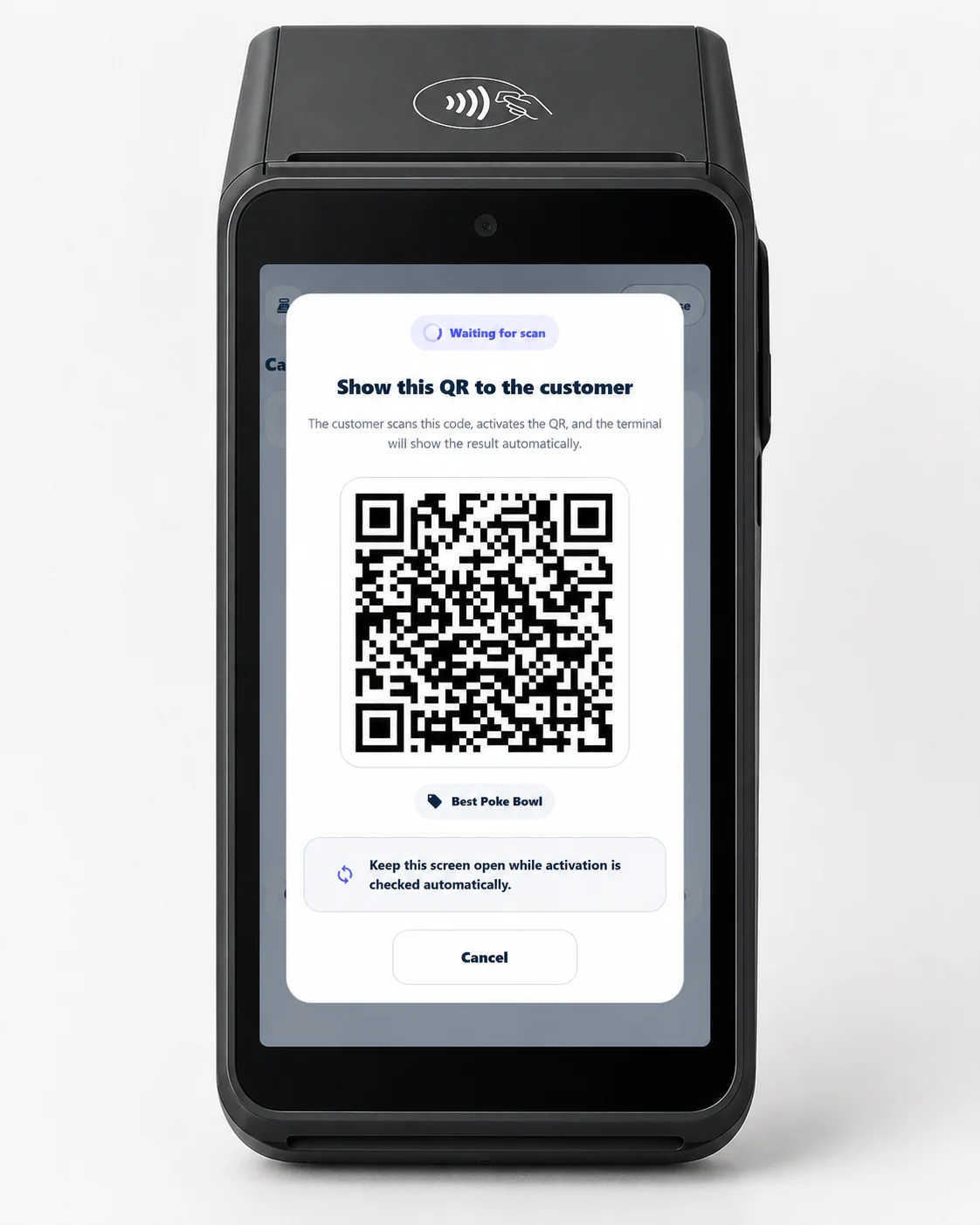
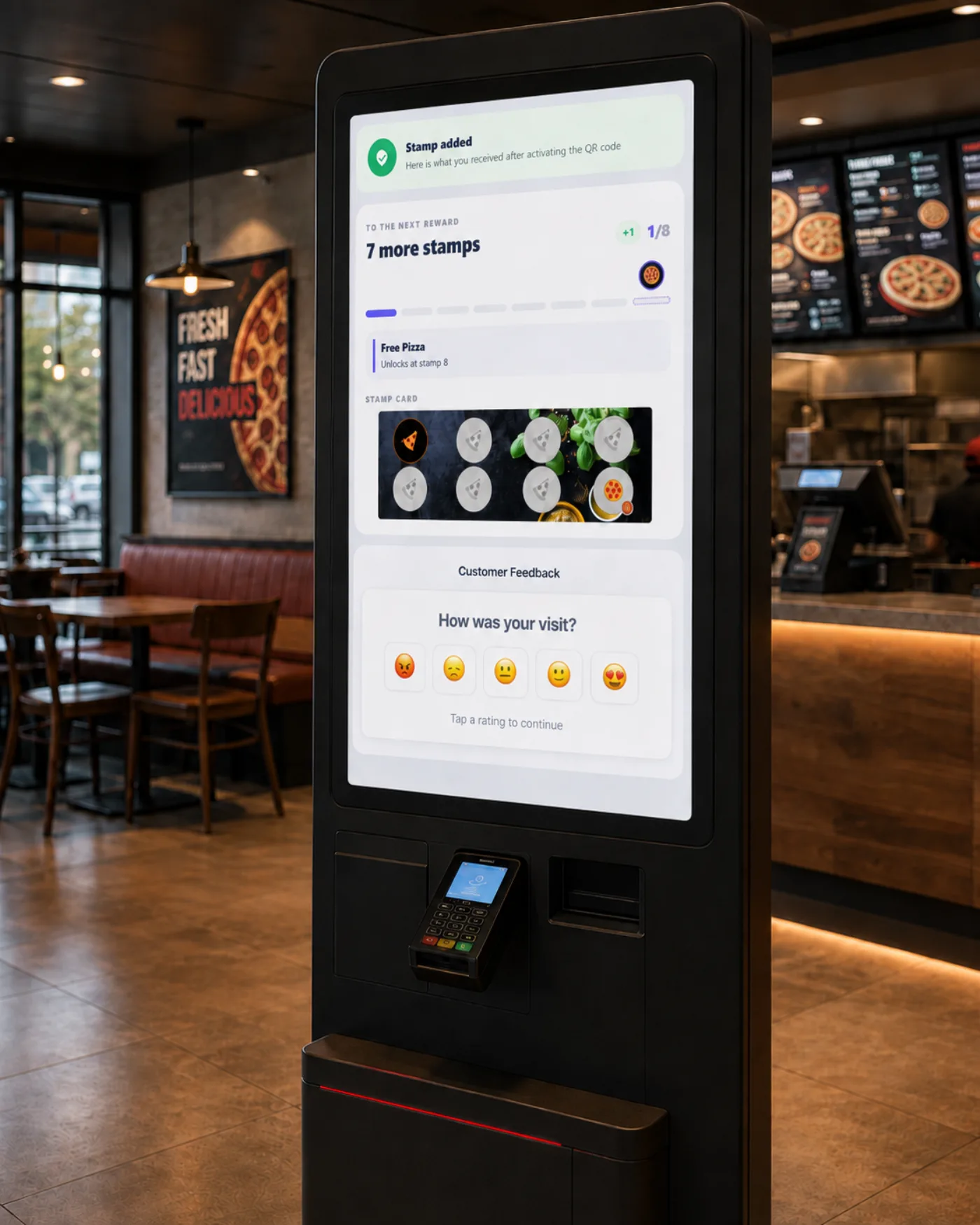
The Customer Feedback add-on opens one Customer Feedback page across every channel — a QR on the table, the receipt, the payment terminal, a kiosk, or a chat-bot. On that page the customer can send you a private message (text, photo, or video) and also sees the option to leave a public review. You are not replacing public reviews; you are adding a direct line next to them.
The same for everyone — at any rating
Here is the rule that makes this safe: no screen, button, or route depends on the rating a customer gives. Someone who rates you five stars and someone who rates you one star see exactly the same options, including the public review button. Showing the same thing to everyone is precisely what keeps the flow aligned with the review platforms' own rules. For the reasoning in full, see private and public feedback channels.
What you can earn, and what you should never promise
When unhappy customers have a working private channel, they tend to tell you first instead of the world. Over time that can lift your average public rating — but it is an outcome you earn through a better experience, not a result you promise on a poster. The honest way to describe the whole idea is one line: the customer talks to you directly, not only to the world.
How to turn it on
Customer Feedback is a paid add-on on your existing 7Stamp account, priced per staff login on an active paid plan — see the pricing page for the current price in your currency, and the setup guide to switch it on.
FAQ
Does Customer Feedback replace public reviews?
No. It adds a private line to the business alongside the public review option, and shows the same options to every customer at any rating.
Can I hide bad ratings?
No. A low rating changes nothing on screen, and 7Stamp never writes, edits, or hides a review. The public review is always the customer's own choice.
Do customers need an app?
No. The Customer Feedback page opens from a QR code or a link, with nothing to install.